
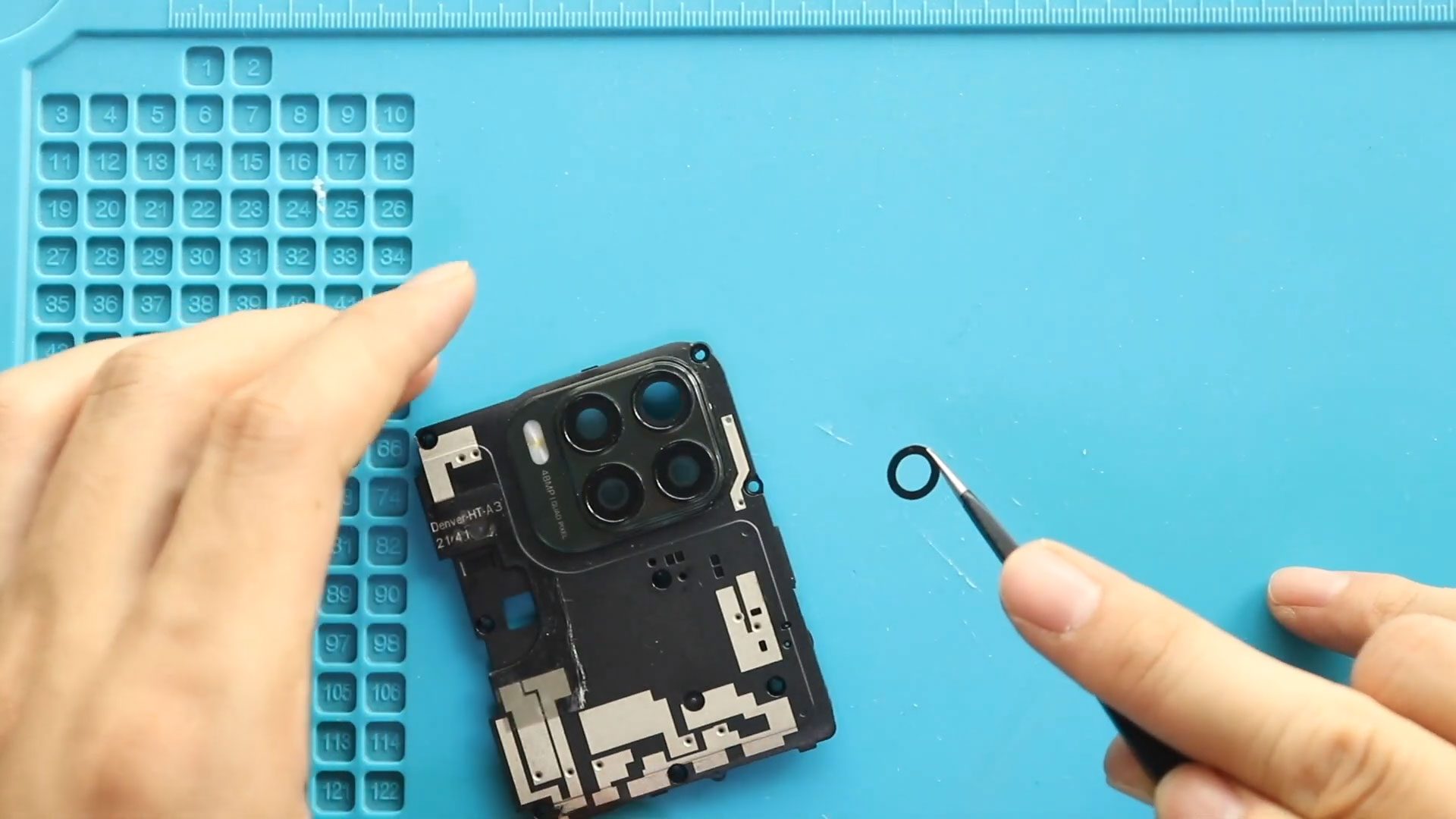
Hi everyone, welcome back to Geardo 👋 Today, we will show you how to replace the camera lens glass on the Motorola Moto G Stylus 5G. If your camera glass
Hi everyone, welcome back to Geardo 👋 Today, we will show you how to replace the camera lens glass on the Motorola Moto G Stylus 5G. If your camera glass
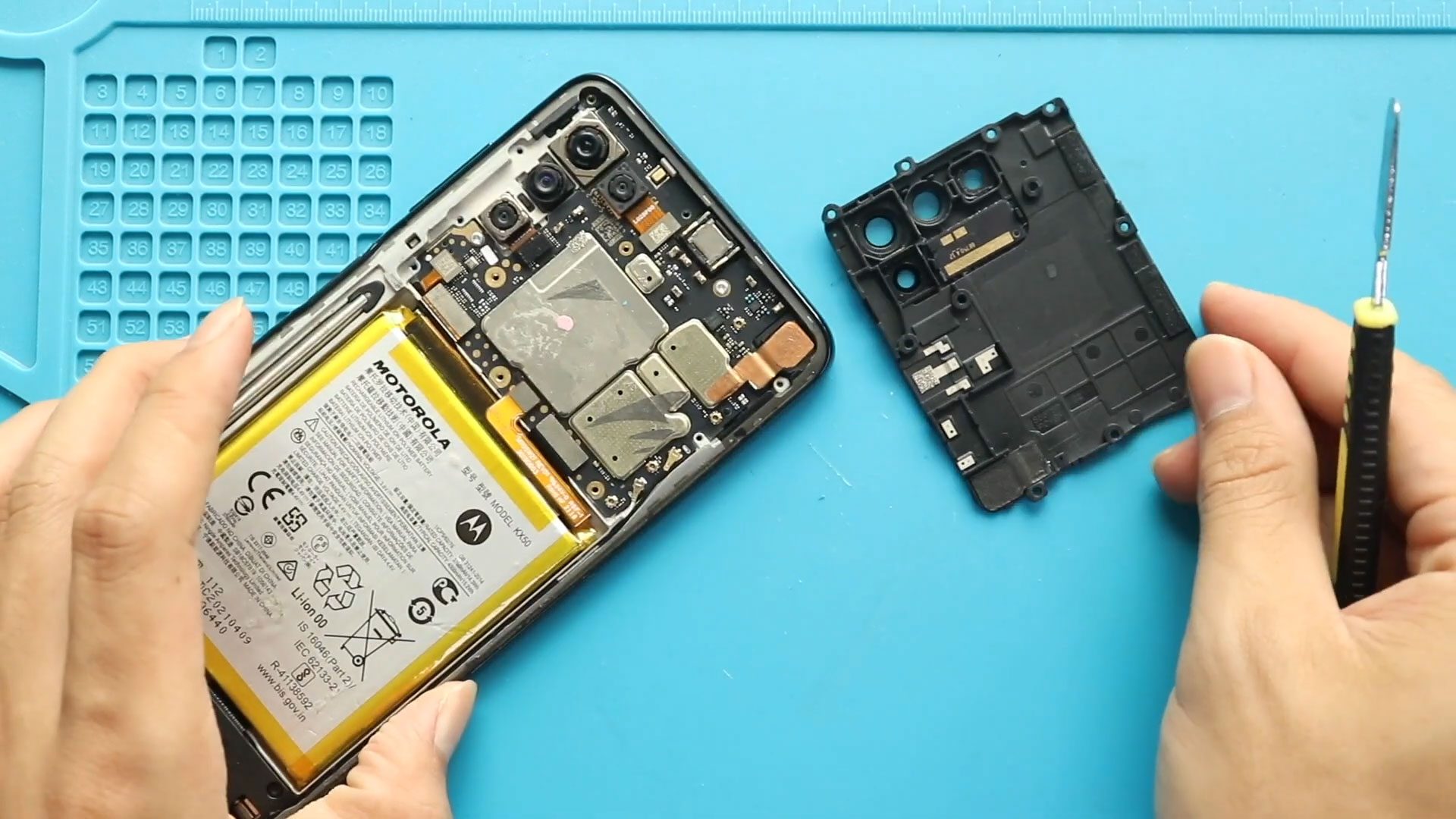
Hi everyone, Welcome back to Geardo 👋 Today, we will show you how to replace the camera lens glass on the Motorola Moto G Stylus (2021). If your camera glass

Hi everyone, Welcome back to Geardo Today, we will show you how to replace the camera lens glass on the Motorola Moto G Stylus (2020) mobile phone. If your camera
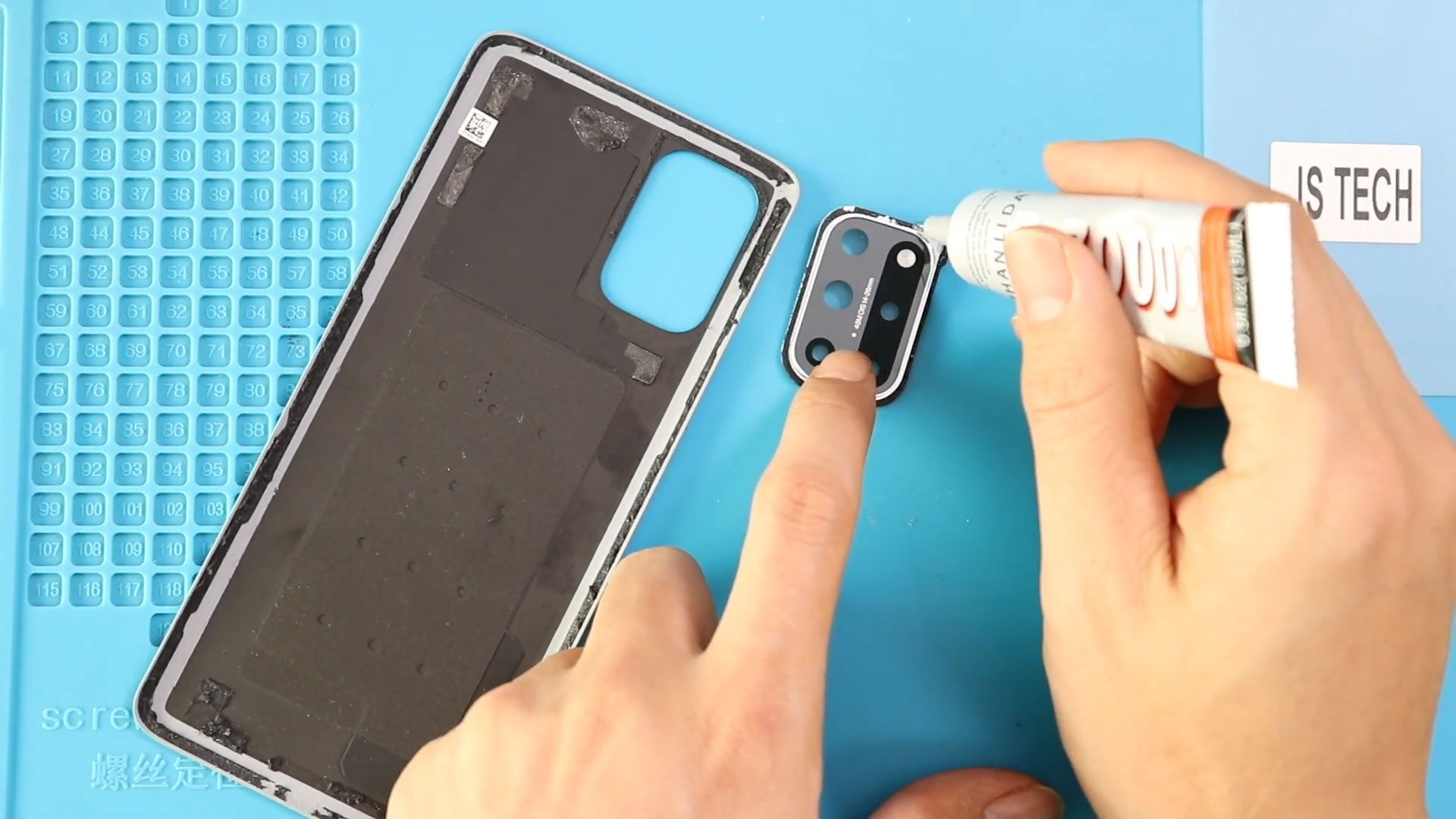
Replacing the rear camera lens on the OnePlus 8T can restore photo clarity, fix cracked glass issues, and prevent dust from entering the camera module. This guide transforms your timestamped
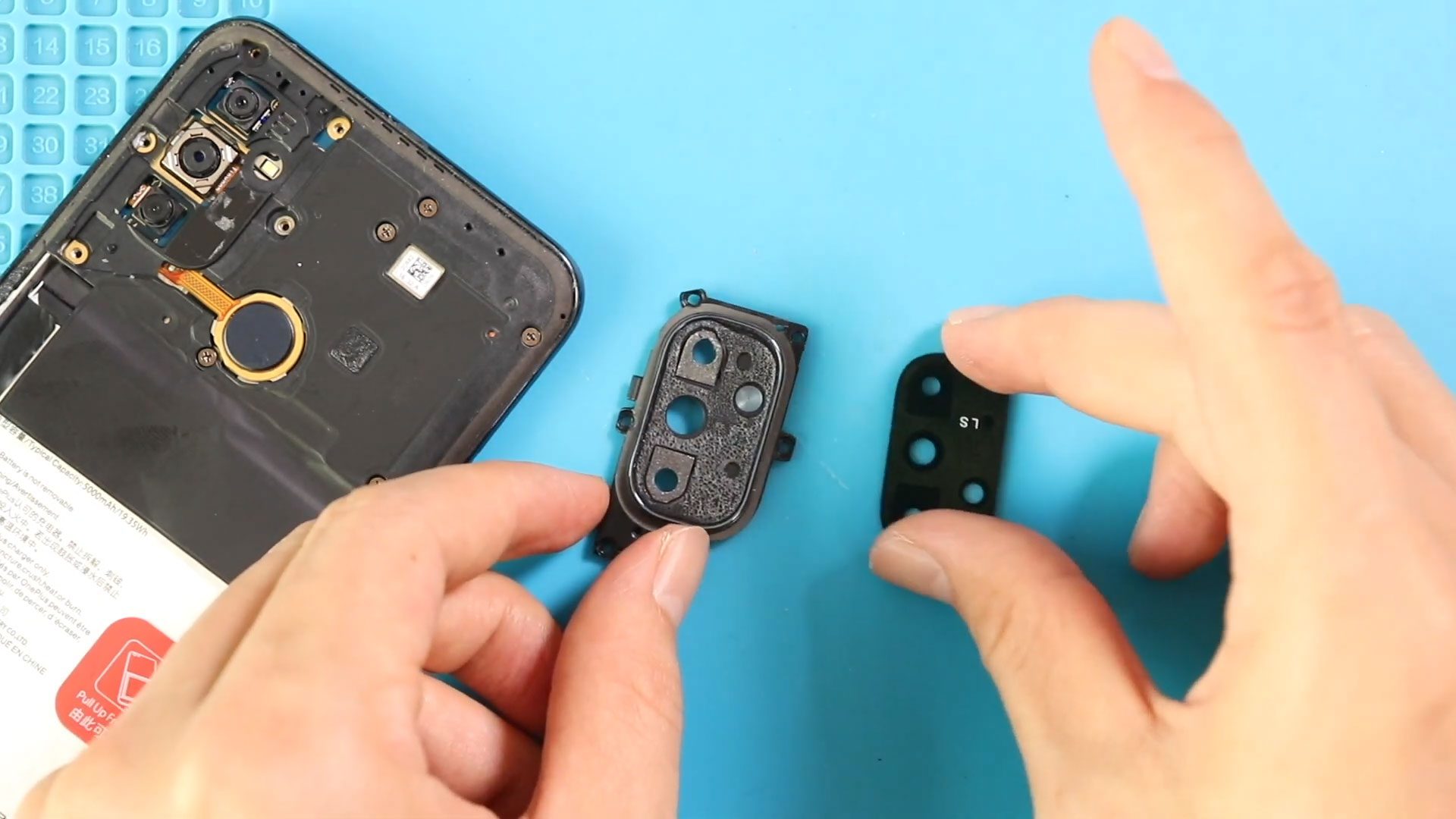
If the camera lens on your OnePlus Nord N100 is cracked, scratched, fogged, or missing entirely, your photos will suffer with blurred results or dark spots. A damaged rear camera
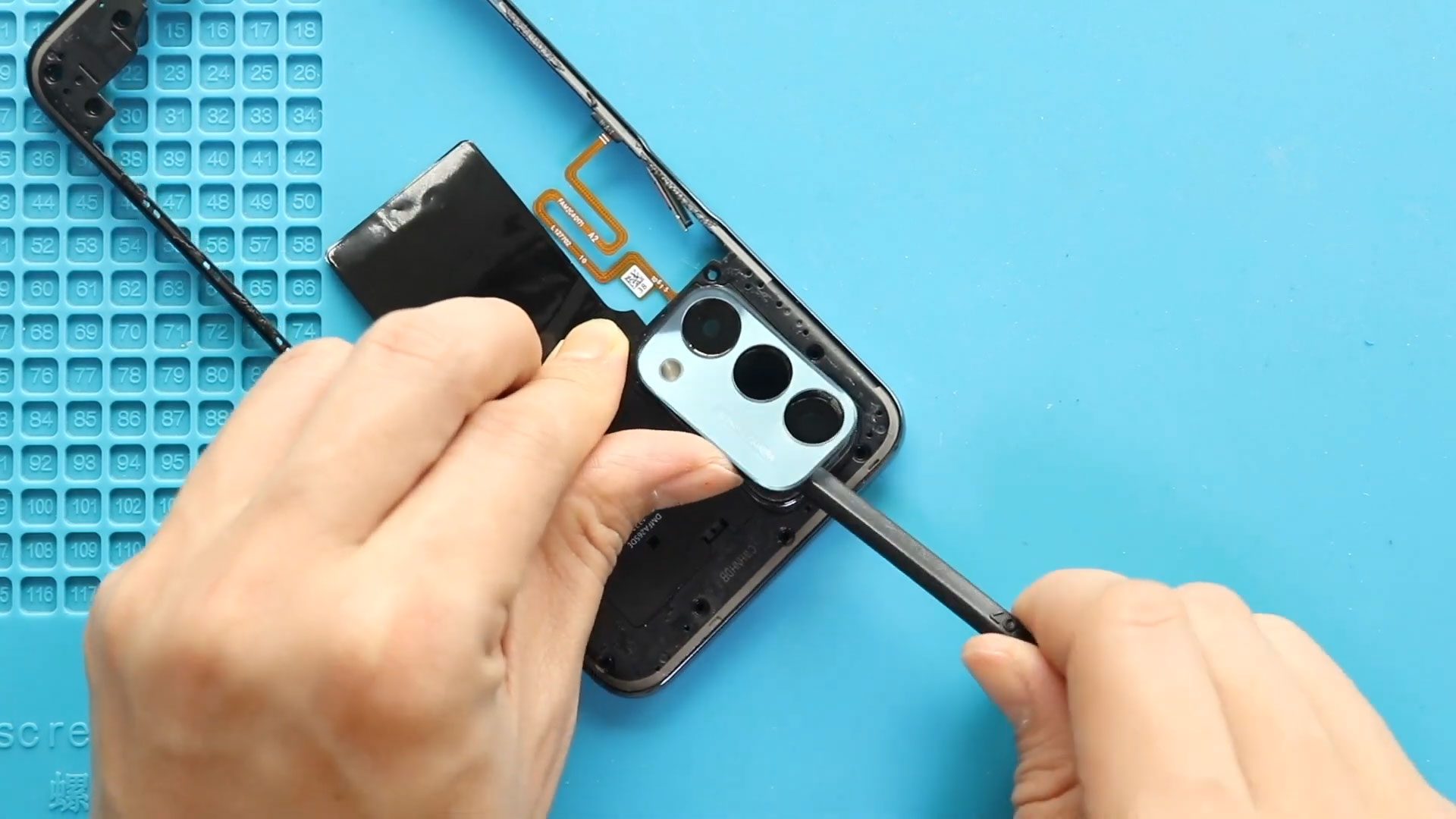
If your OnePlus Nord N200 has a cracked camera lens or a damaged back cover, replacing them can restore your phone’s look and functionality. This DIY repair guide will show
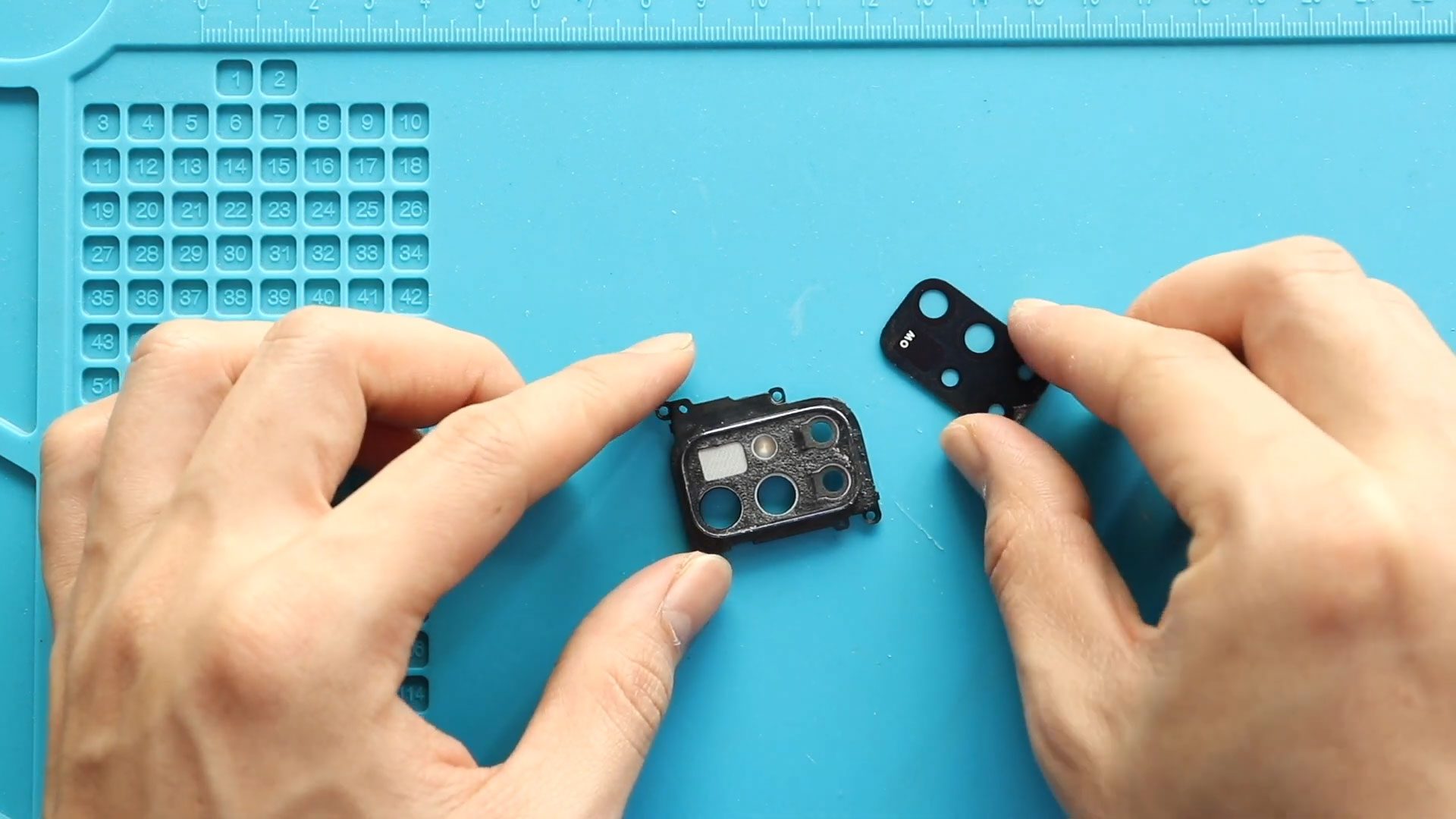
If the camera lens on your OnePlus Nord N10 5G is scratched, cracked, or affecting photo quality, replacing the camera lens glass can restore your phone’s camera clarity. Even a

A cracked or shattered camera lens glass on your Google Pixel 6 can affect photo quality and expose the camera module to dust and moisture. Even if the camera still
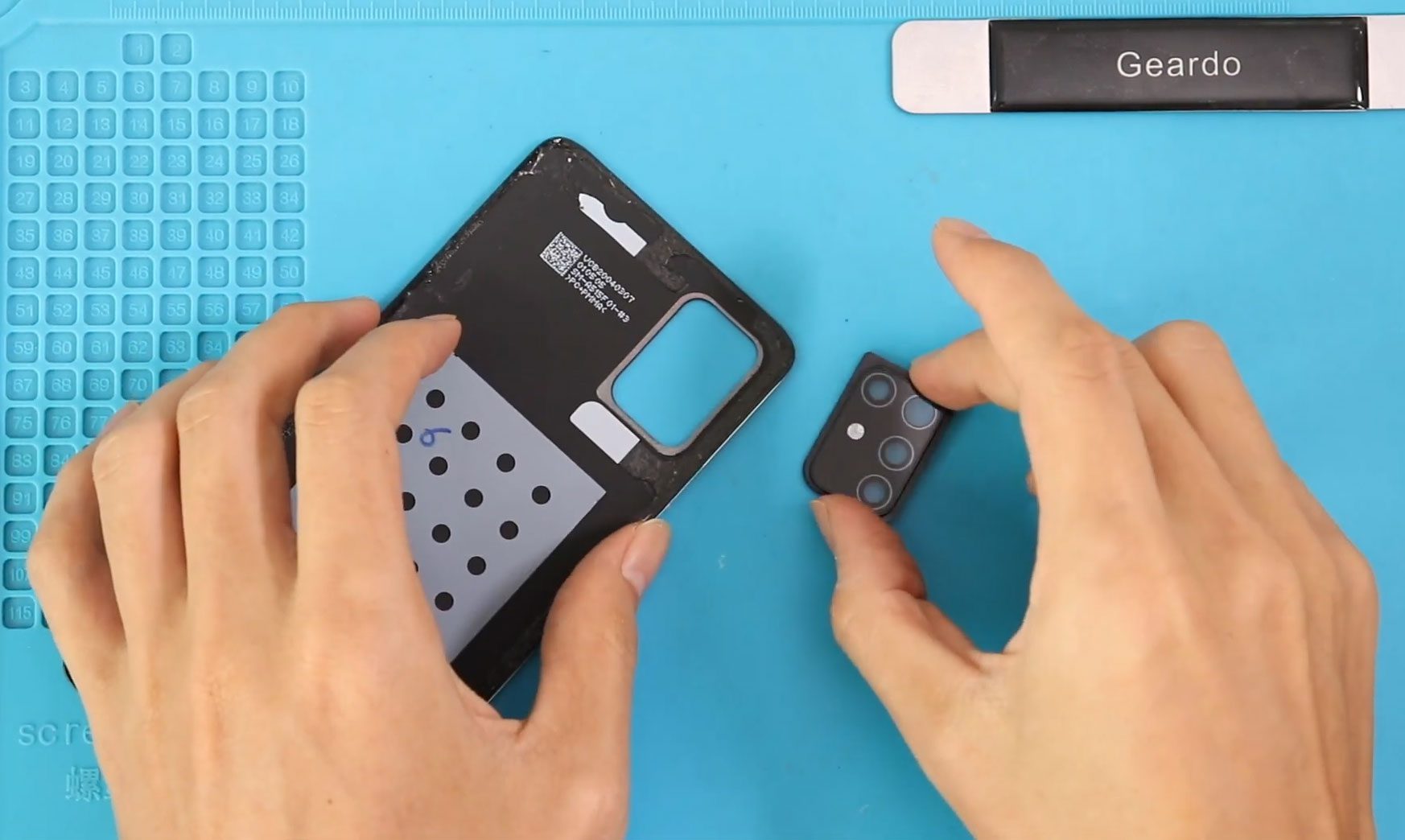
To start we need to have the right tools to proceed with the repair which you can find in the description let’s start with the back car removal to remove

To start we need to have the right tools to proceed with the repair which you can find in the description let’s start with the back car removal to remove

Hi everyone, welcome back to Geardo! Today we will show you how to replace the rear camera lens glass and the back cover on the Samsung Galaxy S20 FE models. Before starting
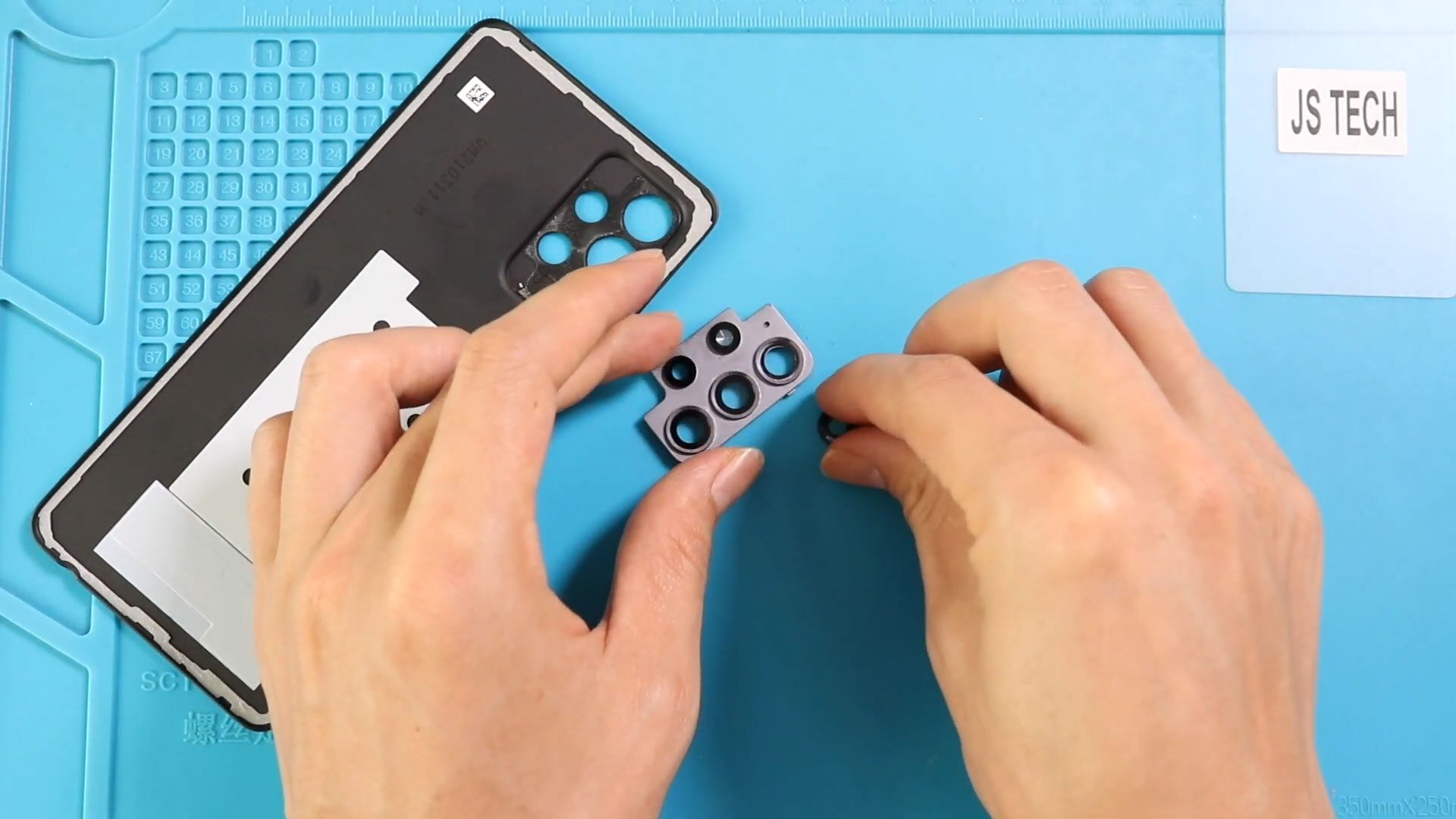
If your Samsung Galaxy A52 camera lens glass is cracked, scratched, or broken, your photos may appear blurry or hazy even though the internal camera module is working fine. Replacing only


