

If the power or volume buttons on your Google Pixel 4 are no longer responding correctly, the power and volume flex cable may need to be replaced. Accessing this flex
Explore step-by-step DIY repair guides for Google Pixel devices. From screen replacements to battery swaps, camera solutions to charging fixes and many more, learn how to repair your Pixel at home.”
If the power or volume buttons on your Google Pixel 4 are no longer responding correctly, the power and volume flex cable may need to be replaced. Accessing this flex

A faulty fingerprint sensor can prevent the Google Pixel 4a from recognizing fingerprints correctly or using fingerprint unlocking as expected. Replacing the fingerprint sensor requires opening the phone, removing the
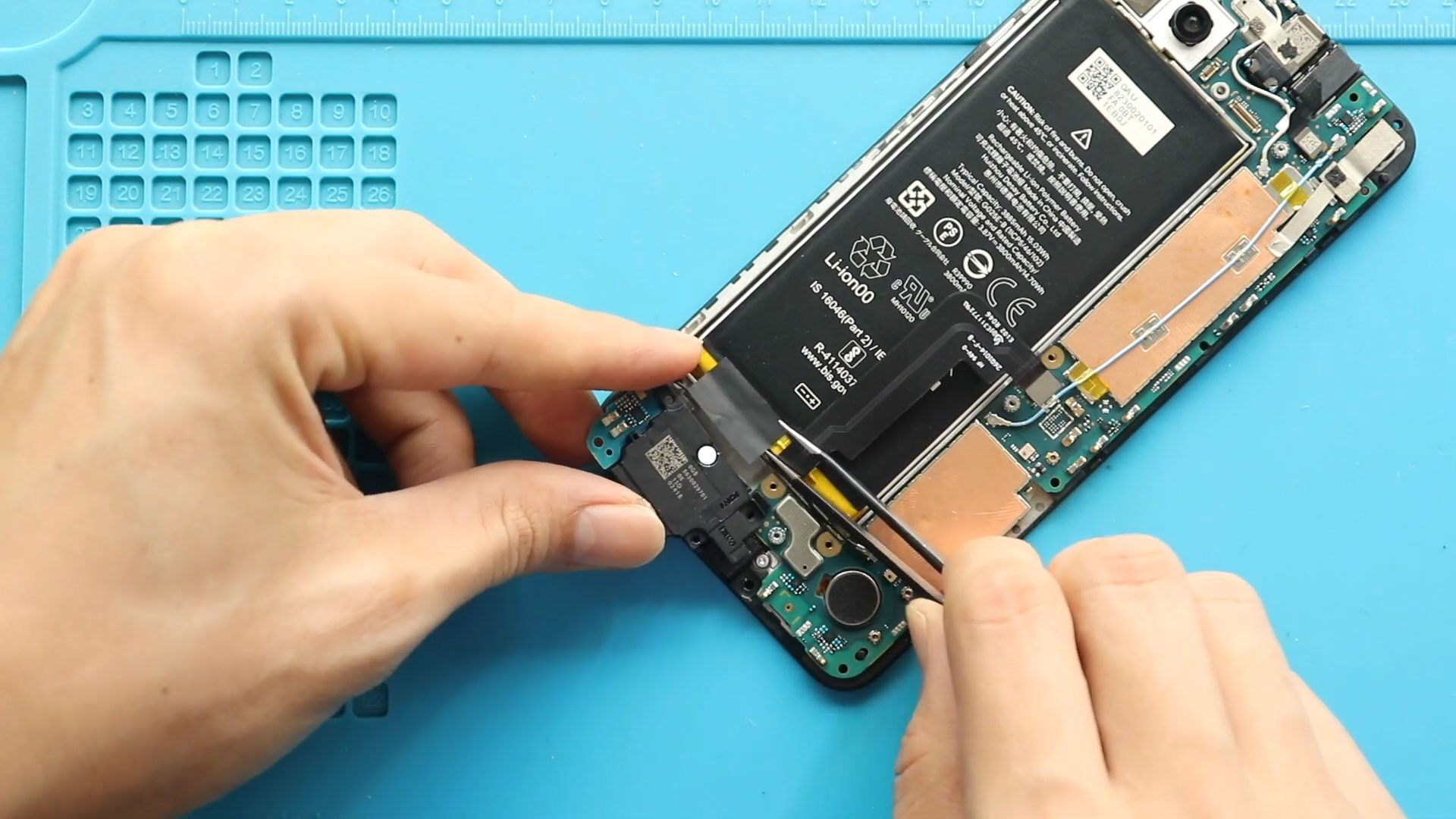
Today we will show you how to replace the ringer (loudspeaker) on the Google Pixel 4a 5G mobile phone. If your Pixel 4a 5G has no ringtone, low speaker volume,

A faulty earpiece can make it difficult to hear the other person clearly during phone calls. Replacing the earpiece on the Google Pixel 4 requires opening the phone and removing
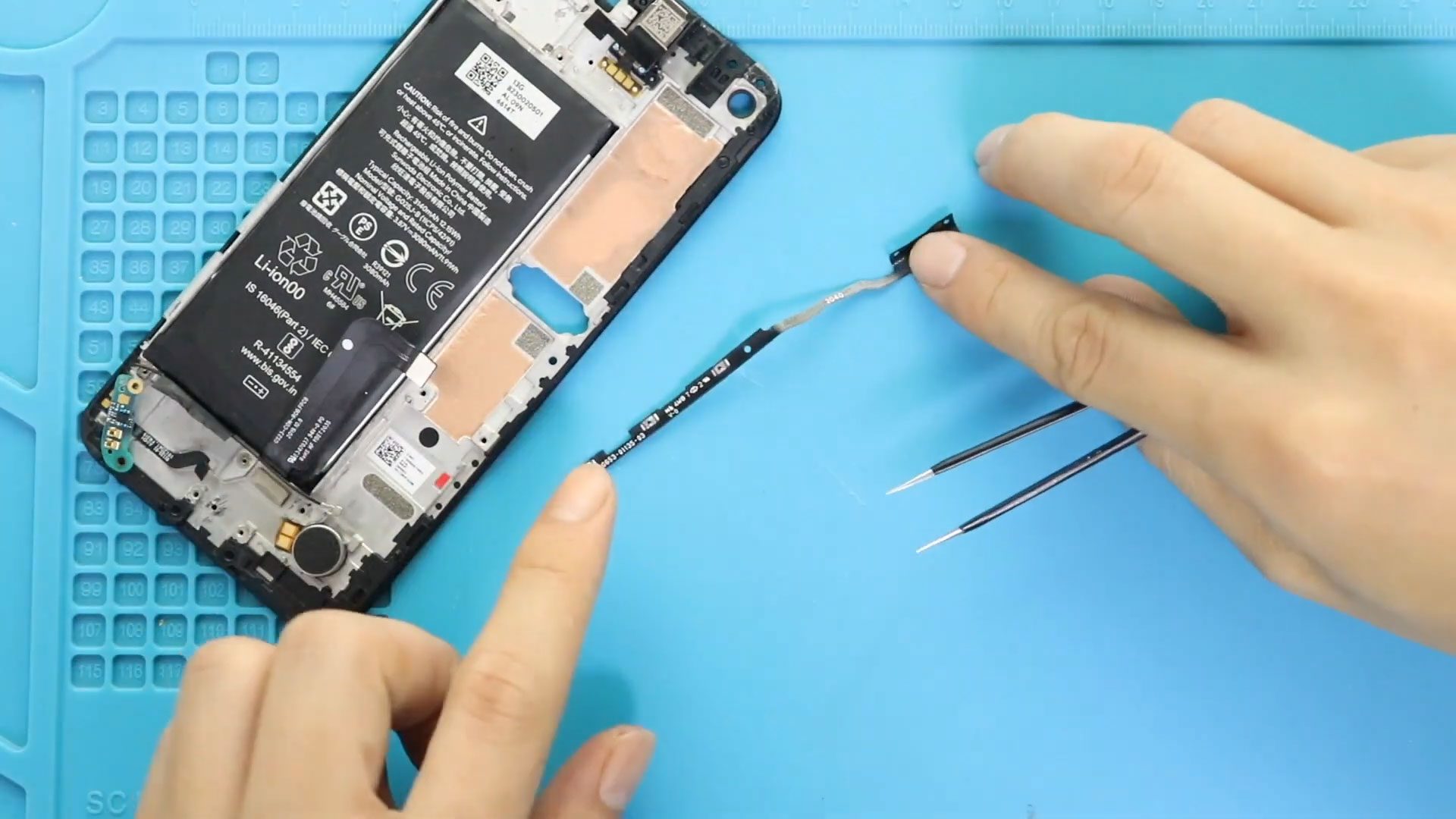
The power and volume buttons on the Google Pixel 4a are used regularly, so a damaged or non-working button assembly can make everyday use difficult. Replacing the power and volume

The Google Pixel 4a 5G uses a bonded display assembly, so replacing a faulty fingerprint sensor flex requires carefully removing the LCD screen and accessing the internal components beneath it.
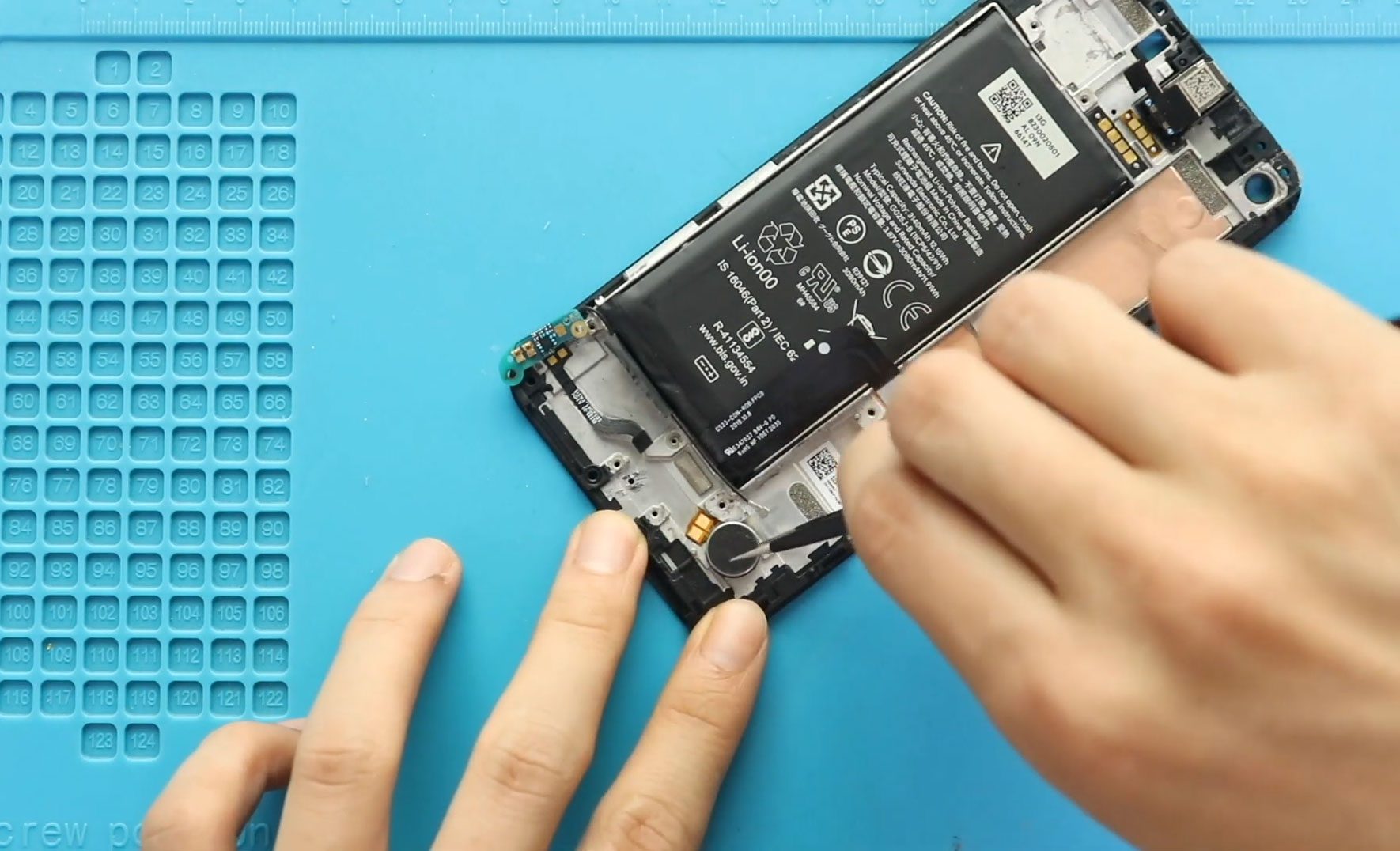
A faulty vibrator can prevent the Google Pixel 4a from providing vibration feedback for calls, notifications, and other interactions. Replacing the vibrator requires opening the phone and removing several internal

A non-working ringer can cause the Google Pixel 4a to stop producing sound for incoming calls, notifications, and other alerts. Replacing the ringer in this model involves opening the phone,
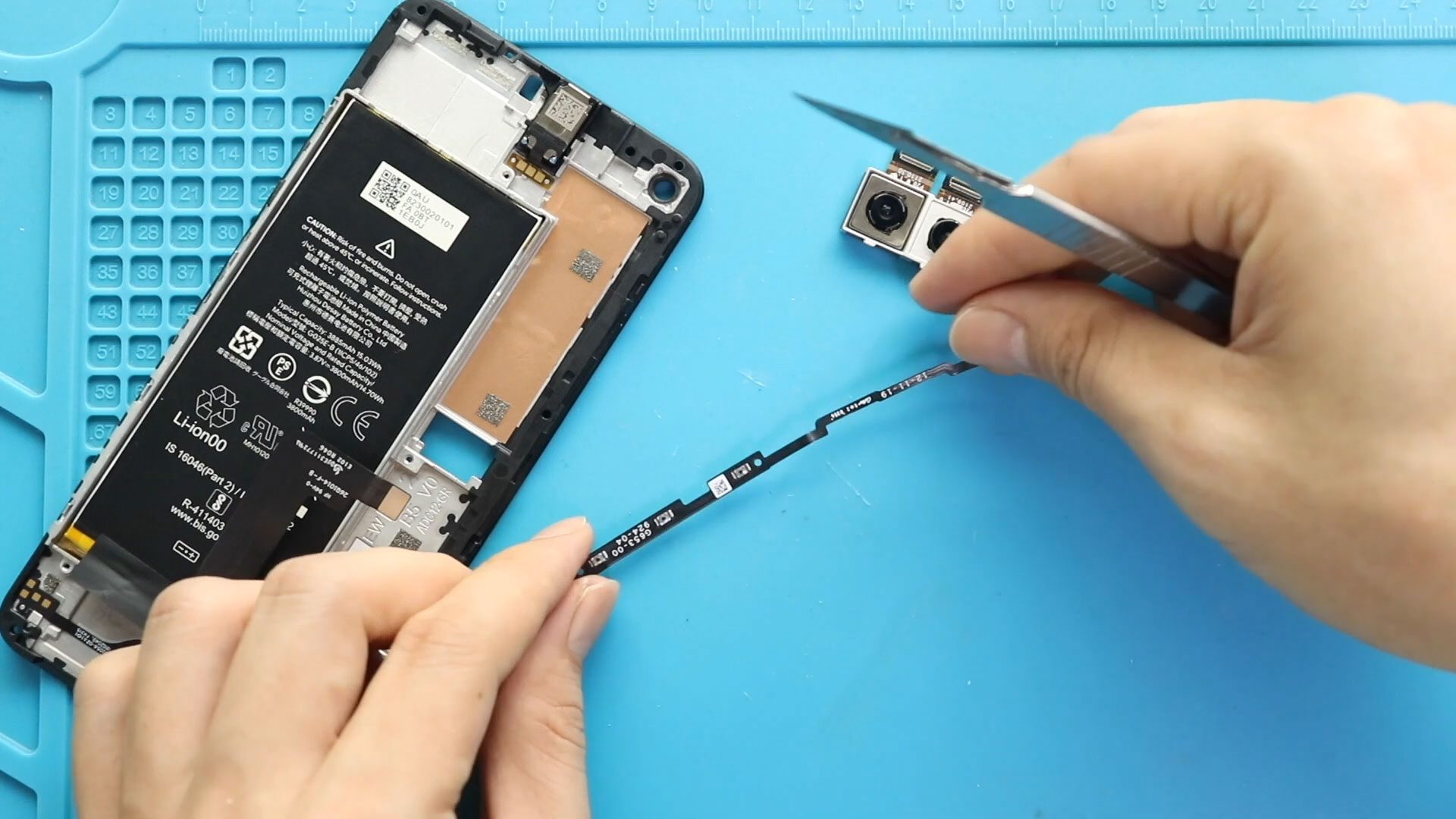
The power and volume buttons on the Google Pixel 4a 5G rely on an internal flex cable to transfer button presses to the phone. If the power or volume controls

A faulty ringer can prevent your Google Pixel 4 from producing sound for incoming calls and other alerts. Replacing the ringer involves opening the phone, removing the back cover, bottom

A faulty bottom microphone can cause problems when the Google Pixel 4 is used for calls or other audio functions that rely on the lower microphone. Replacing the microphone down
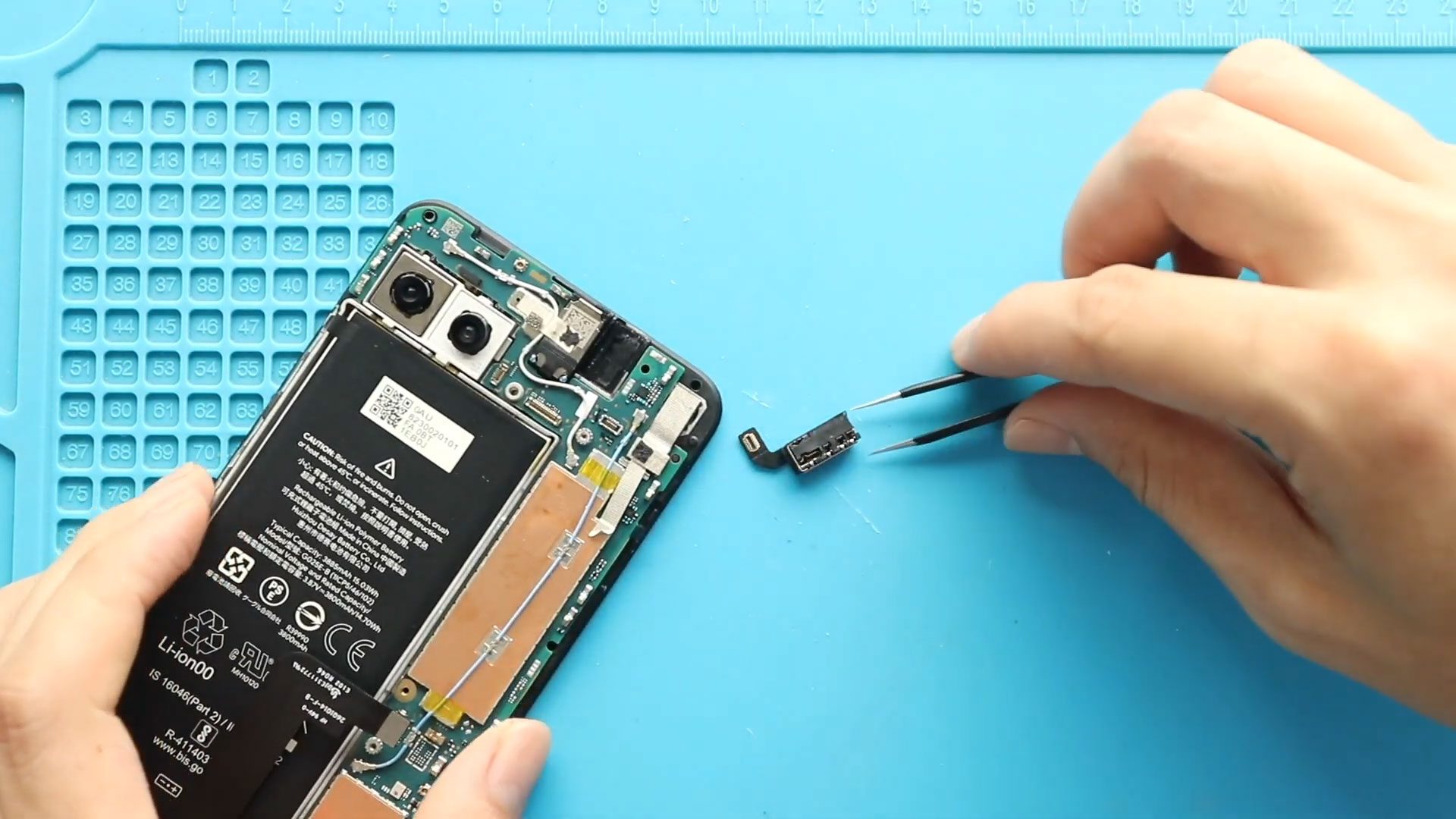
A headphone jack that no longer works can make the Google Pixel 4a 5G inconvenient to use with wired headphones. If the jack has failed, replacing the faulty component can


