
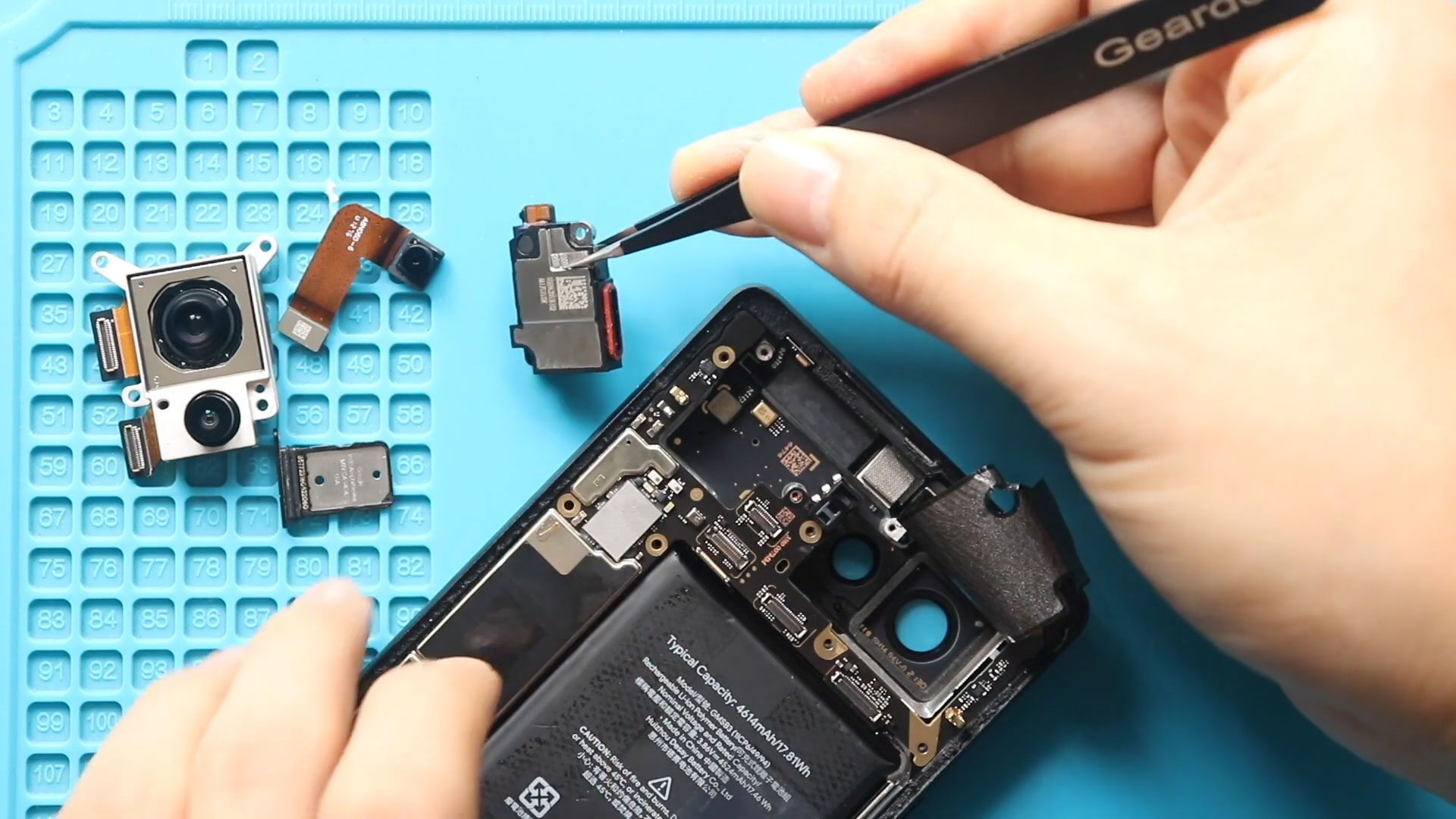
If you’re having trouble hearing callers during phone calls on your Google Pixel 6, the earpiece speaker may be faulty. A damaged or worn earpiece can cause low call volume,
Explore step-by-step DIY repair guides for Google Pixel devices. From screen replacements to battery swaps, camera solutions to charging fixes and many more, learn how to repair your Pixel at home.”
If you’re having trouble hearing callers during phone calls on your Google Pixel 6, the earpiece speaker may be faulty. A damaged or worn earpiece can cause low call volume,

Hi everyone, welcome back to DIYGeardo!Today we will show you how to replace the vibrator motor on the Google Pixel 6a mobile phone. If your Pixel 6a doesn’t vibrate for calls, notifications,
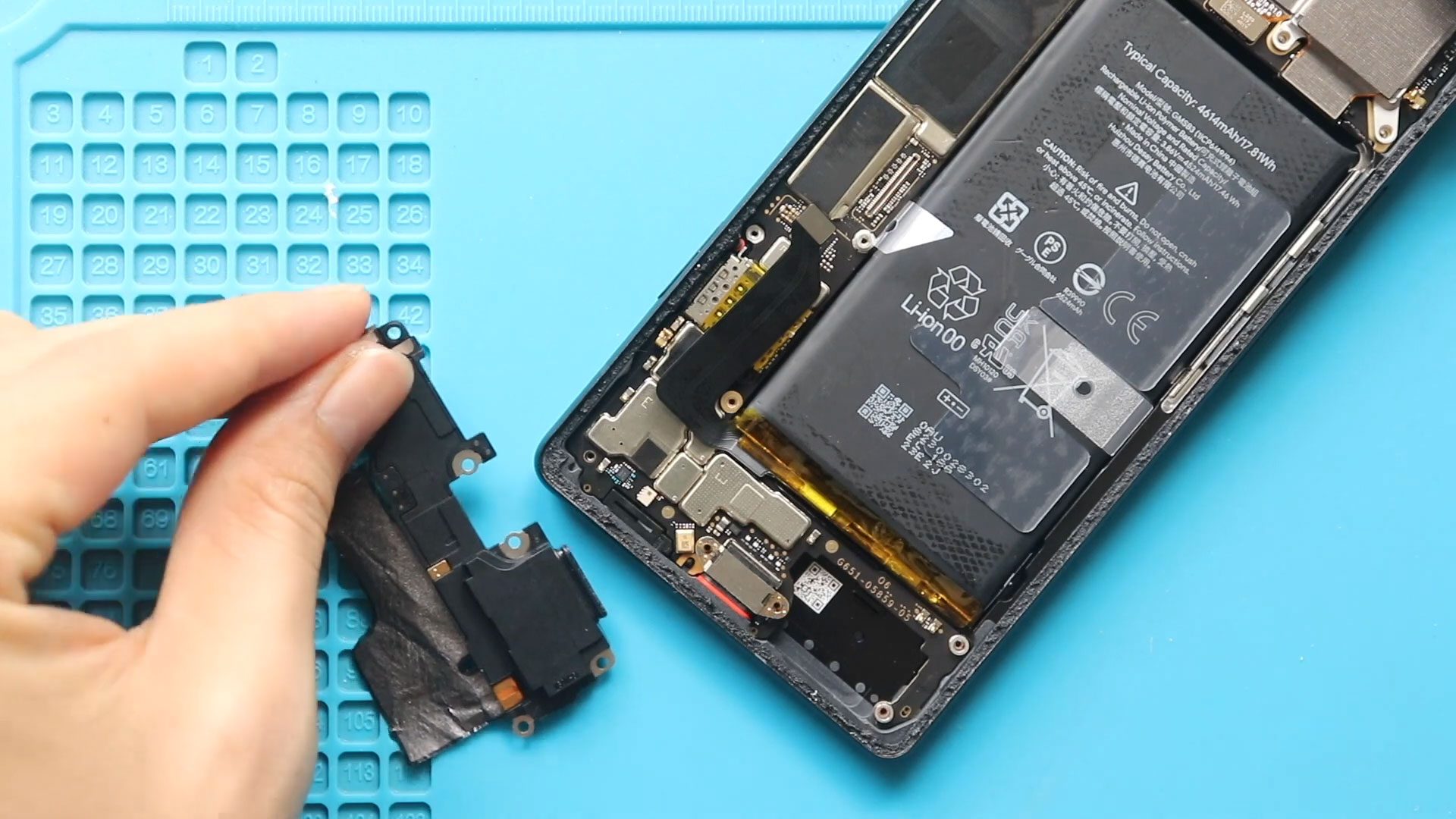
If your Google Pixel 6 ringer speaker is not working properly, sounds distorted, or produces no sound at all, replacing the ringer speaker can quickly restore loudspeaker functionality. The ringer
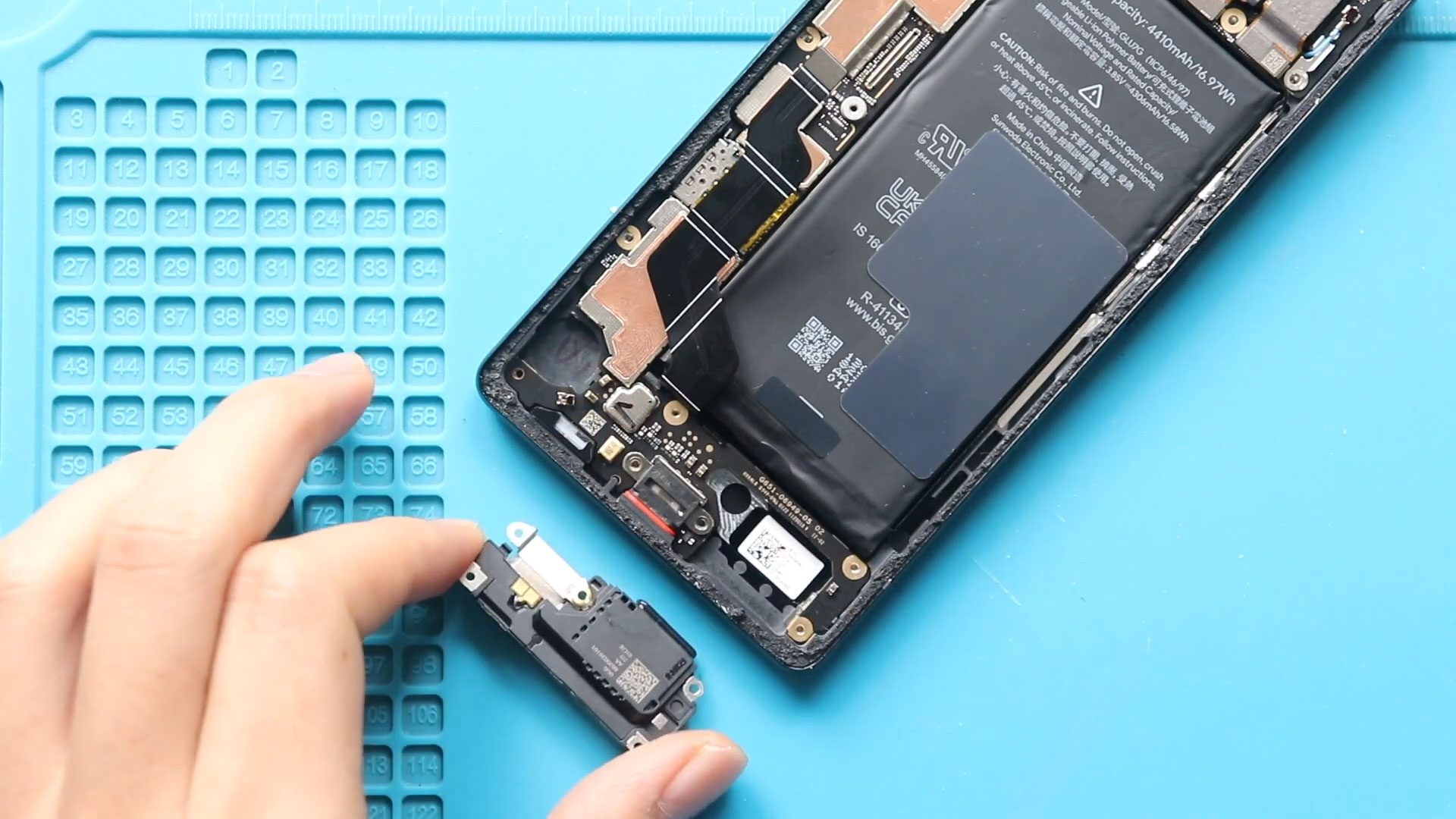
Hi everyone, welcome back to Geardo!Today we will show you how to replace the loud speaker ringer on the Google Pixel 6a mobile phone. If your Pixel 6a speaker is not working,
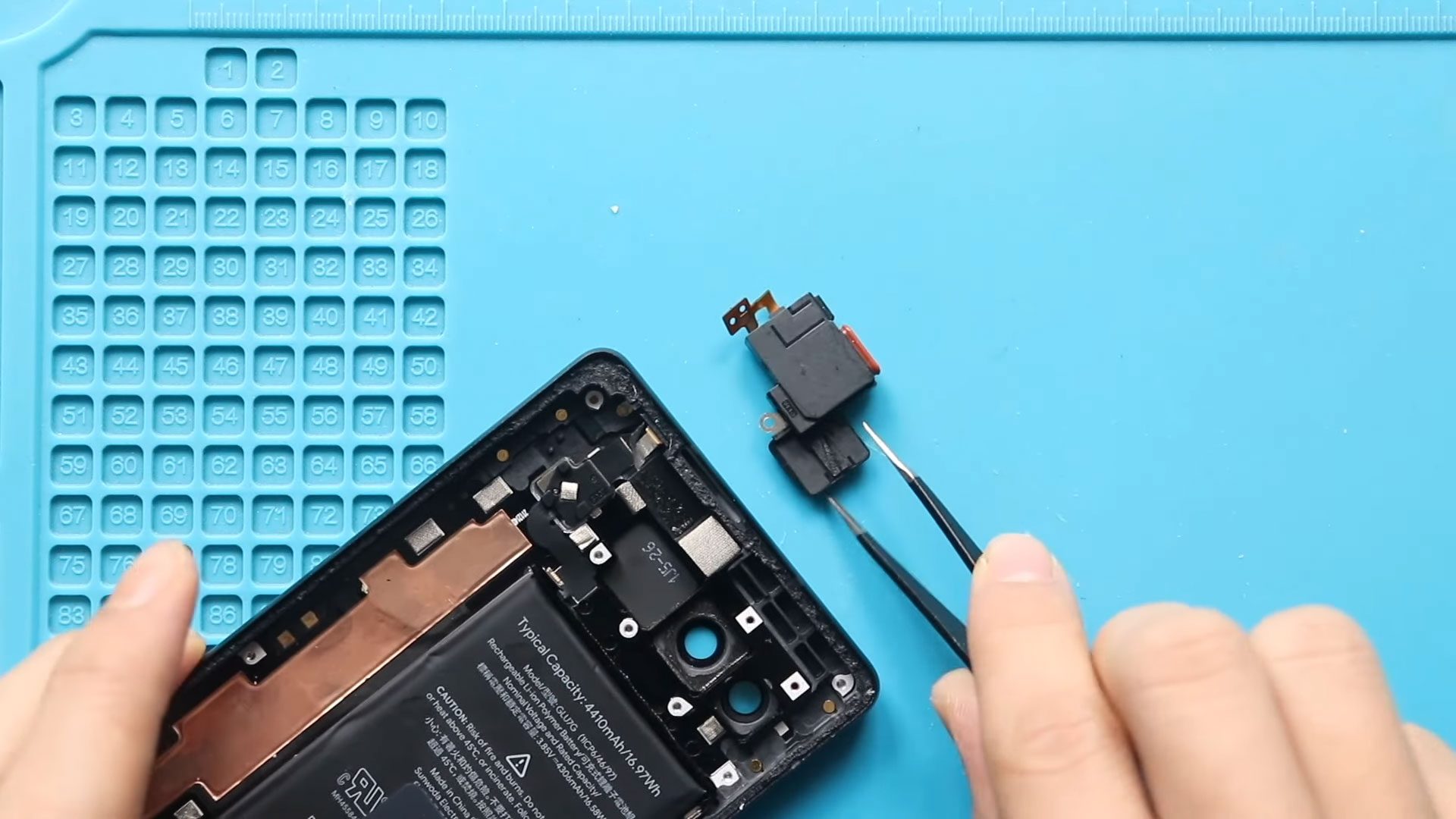
Hi everyone, welcome back to DIYGeardo!Today we will show you how to replace the earpiece speaker on the Google Pixel 6a mobile phone. The earpiece speaker is responsible for call audio and
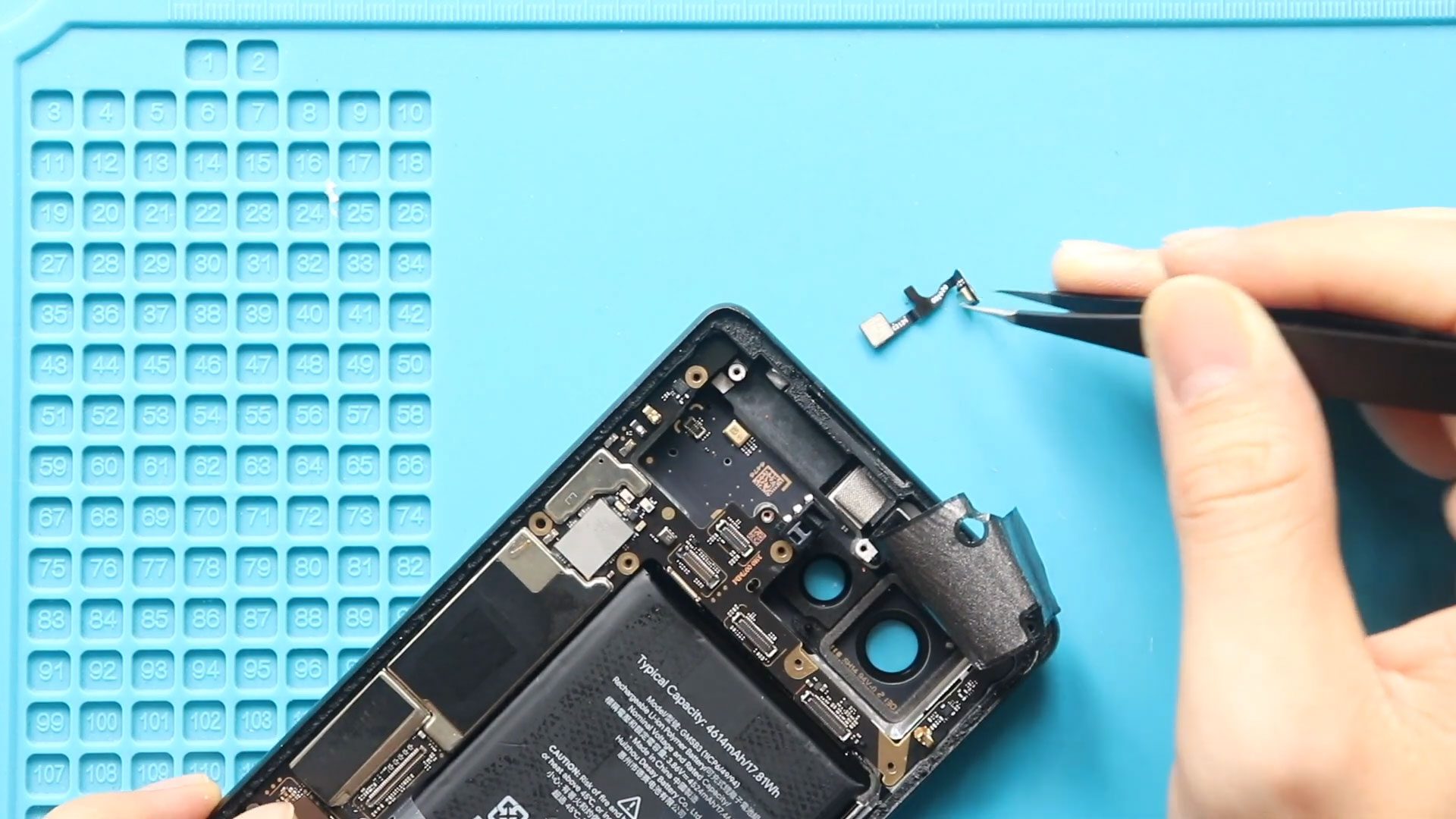
If people can’t hear you clearly during calls, voice recordings sound muffled, or Google Assistant fails to recognize your voice, your Google Pixel 6 microphone may be faulty. The microphone

If your Google Pixel 5 has stopped vibrating or the vibration function is no longer working properly, the vibrator motor may need to be replaced. The vibrator is responsible for

A faulty ringer can prevent the Google Pixel 5 from producing sound correctly for incoming calls and other alerts. Replacing the ringer requires opening the phone and removing several internal
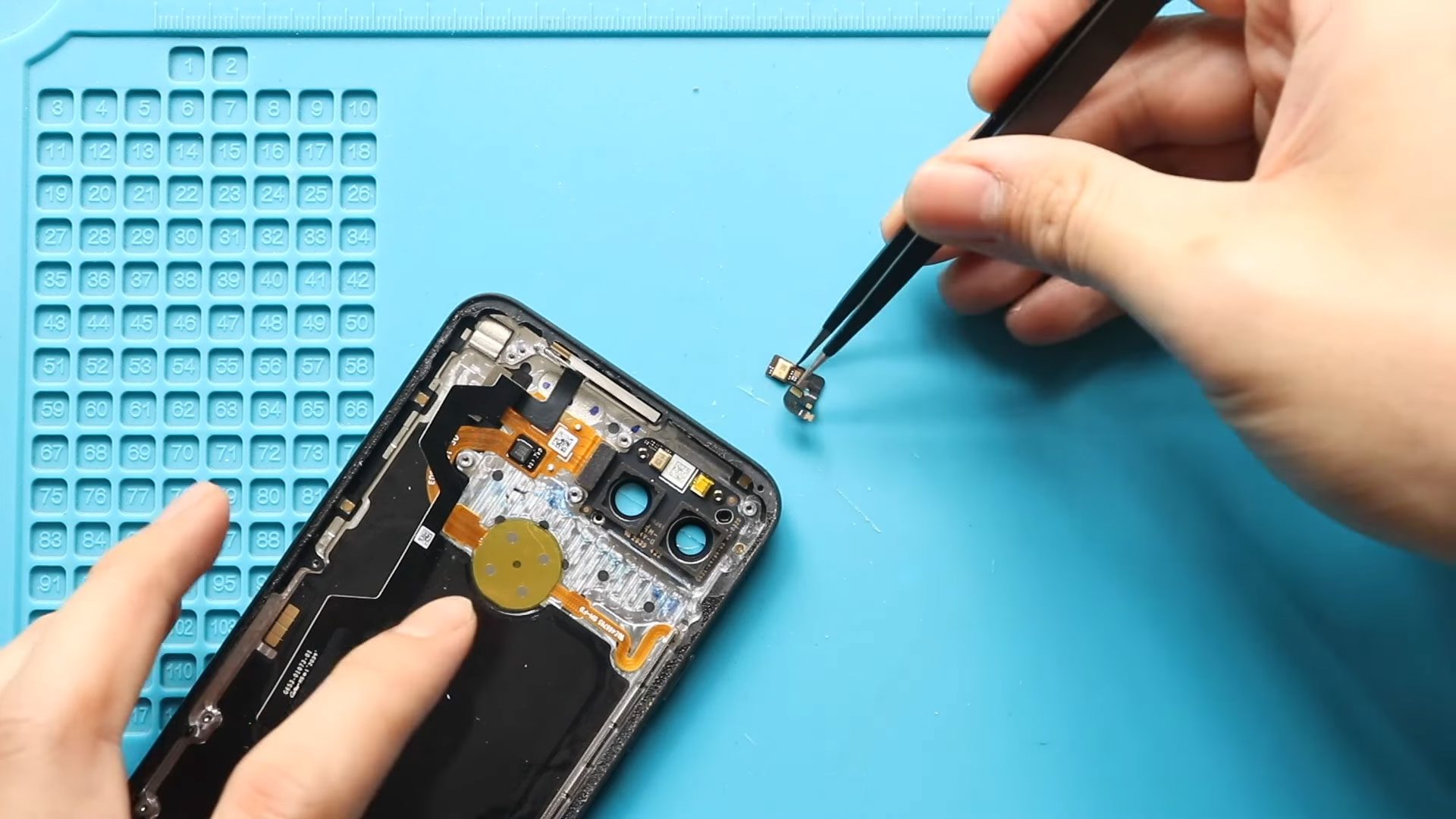
A faulty microphone can make it difficult for others to hear you clearly during calls or when recording audio. Replacing the microphone on the Google Pixel 5 requires removing the

Please follow the below link for the repair instructions. Please let us know if you have any questions. Timestamps00:00 Intro00:10 Opening google pixel 4xl00:43 Removing the back cover01:20 Removing the
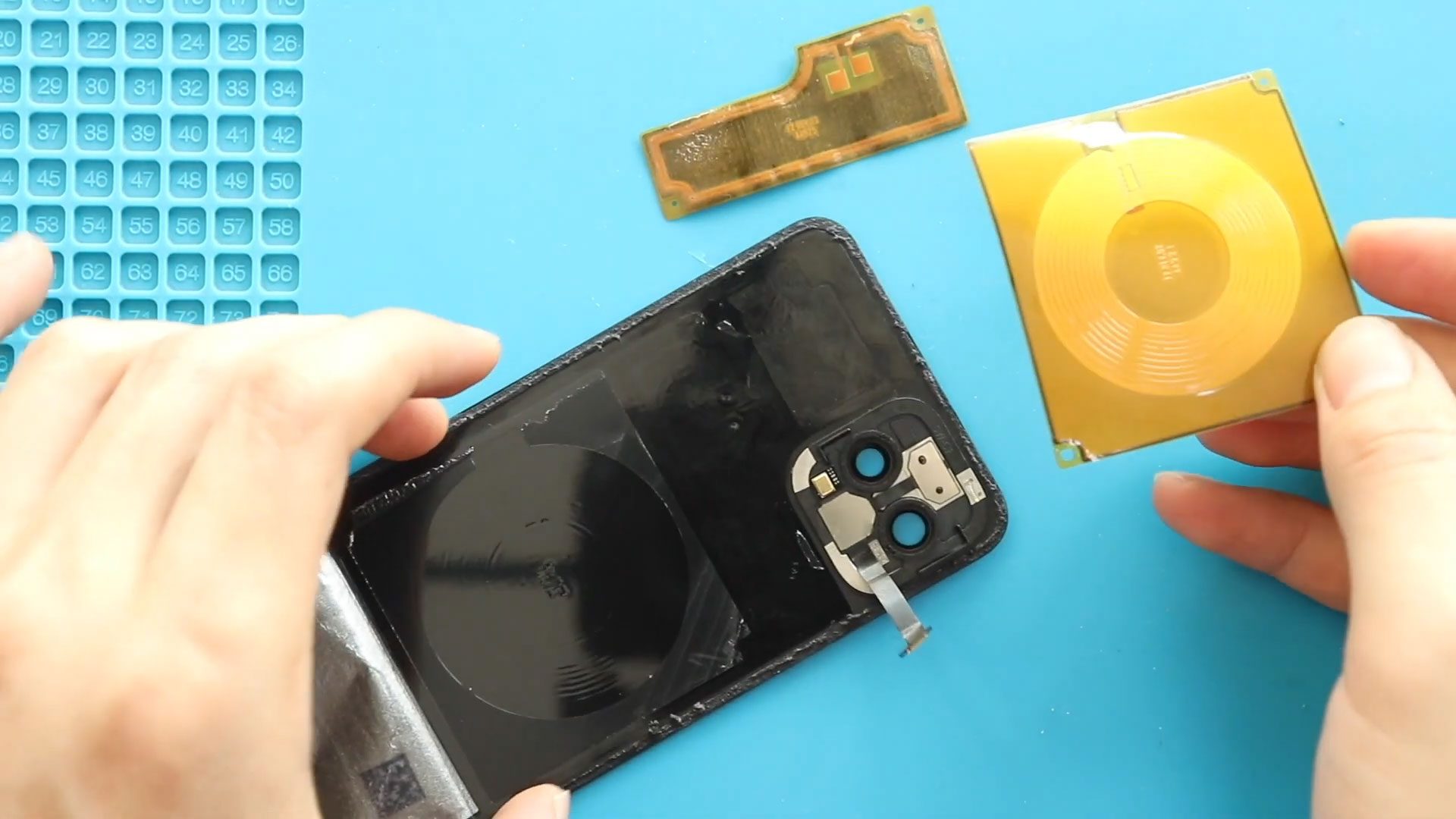
A faulty wireless charging pad can prevent your Google Pixel 4 from charging properly on a compatible wireless charging surface. Replacing the wireless charging pad requires opening the phone from
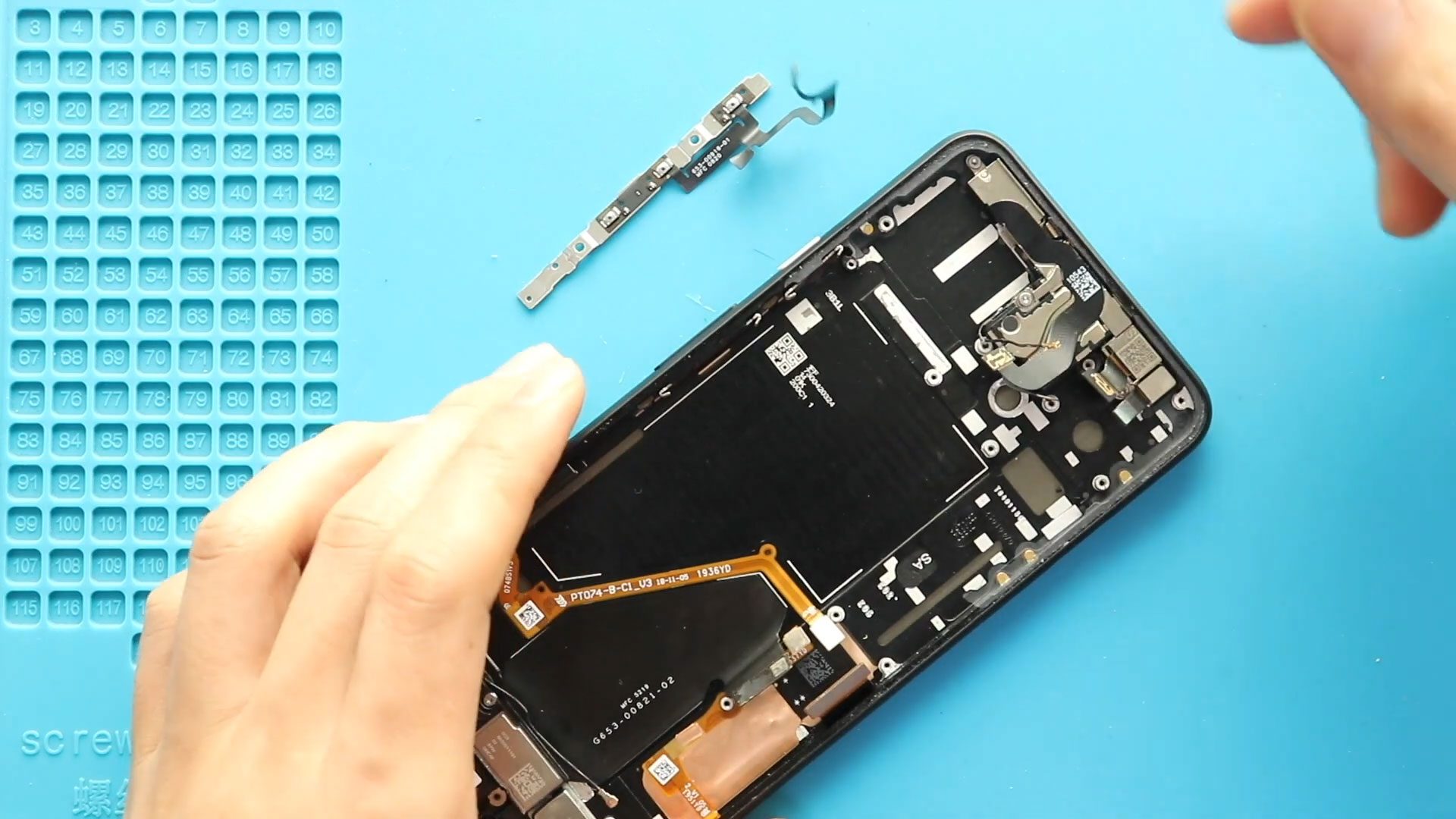
Please follow the below link for the repair instructions. Please let us know if you have any questions. Timestamps00:00 Intro00:10 Opening google pixel 4xl00:35 Removing the back cover01:11 Removing the


