
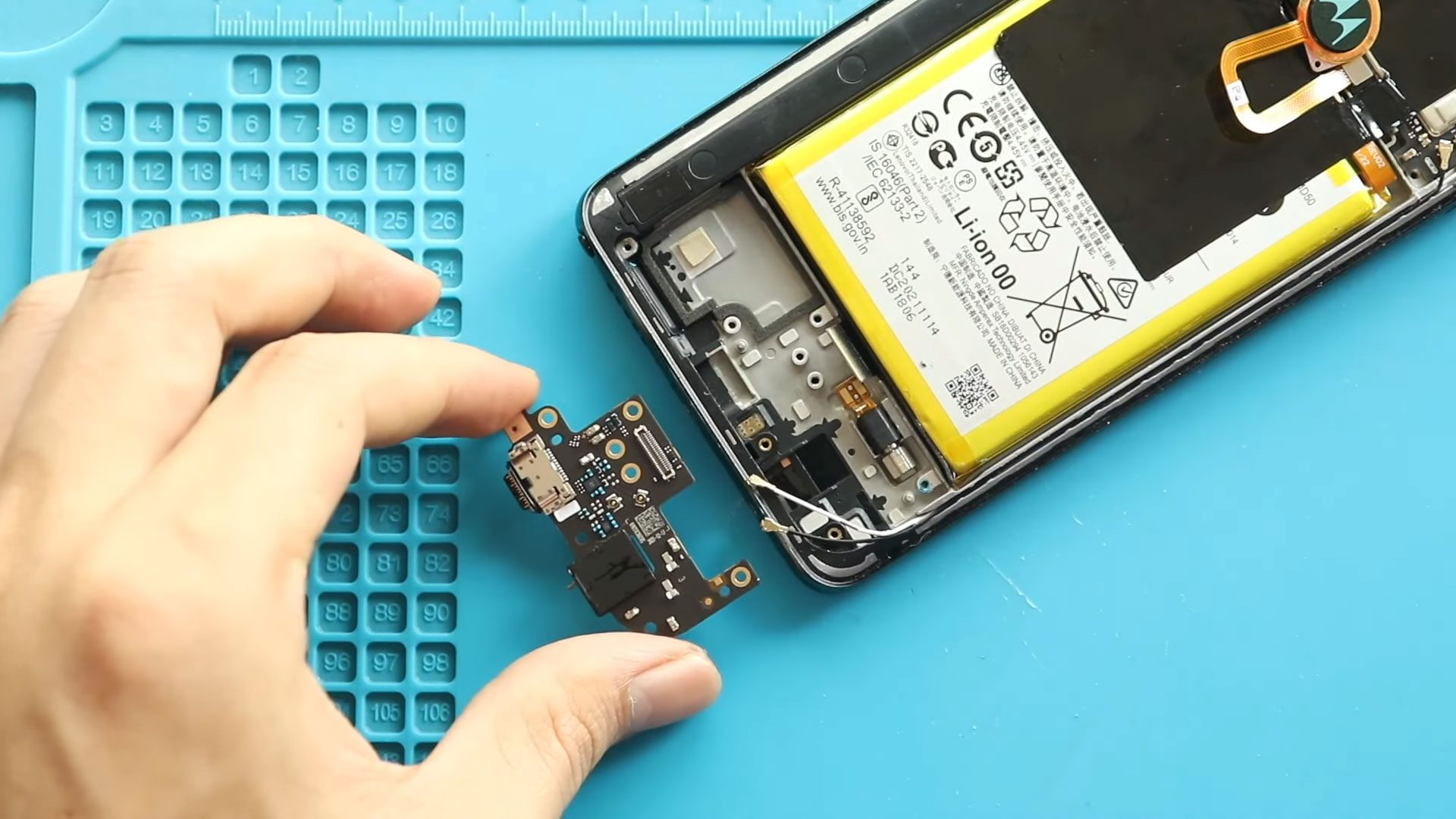
Hi everyone, welcome back to Geardo 👋 Today, we’ll guide you through a complete, beginner-friendly repair tutorial on how to replace the charging port and headphone jack board on your
Explore DIY repair guides and maintenance tips for all Motorola smartphones. Learn how to replace screens, batteries, charging ports, cameras. flex cables and other key components across Moto G, Edge, Stylus, and other Motorola series. Keep your device running smoothly with step-by-step repair tutorials today.
Hi everyone, welcome back to Geardo 👋 Today, we’ll guide you through a complete, beginner-friendly repair tutorial on how to replace the charging port and headphone jack board on your
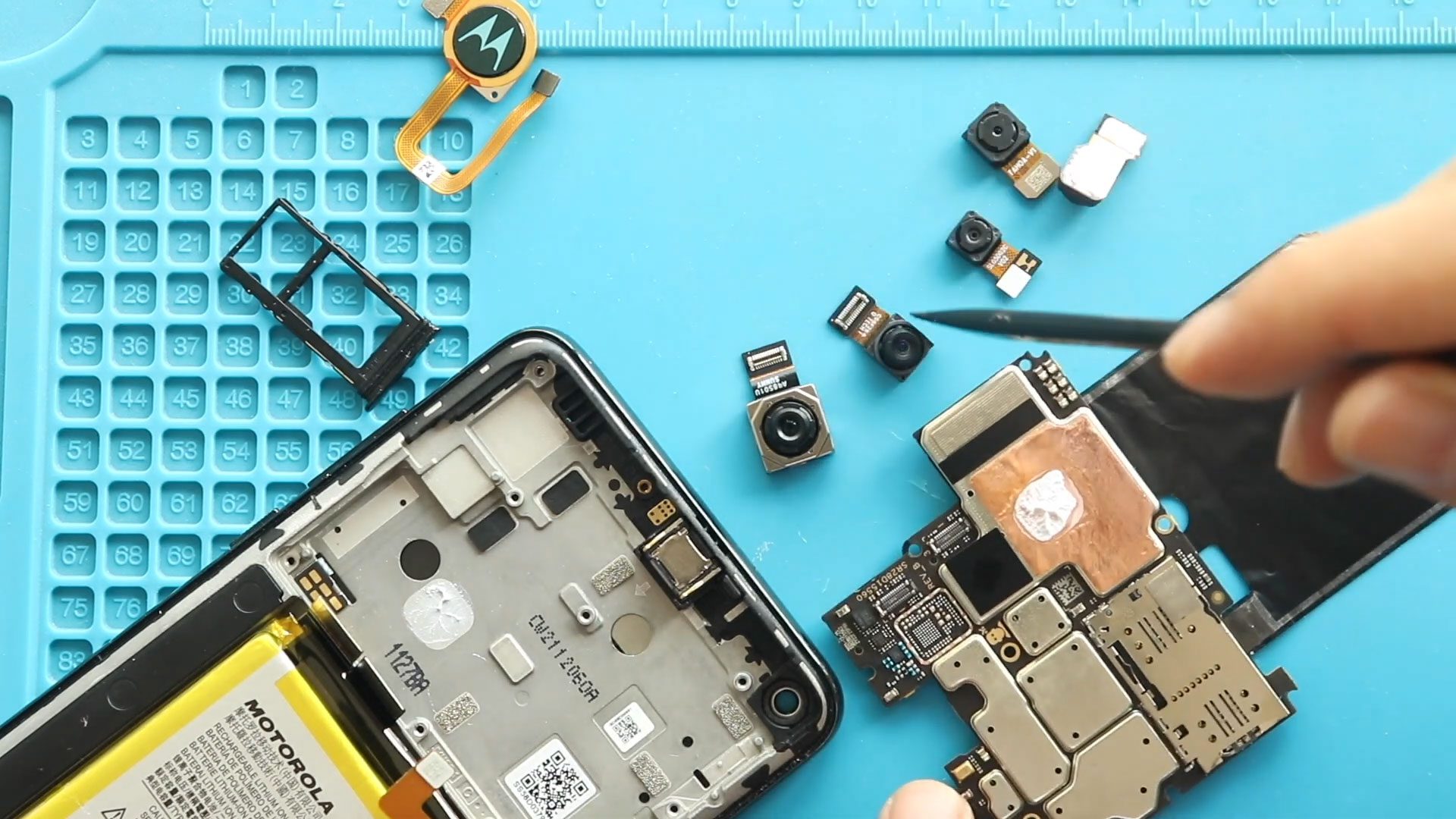
Hi everyone, welcome back to Geardo 👋 Today, we will show you how to replace the not working front and rear cameras on your Motorola Moto G Stylus 5G. If
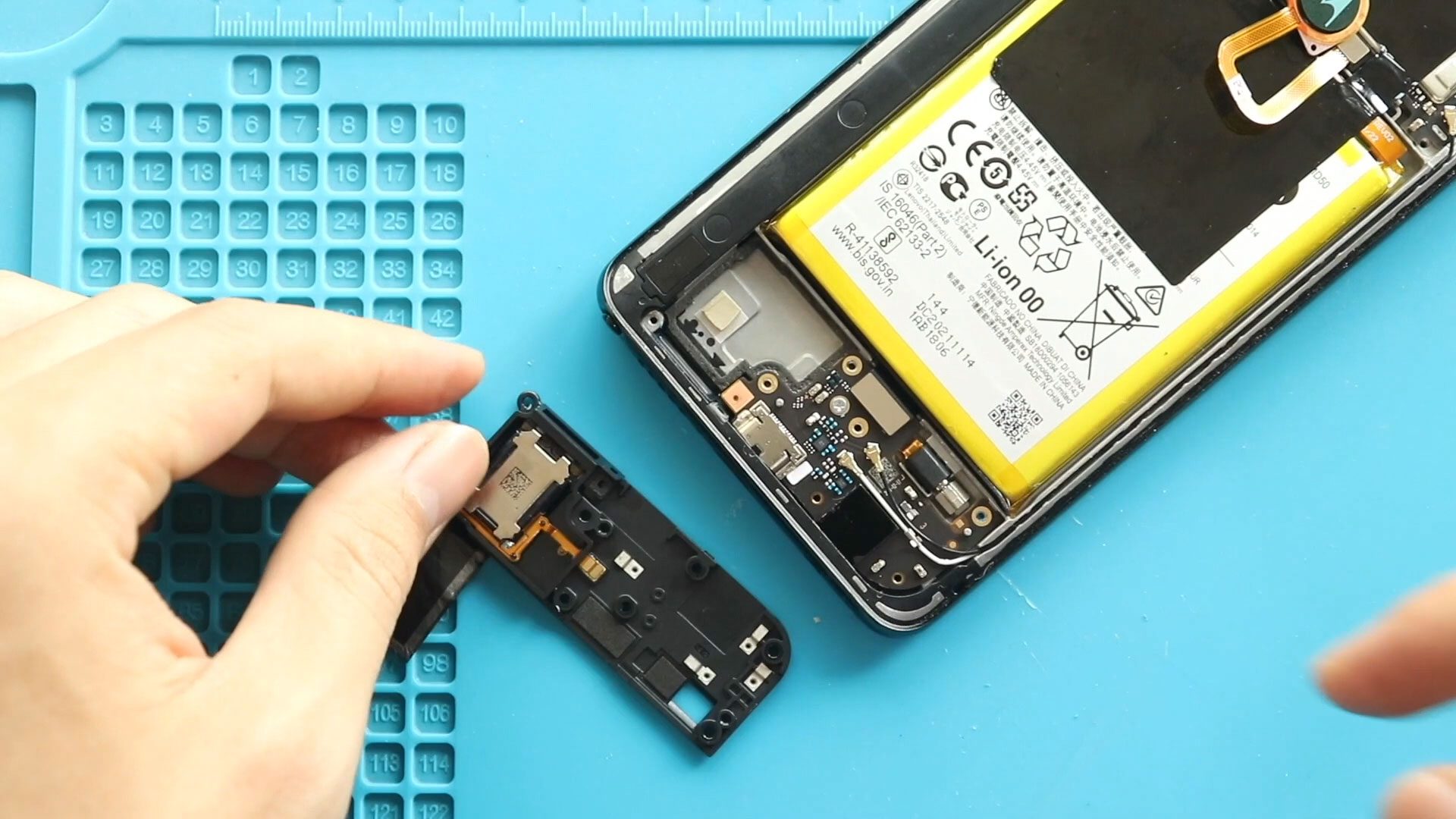
Hi everyone, Welcome back to geardo. If your Motorola Moto G Stylus 5G is not producing sound for calls, music, or notifications, the ringer (loudspeaker) may be faulty. This issue
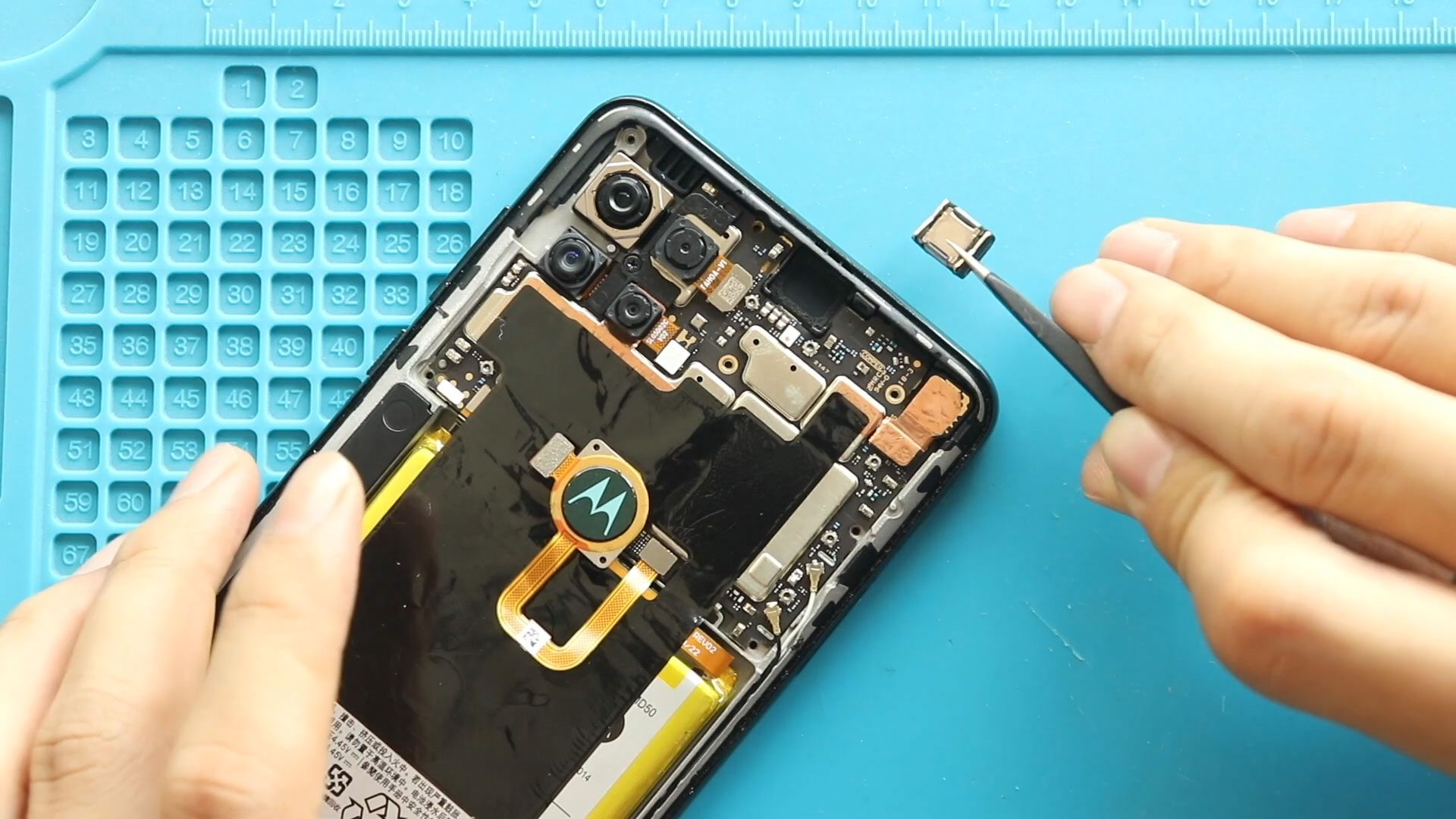
Hi everyone, Welcome back to geardo. If your Motorola Moto G Stylus 5G earpiece speaker is not working properly—such as no sound during calls, low volume, or distorted audio—it may
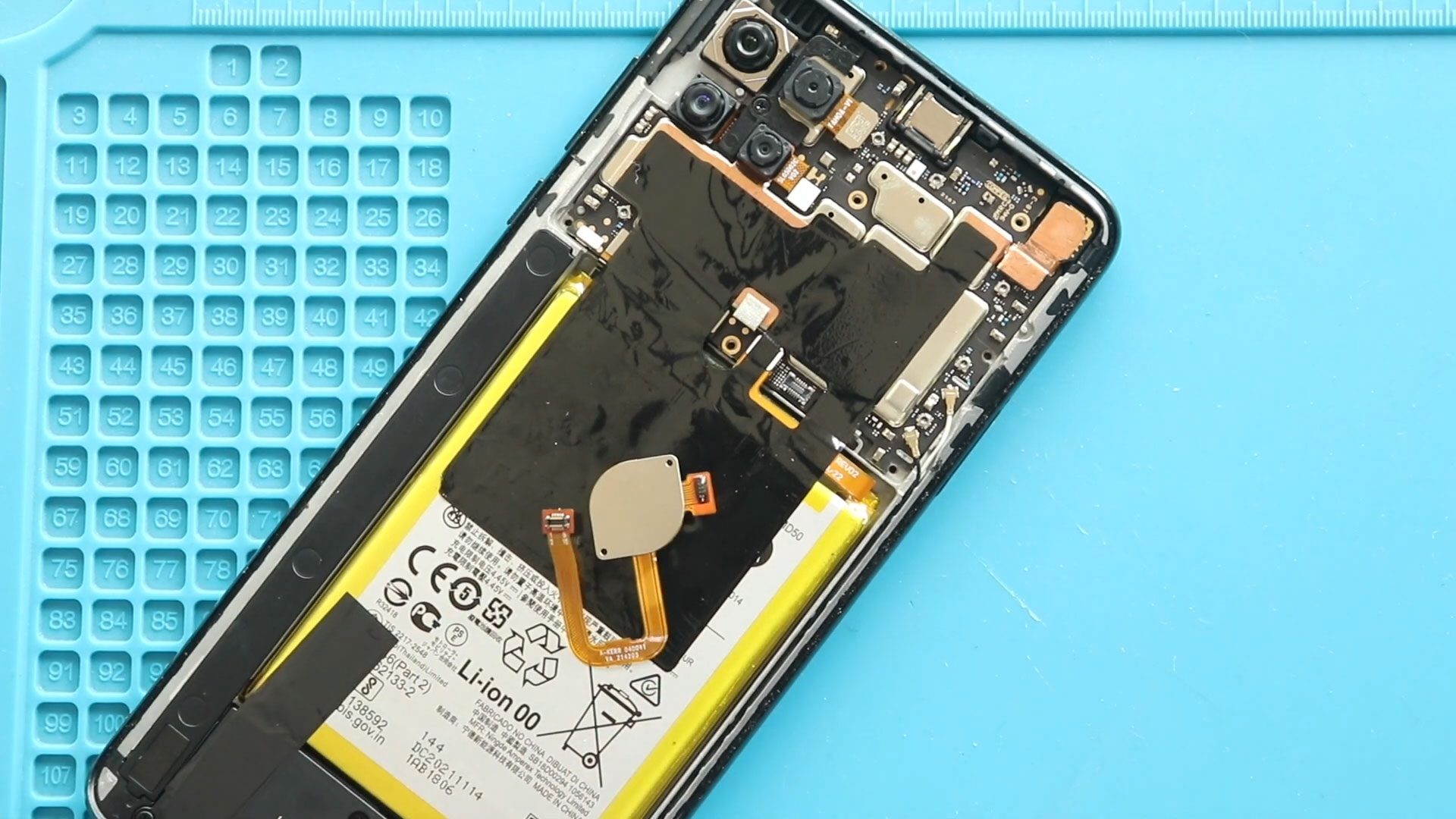
Hi everyone, Welcome back to geardo. If your Motorola Moto G Stylus 5G fingerprint sensor is not responding, slow to unlock, or completely unrecognized, it may need replacement. This issue
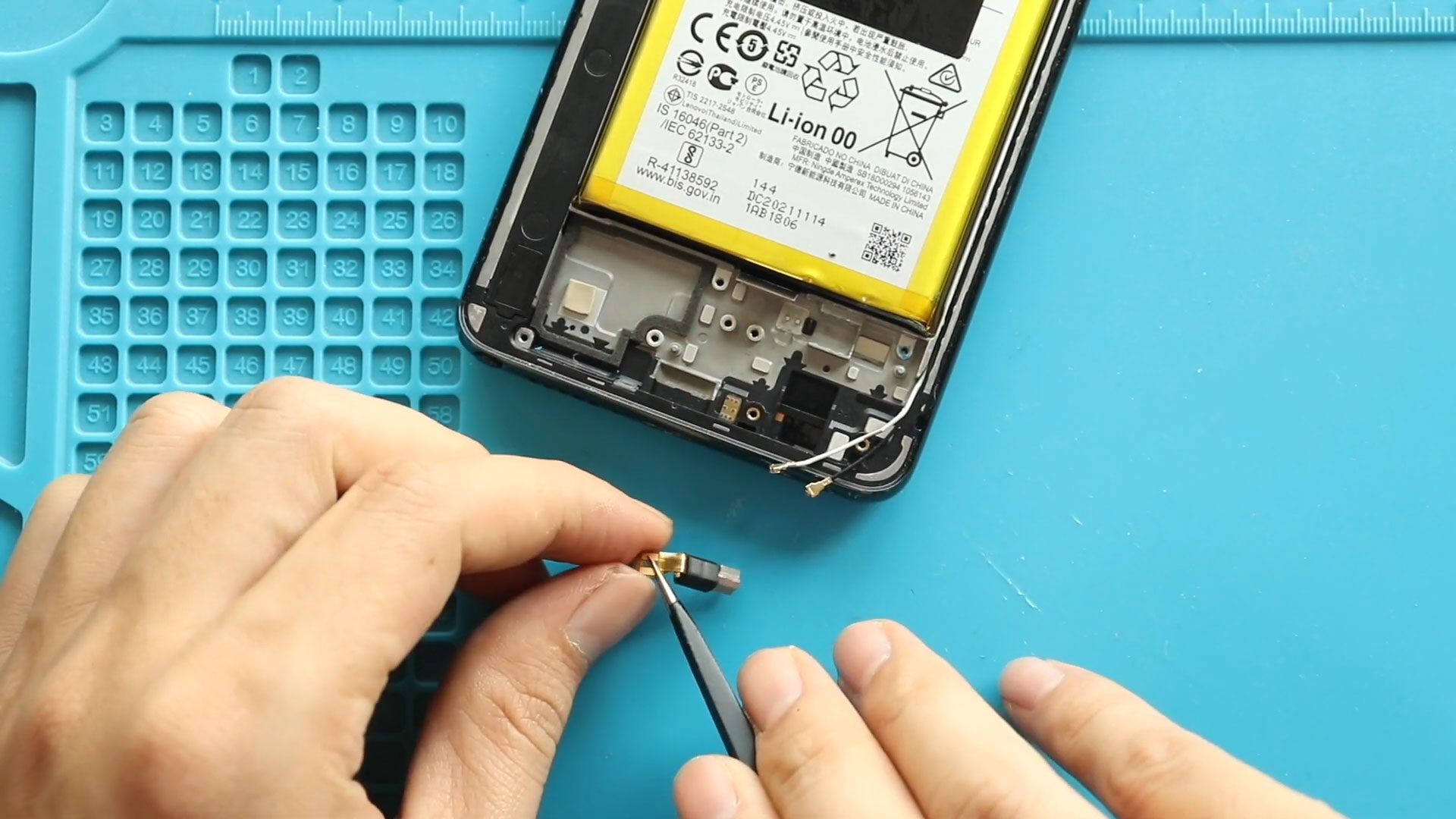
Hi everyone, Welcome back to geardo. If your Motorola Moto G Stylus 5G is not vibrating for calls, notifications, or alerts, the vibrator motor may be faulty. This issue can
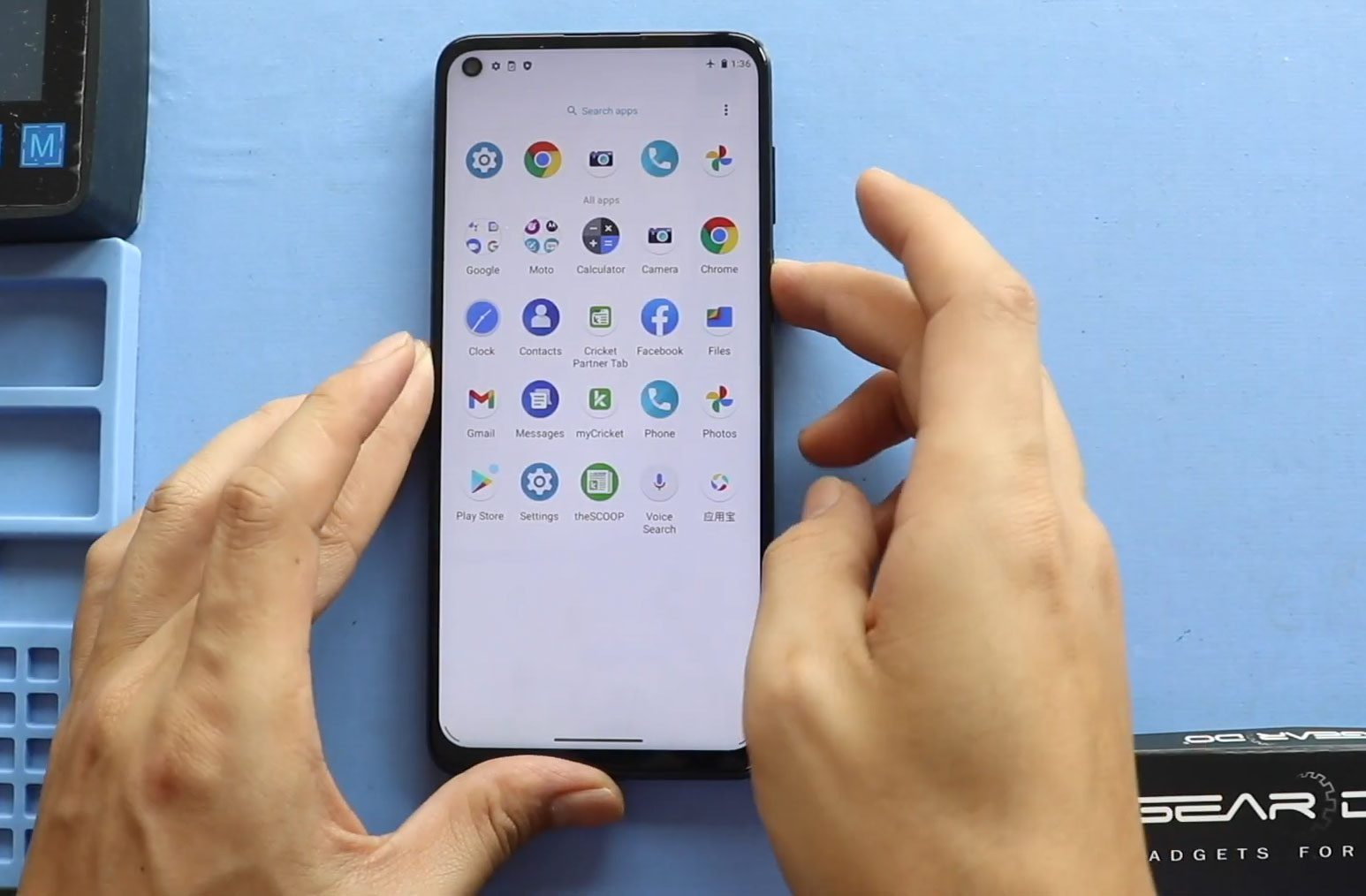
Hi everyone, welcome back to Geardo 👋 In this guide, we’ll walk you through a complete, beginner-friendly tutorial on how to replace the LCD screen assembly on your Motorola Moto
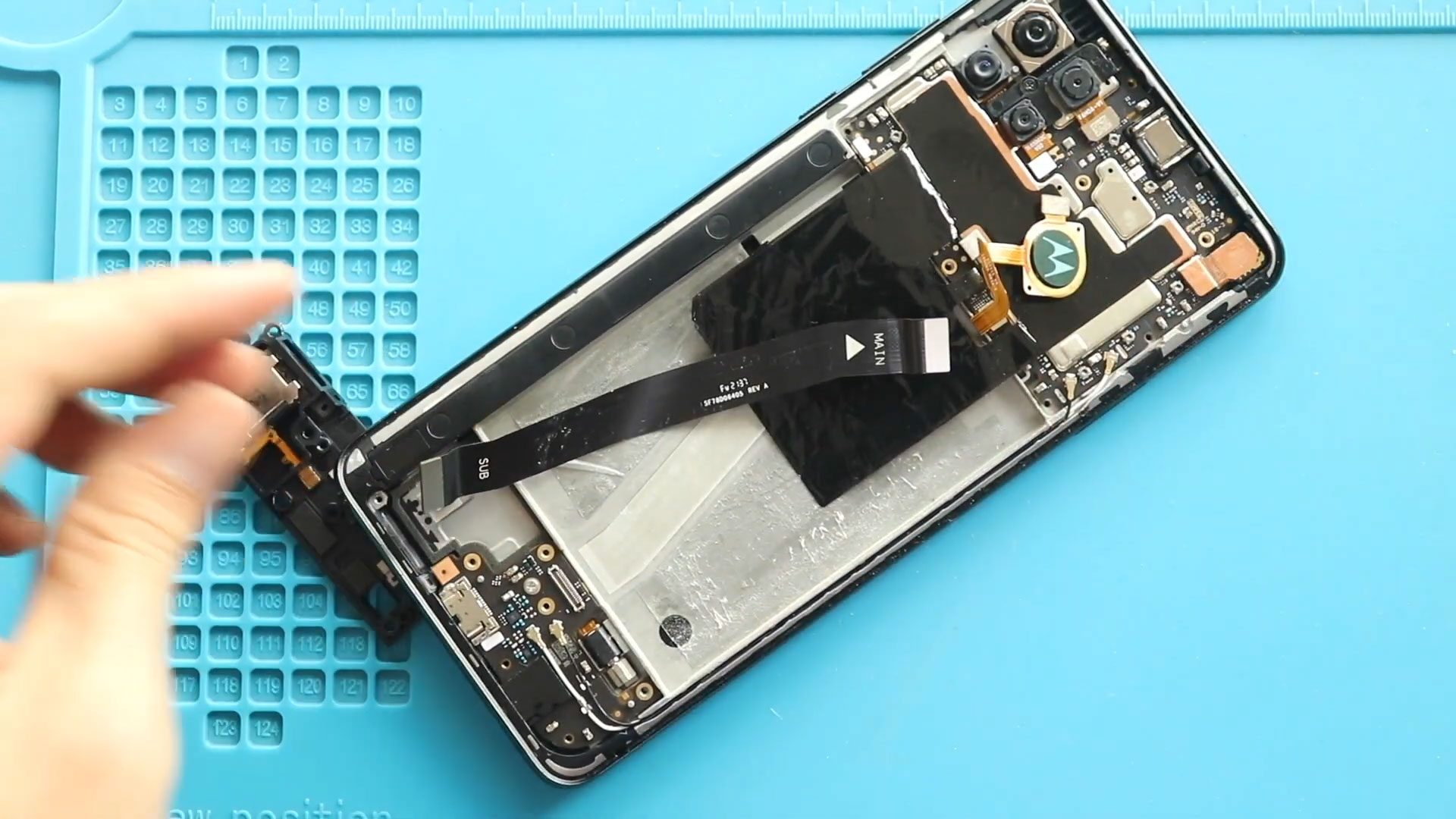
If your Motorola Moto G Stylus 5G is experiencing charging issues, unstable connections, or hardware components not working properly, the main flex cable could be damaged. This cable connects essential

Before Starting, we need the right tools to proceed with the repair, which you can find in the description. First, take out the back cover from the body. To remove
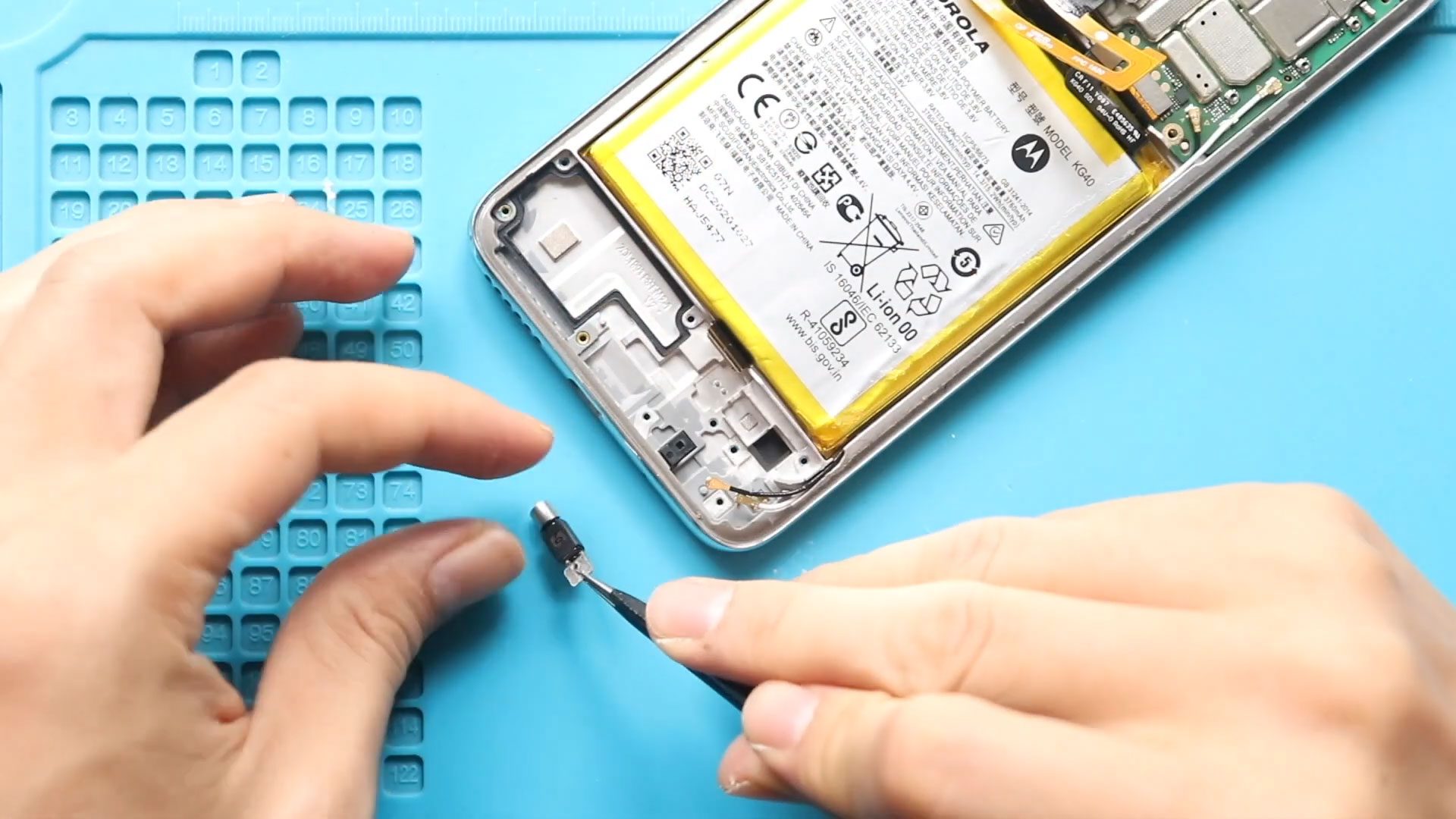
Please follow the below link for the repair instructions. Please let us know if you have any questions. Timestamps00:00 Intro00:10 Opening Moto G Fast00:48 Removing back cover01:47 Removing Logic Board
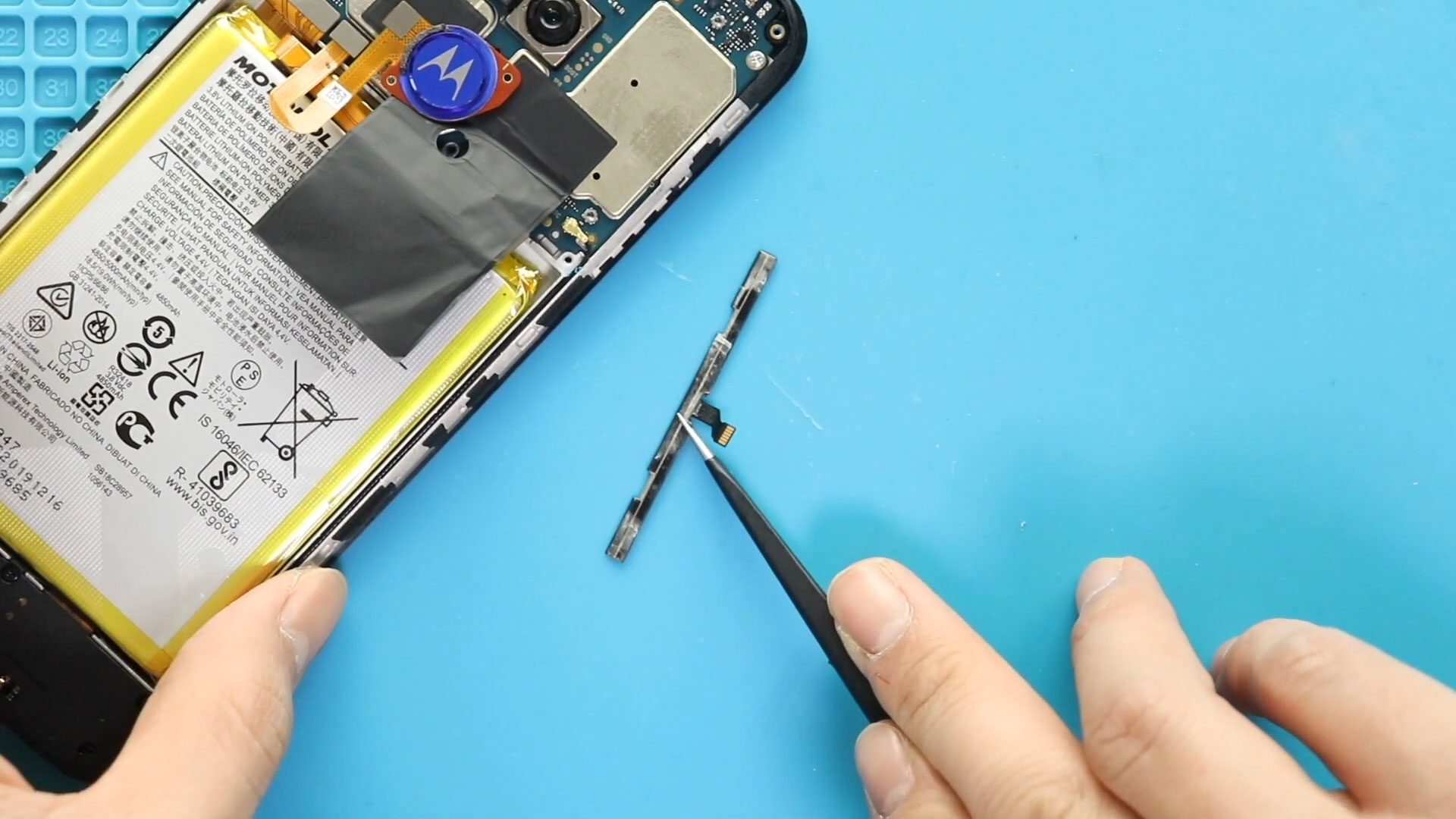
Hi everyone, Welcome back to geardo. If your Motorola Moto G9 Play power button or volume buttons are not responding, stuck, or working intermittently, the issue is likely caused by

Before Starting, we need the right tools to proceed with the repair, which You can find in the description. First, turn off the phone, remove the Sim tray, and follow


