
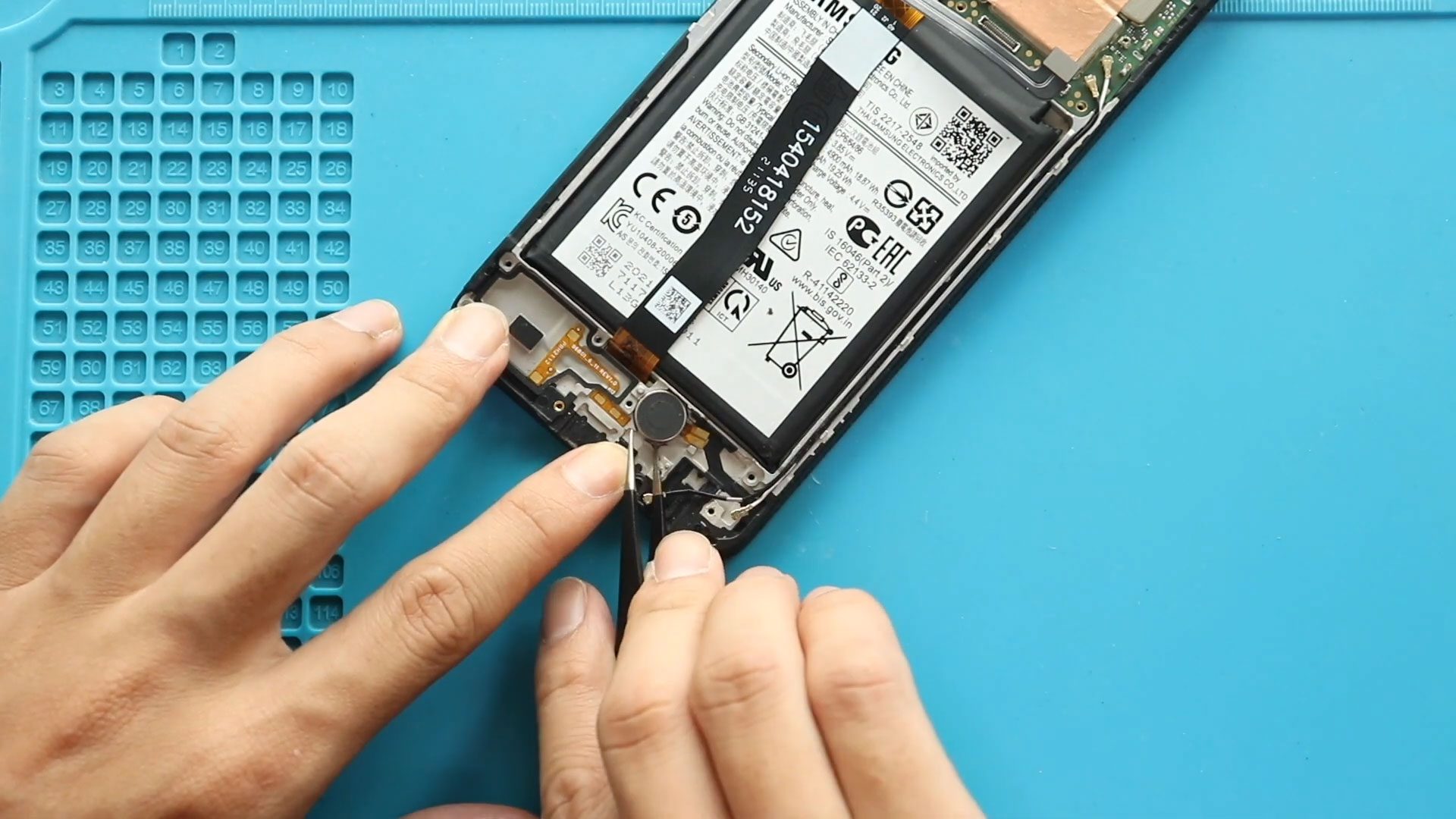
Please follow the below link for the repair instructions. Please let us know if you have any questions. Timestamps00:00 Intro00:10 Opening Galaxy A22 5G00:45 Removing Back Cover01:42 Removing Camera Lens
Learn how to repair Samsung Galaxy A Series phones easily at home. DIYGeardo offers complete guides for screen, battery, camera, lens glass, flex, charging port and many more replacements on Galaxy A Series phones with clear instructions, recommended tools, and repair videos.
Please follow the below link for the repair instructions. Please let us know if you have any questions. Timestamps00:00 Intro00:10 Opening Galaxy A22 5G00:45 Removing Back Cover01:42 Removing Camera Lens

If your Samsung Galaxy A04 battery drains quickly, overheats, shuts down randomly, or no longer holds a proper charge, replacing the battery can restore the phone’s performance and extend its lifespan.
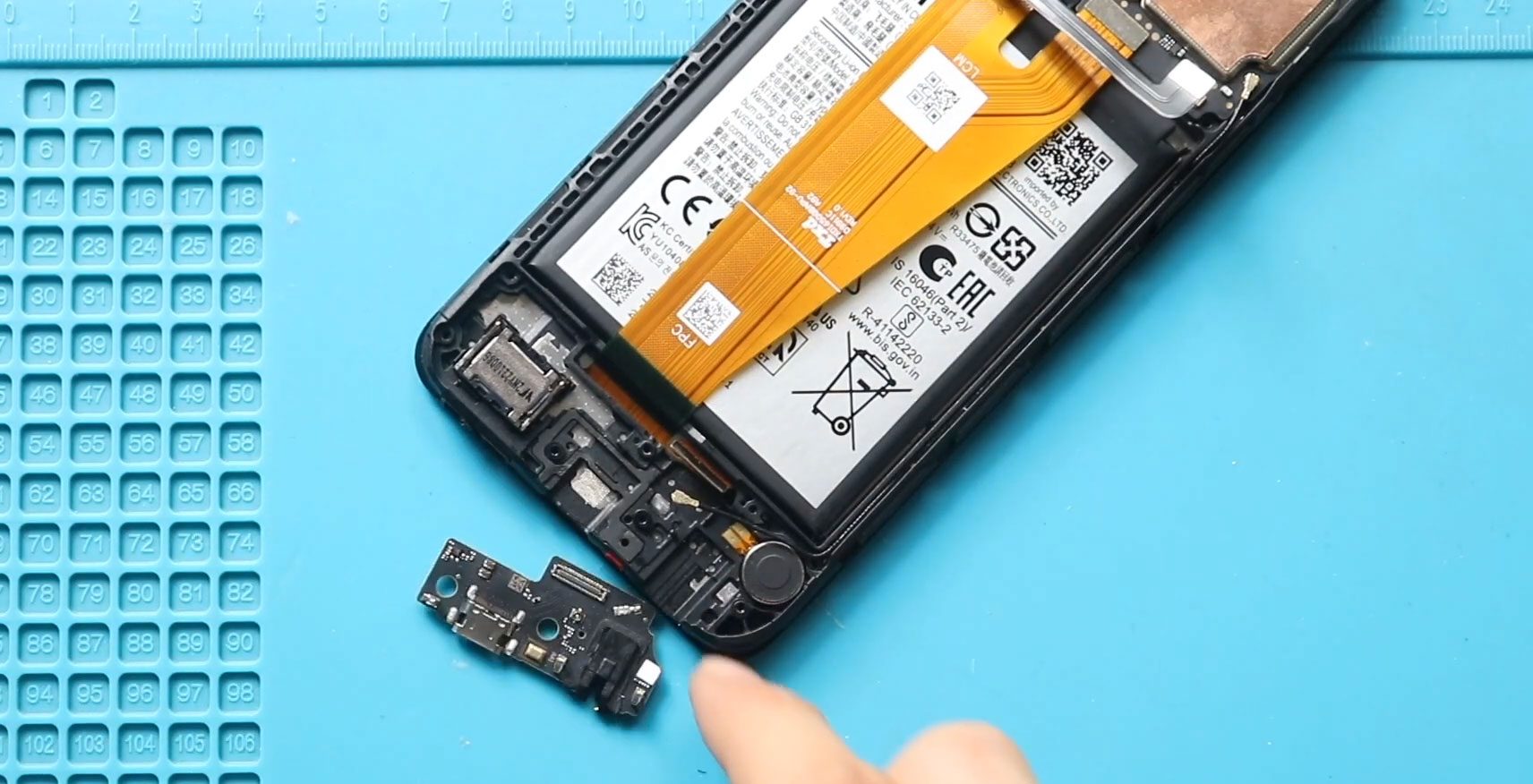
If your Samsung Galaxy A04 is not charging properly, microphone stops working during calls, or the headphone jack produces no sound, the charging port sub-board may be damaged. The charging port

To start, we need the right tools to proceed with the repair, which You can find in the description. First, turn off the phone, remove the Sim tray, and follow

To start, we need the right tools to proceed with the repair, which You can find in the description. First, turn off the phone, take out the SIM tray, and
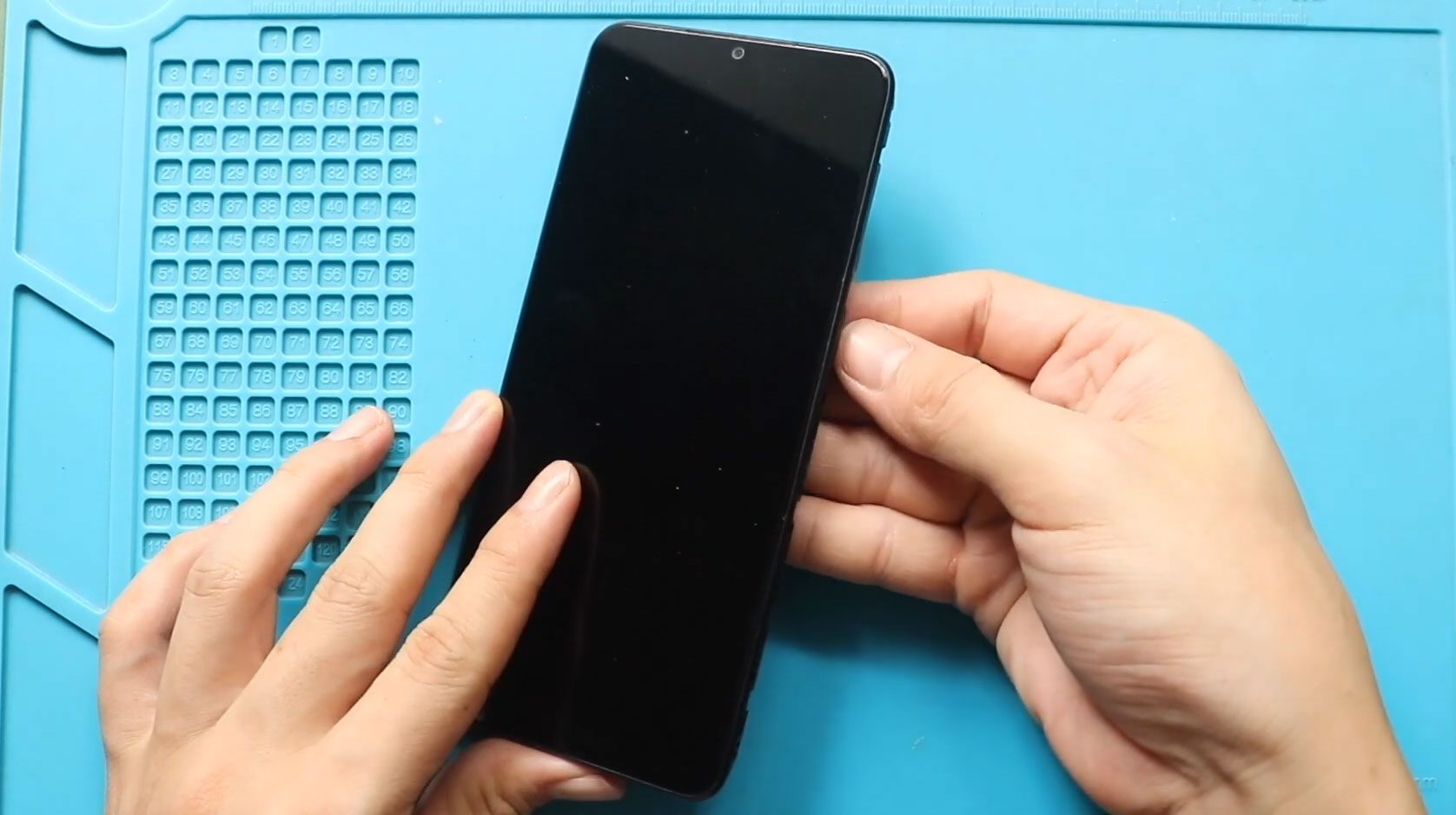
A cracked or unresponsive display can make your Samsung Galaxy A04 difficult or impossible to use. Screen damage may affect touch sensitivity, display brightness, or even internal components if left unrepaired. Replacing
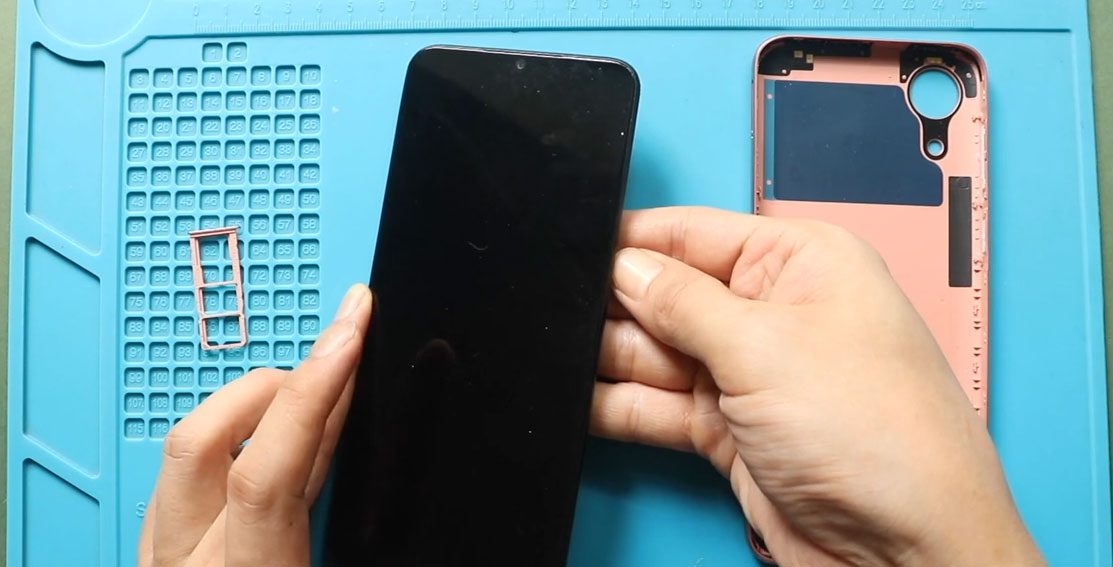
To start, we need the right tools to proceed with the repair, which You can find in the description. First, turn off the phone, take out the Sim tray, and

Samsung Galaxy A10e drains quickly, shuts down unexpectedly, or struggles to hold a charge, replacing the battery can restore normal performance. In this beginner-friendly repair guide, we will show you how to

To start, we need the right tools to proceed with the repair, which You can find in the description. First, turn off the phone, take out the Sim tray, and

If the screen on your Samsung Galaxy A10e is cracked, unresponsive, or displaying lines or black spots, replacing the LCD and touch screen assembly can restore your phone to full working condition. Screen damage

If your Samsung Galaxy A10e camera is not focusing, showing blurry images, displaying a black screen, or failing to open in the camera app, the issue may be caused by a faulty front
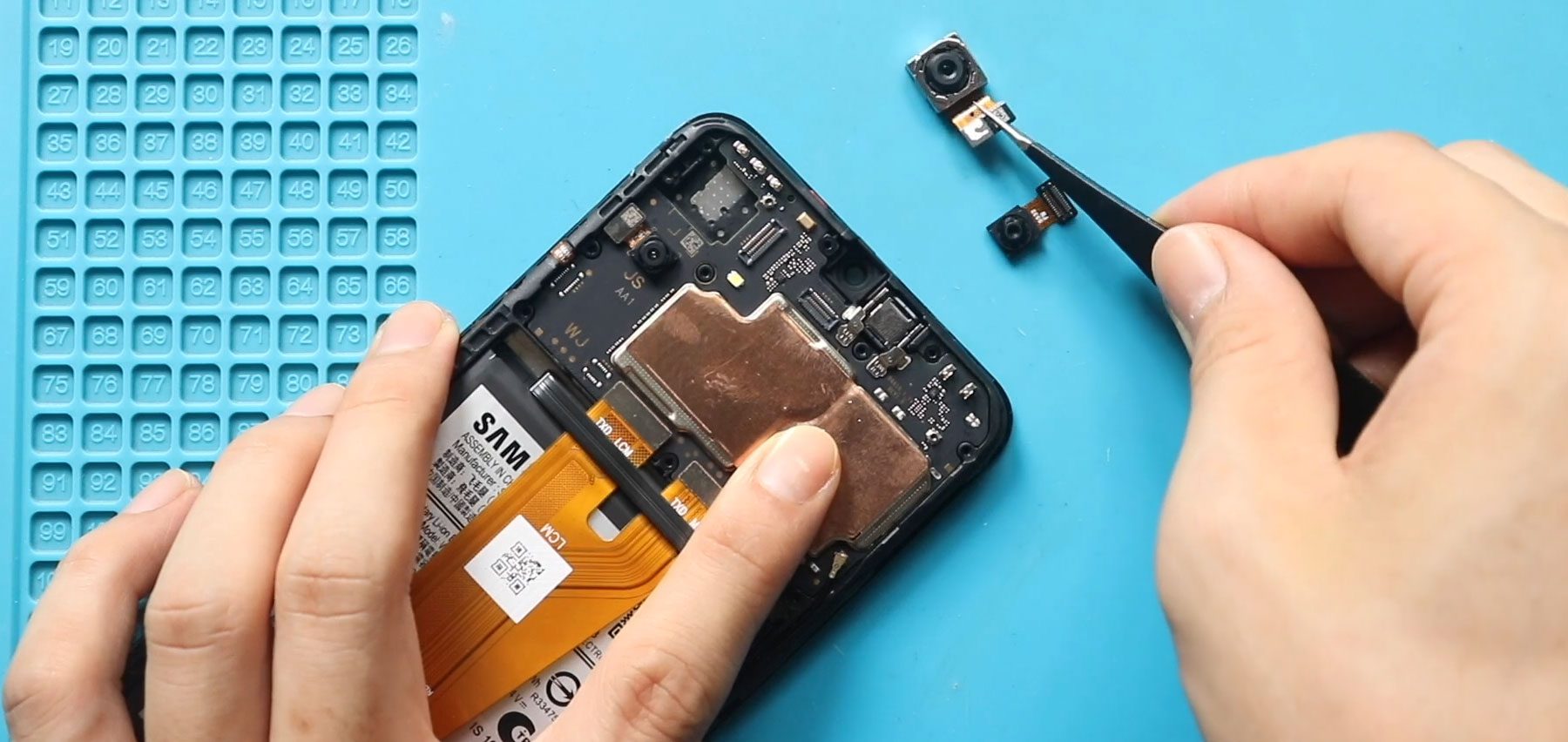
Camera problems on the Samsung Galaxy A04 can significantly affect photography, video recording, and video calling performance. Physical damage, moisture exposure, or internal hardware failure may cause blurry images, camera crashes, or


