

Hi everyone, welcome back to DIYGeardo. Today, we’ll show you how to replace the LCD screen display on the Samsung Galaxy A13 4G smartphone step by step. A cracked or unresponsive screen is
Learn how to repair Samsung Galaxy A Series phones easily at home. DIYGeardo offers complete guides for screen, battery, camera, lens glass, flex, charging port and many more replacements on Galaxy A Series phones with clear instructions, recommended tools, and repair videos.
Hi everyone, welcome back to DIYGeardo. Today, we’ll show you how to replace the LCD screen display on the Samsung Galaxy A13 4G smartphone step by step. A cracked or unresponsive screen is
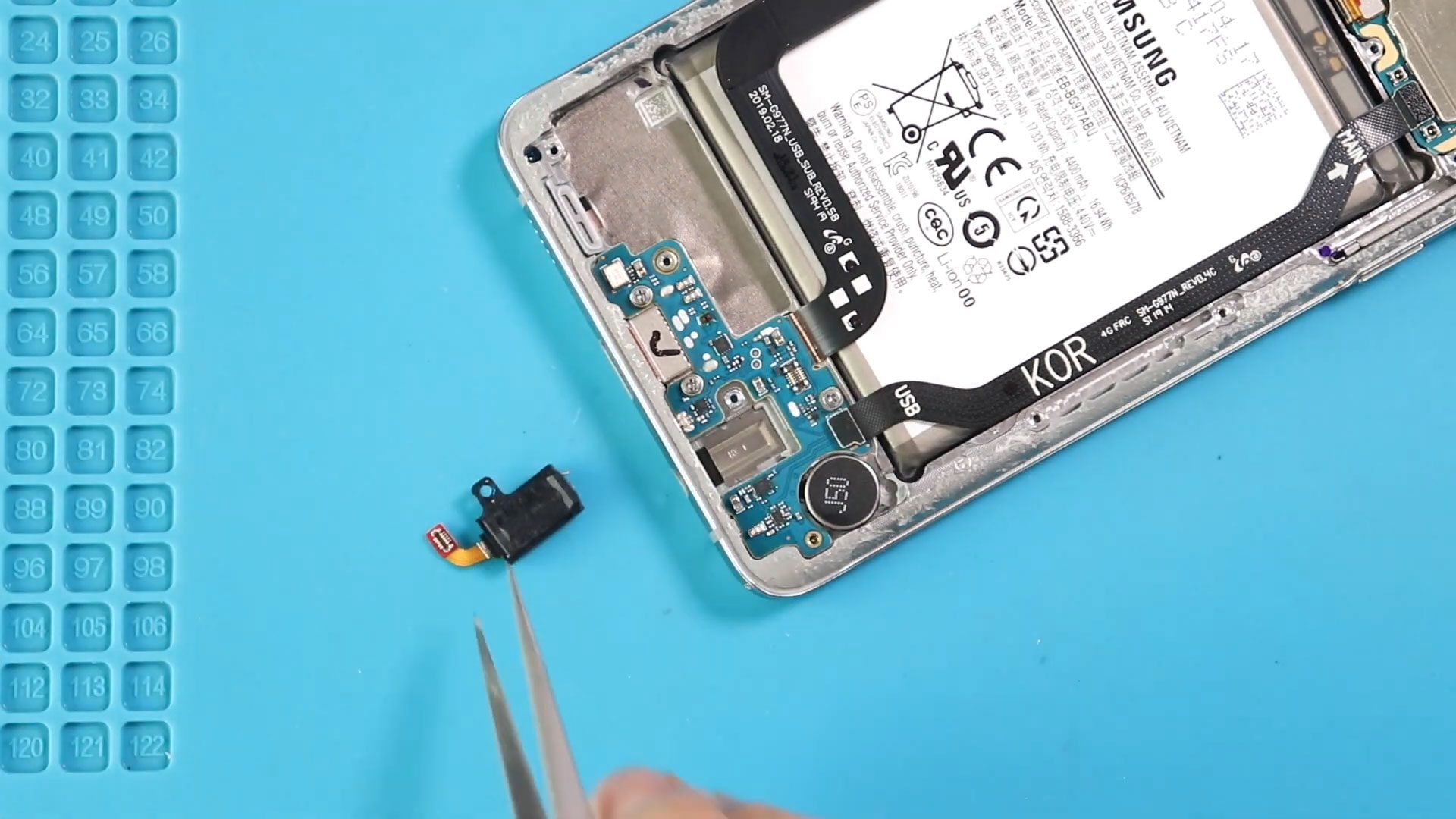
Hi everyone, welcome back to DIYGeardo. Today, we’ll show you how to replace the front and rear cameras on the Samsung Galaxy A13 4G mobile phone. Camera issues such as blurry images, camera
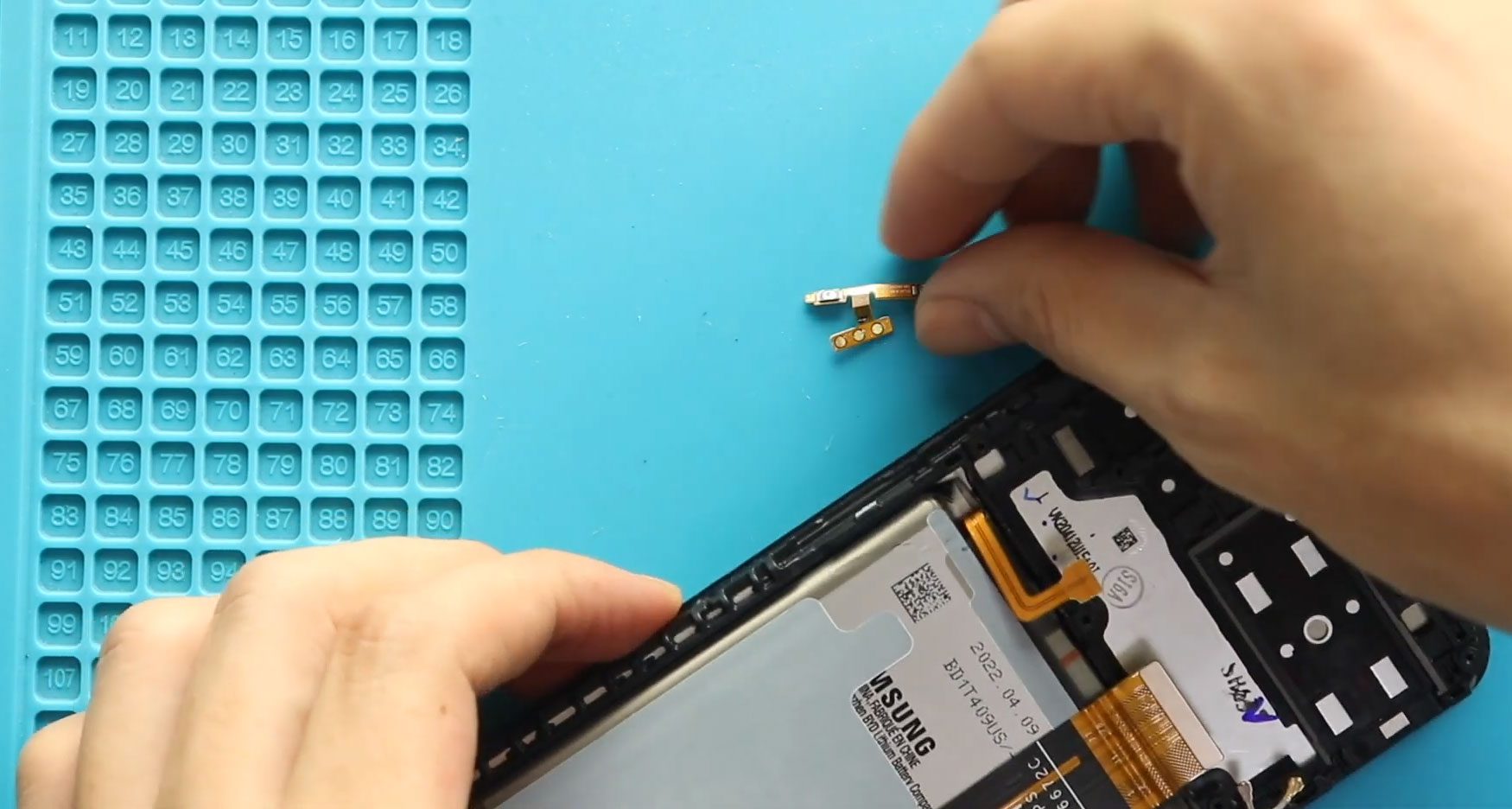
Hi everyone, welcome back to DIYGeardo. Today, we’ll show you how to replace the volume button flex cable on the Samsung Galaxy A13 4G smartphone. If your volume up or volume down buttons
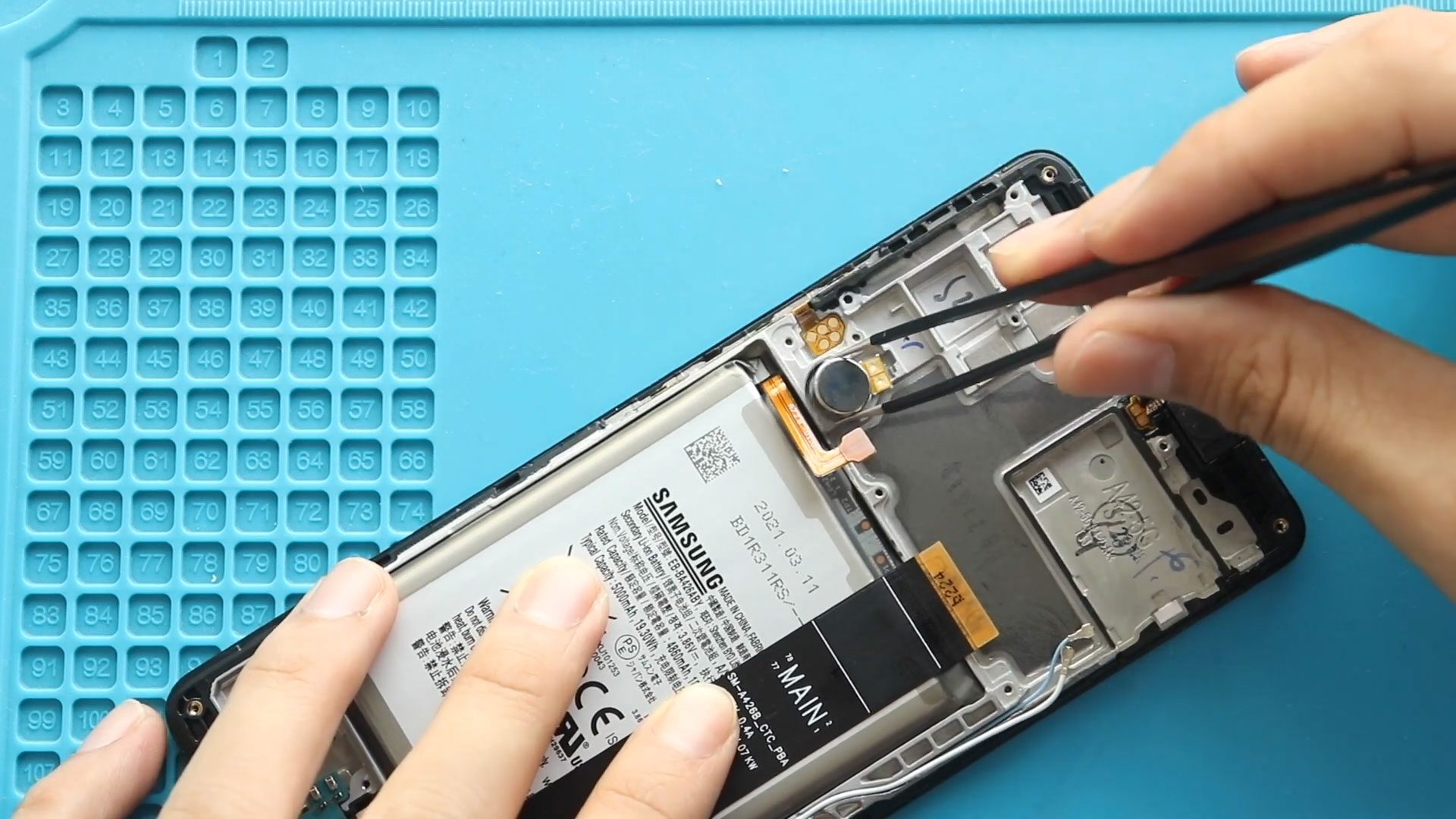
If your Samsung Galaxy A42 5G is not vibrating for calls, notifications, or alarms, the vibrator motor may be faulty. Replacing the vibrator motor can restore proper haptic feedback without

Hi everyone, welcome back to DIYGeardo. Today, we’ll show you how to replace the earpiece speaker on the Samsung Galaxy A13 4G mobile phone. If you’re experiencing low call volume, distorted sound, or
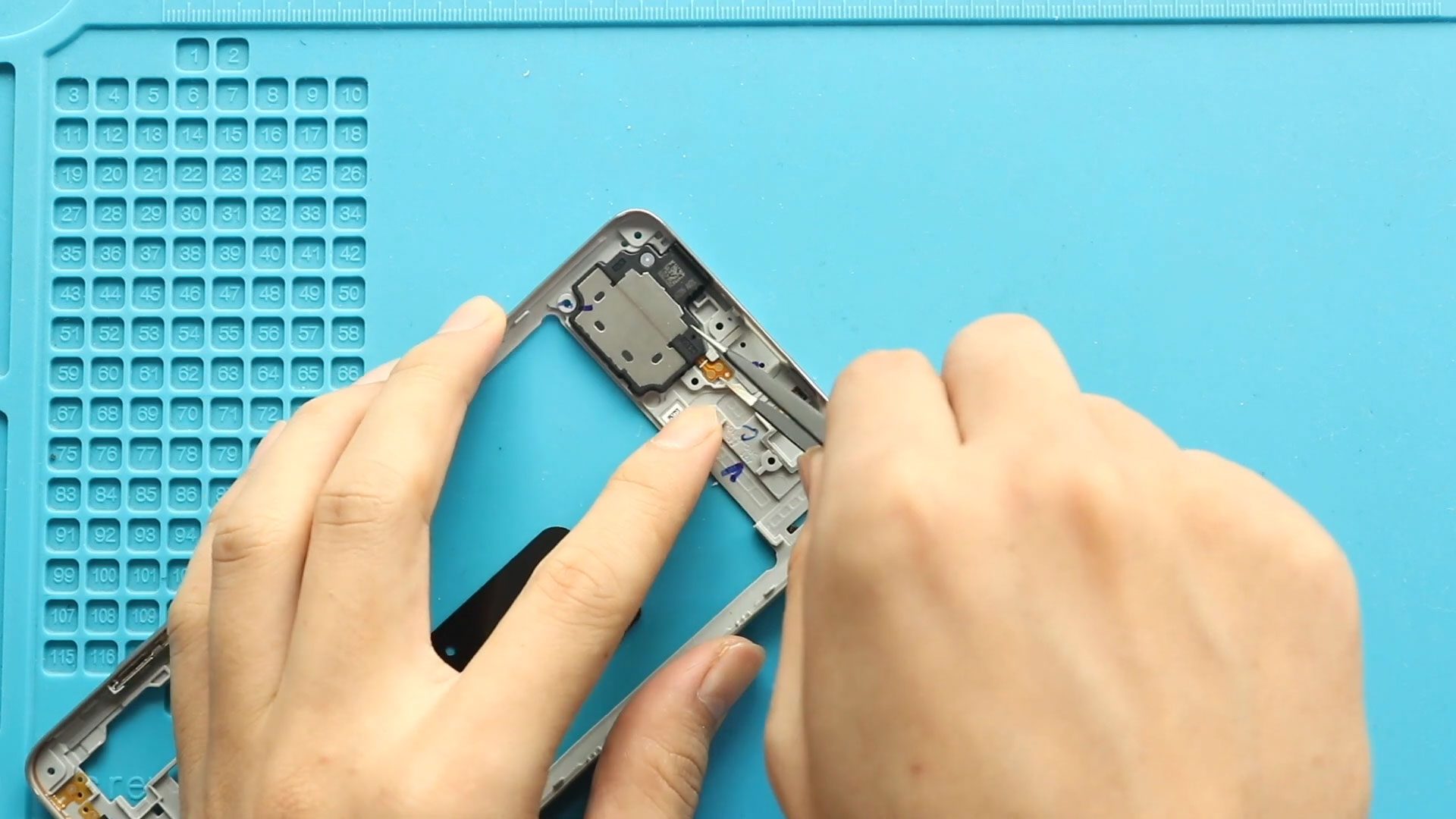
Hi everyone, welcome back to Geardo. In today’s guide, we’ll walk you through how to replace the ringer speaker on the Samsung Galaxy A71 4G mobile phone. If your device has no
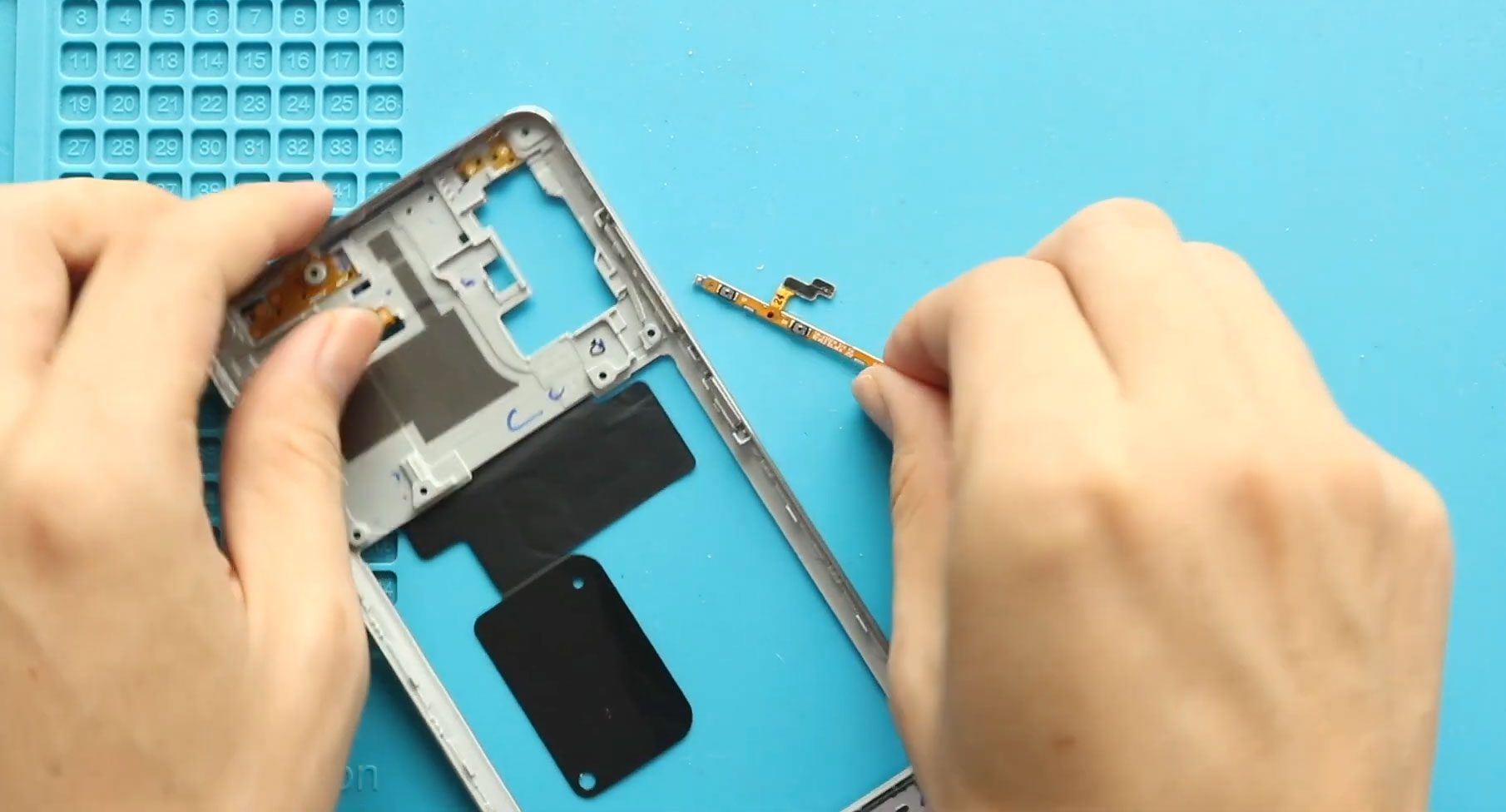
Hi everyone, welcome back to Geardo. In this guide, we’ll show you how to replace the power button and volume button flex cable on the Samsung Galaxy A71 4G mobile phone. If
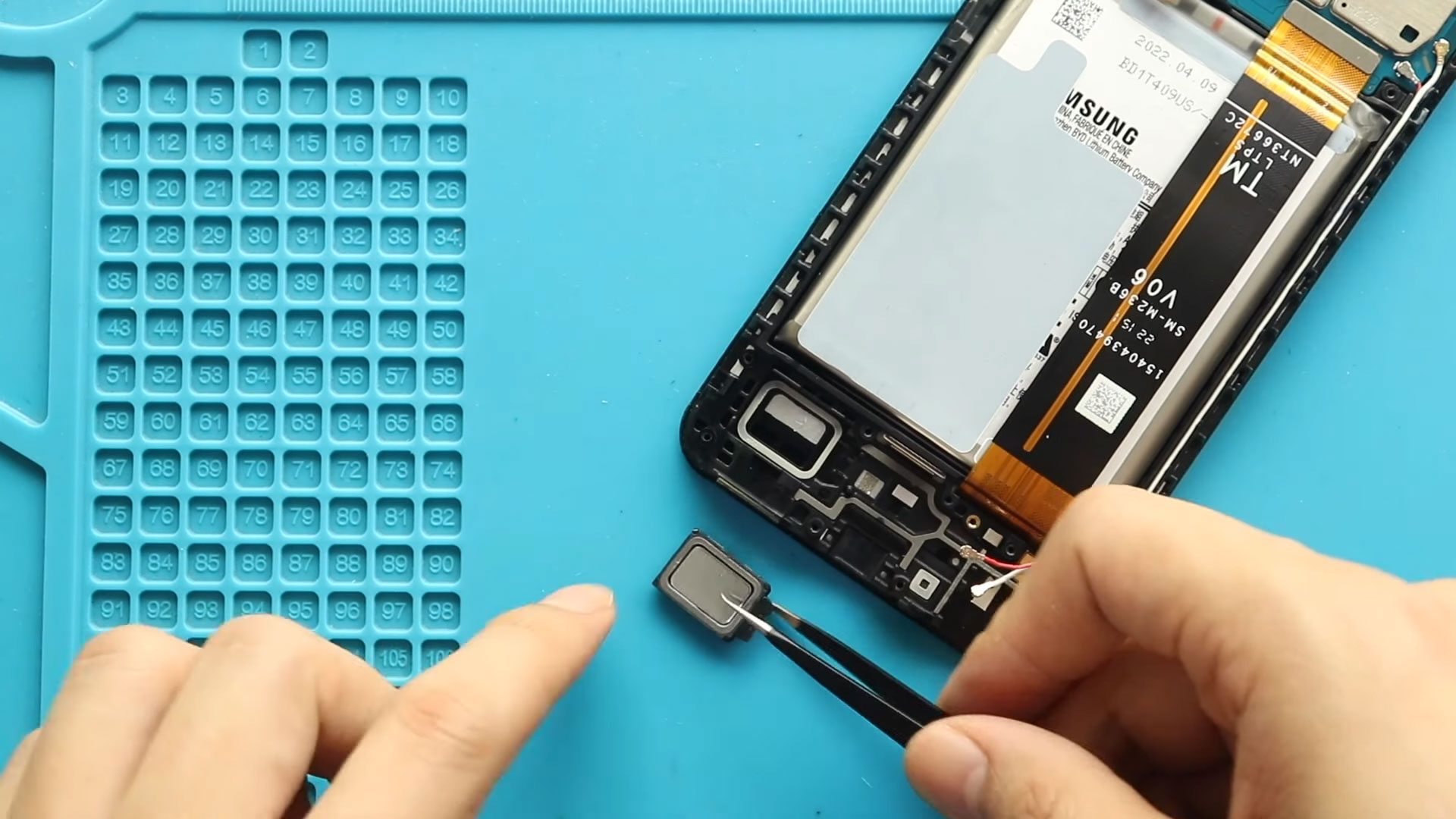
Hi everyone, welcome back to DIYGeardo. Today, we’ll show you how to replace the loudspeaker (ringer) on the Samsung Galaxy A13 4G mobile phone. If your phone has low volume, distorted sound, crackling

Please follow the below link for the repair instructions. Please let us know if you have any questions. Timestamps00:00 Intro00:10 Opening Galaxy A02s00:21 Removing Back Cover01:25 Removing Board Frame02:00 Removing
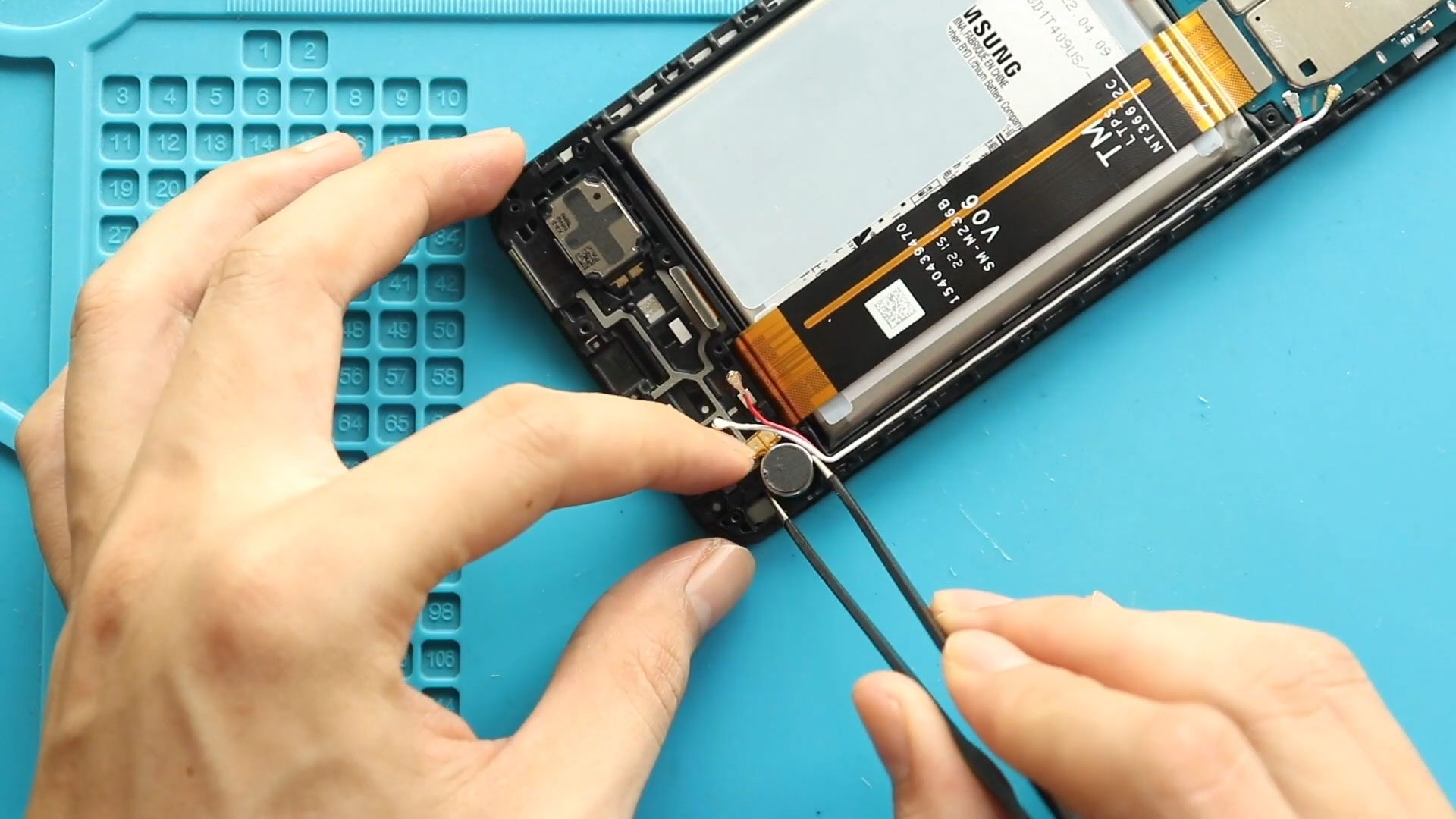
Hi everyone, welcome back to DIYGeardo. Today, we’ll show you how to replace the vibrator motor on the Samsung Galaxy A13 4G mobile phone. If your phone no longer vibrates for calls or
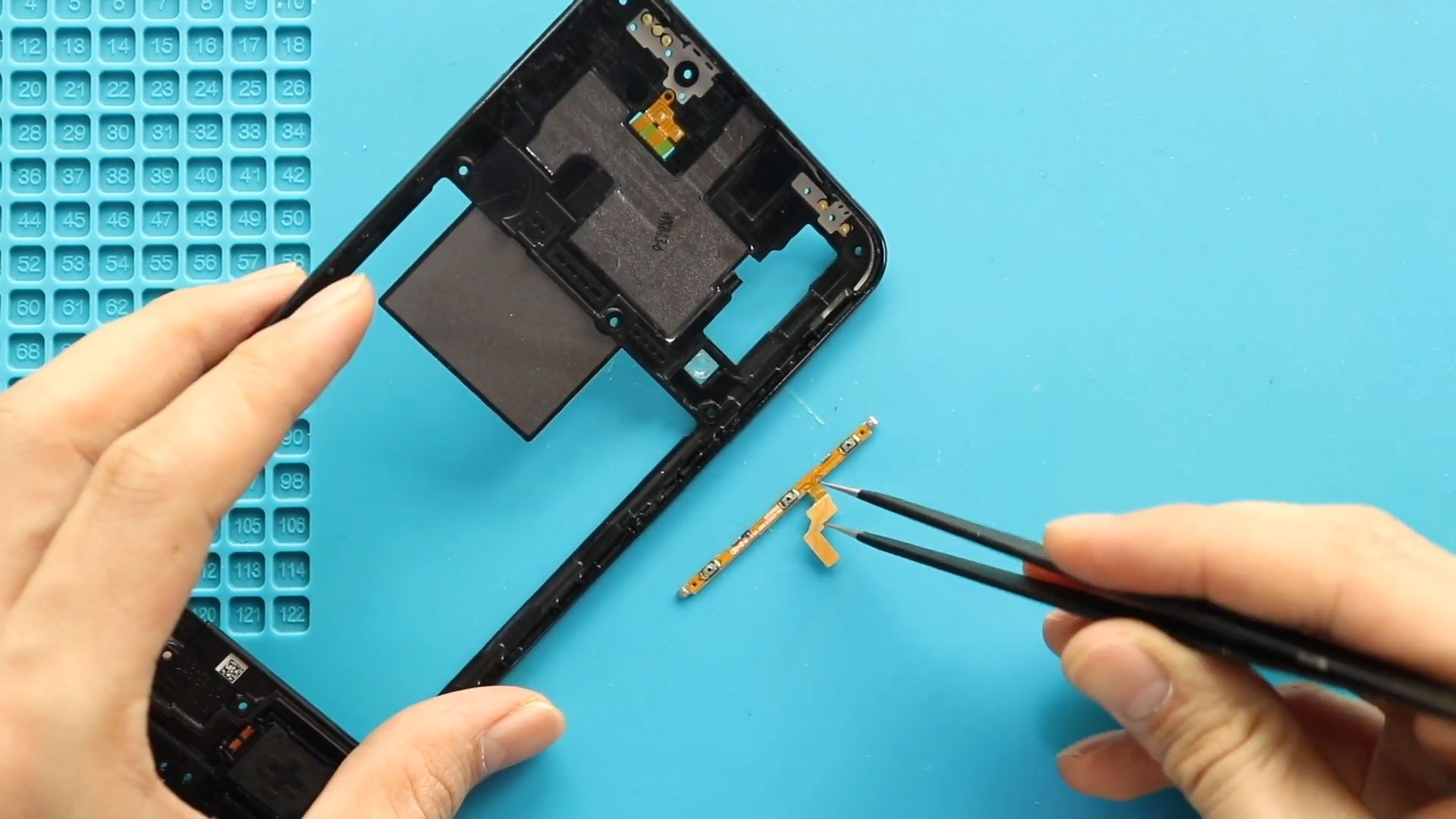
Hi everyone, welcome back to Geardo! If your Samsung Galaxy A50 or Galaxy A50s power button or volume buttons are not responding, stuck, or working intermittently, the issue is likely caused by
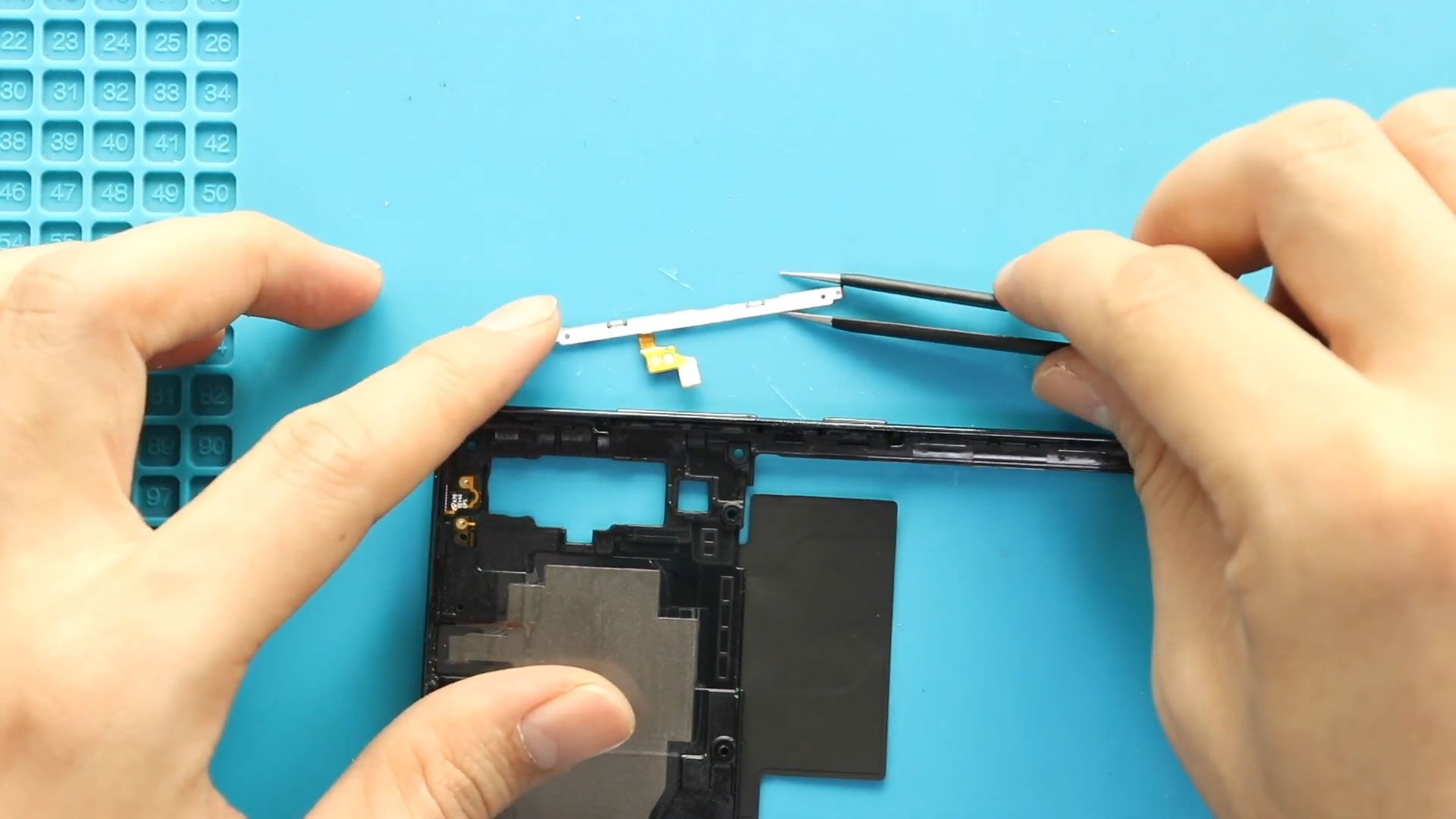
If the power button or volume buttons stop responding on your Samsung Galaxy A70 or Samsung Galaxy A70s, the most common cause is a damaged power volume flex cable. This internal cable controls


