
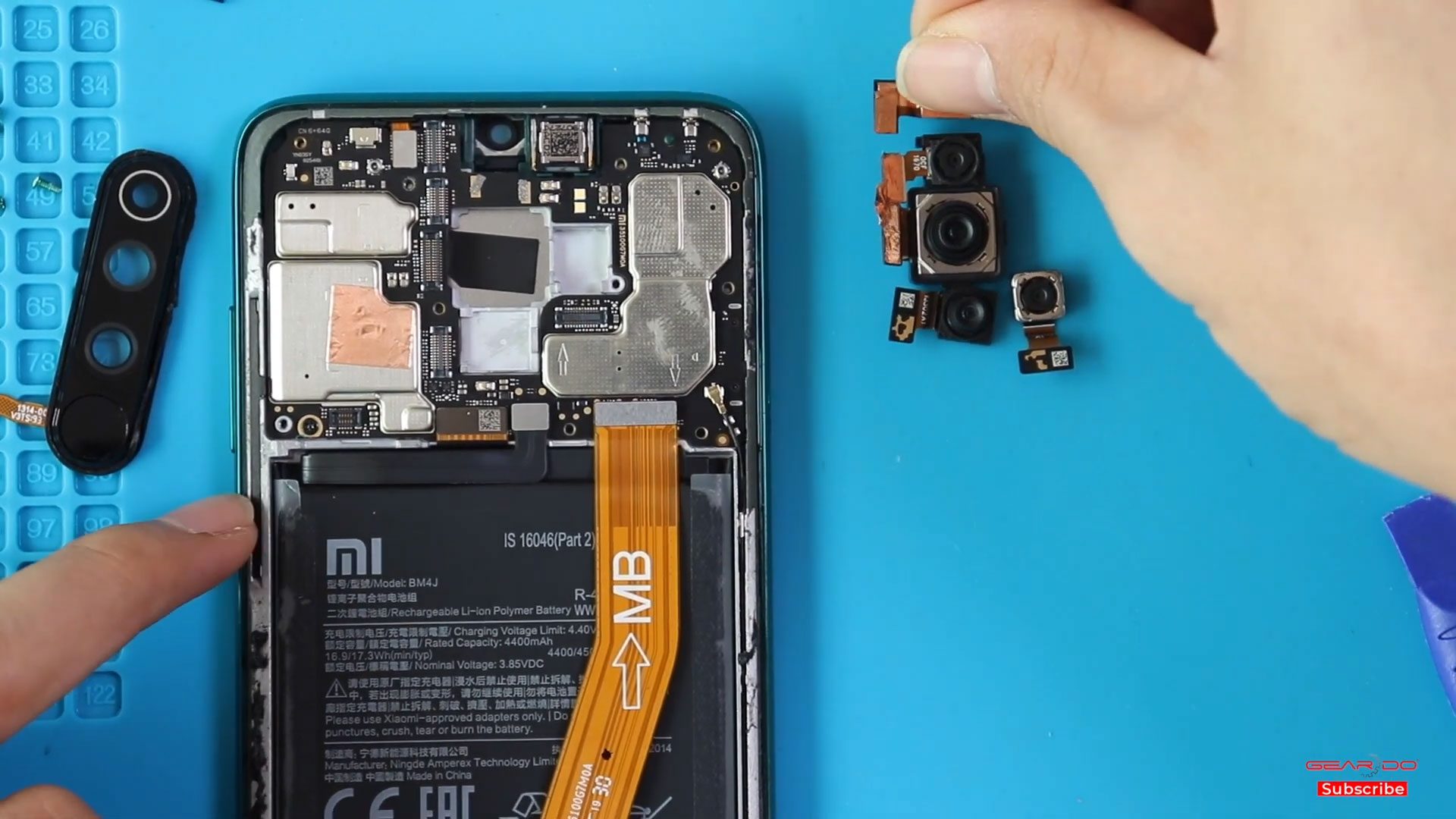
A faulty camera can make it difficult or impossible to take clear photos or record videos, and replacing the damaged camera modules can restore the camera functionality of your phone.
A faulty camera can make it difficult or impossible to take clear photos or record videos, and replacing the damaged camera modules can restore the camera functionality of your phone.

If your Xiaomi Redmi 10 camera is blurry, not focusing, showing black screens, or not opening at all, the camera module may be damaged. Camera issues commonly occur due to drops,
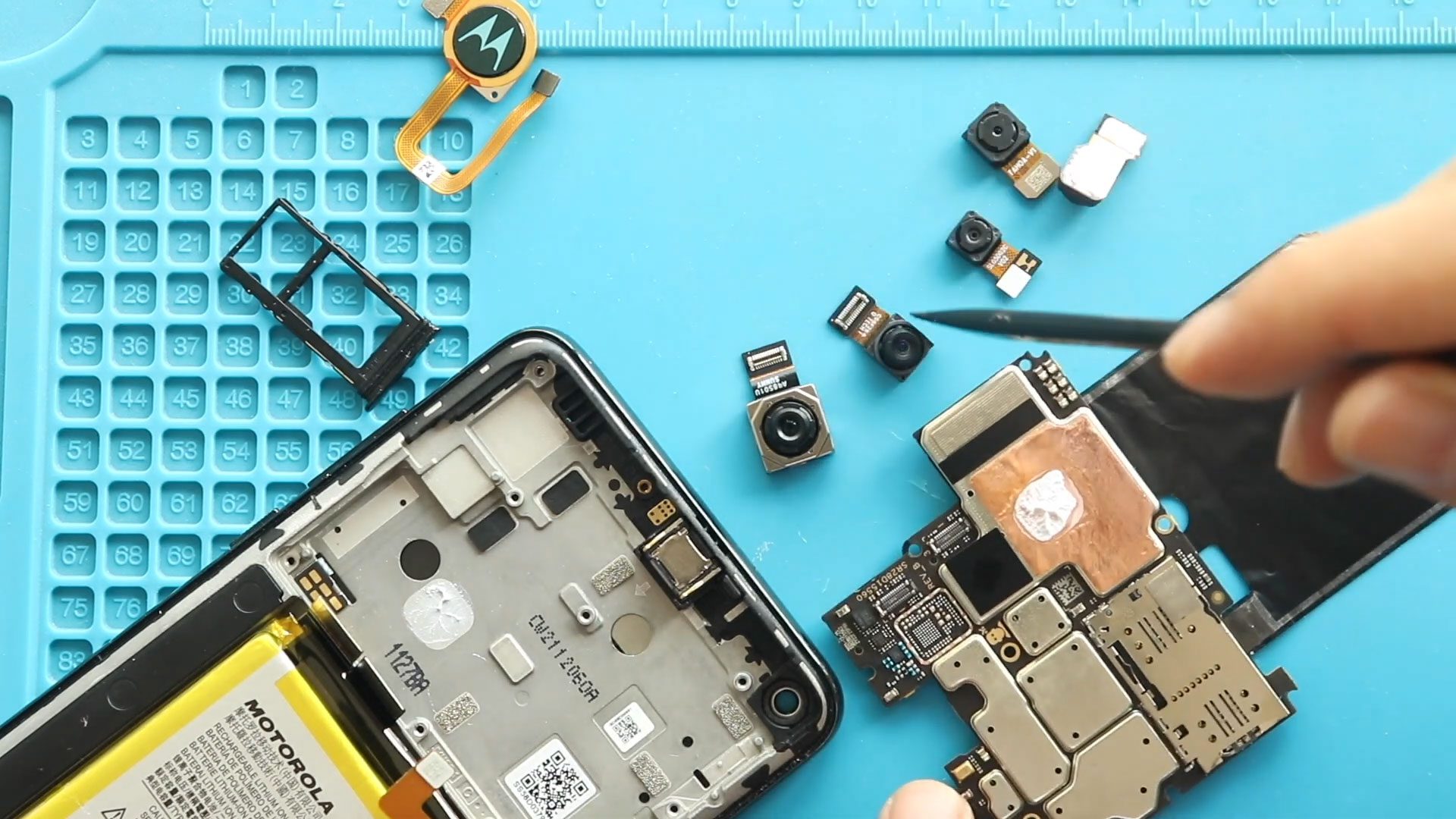
Hi everyone, welcome back to Geardo 👋 Today, we will show you how to replace the not working front and rear cameras on your Motorola Moto G Stylus 5G. If
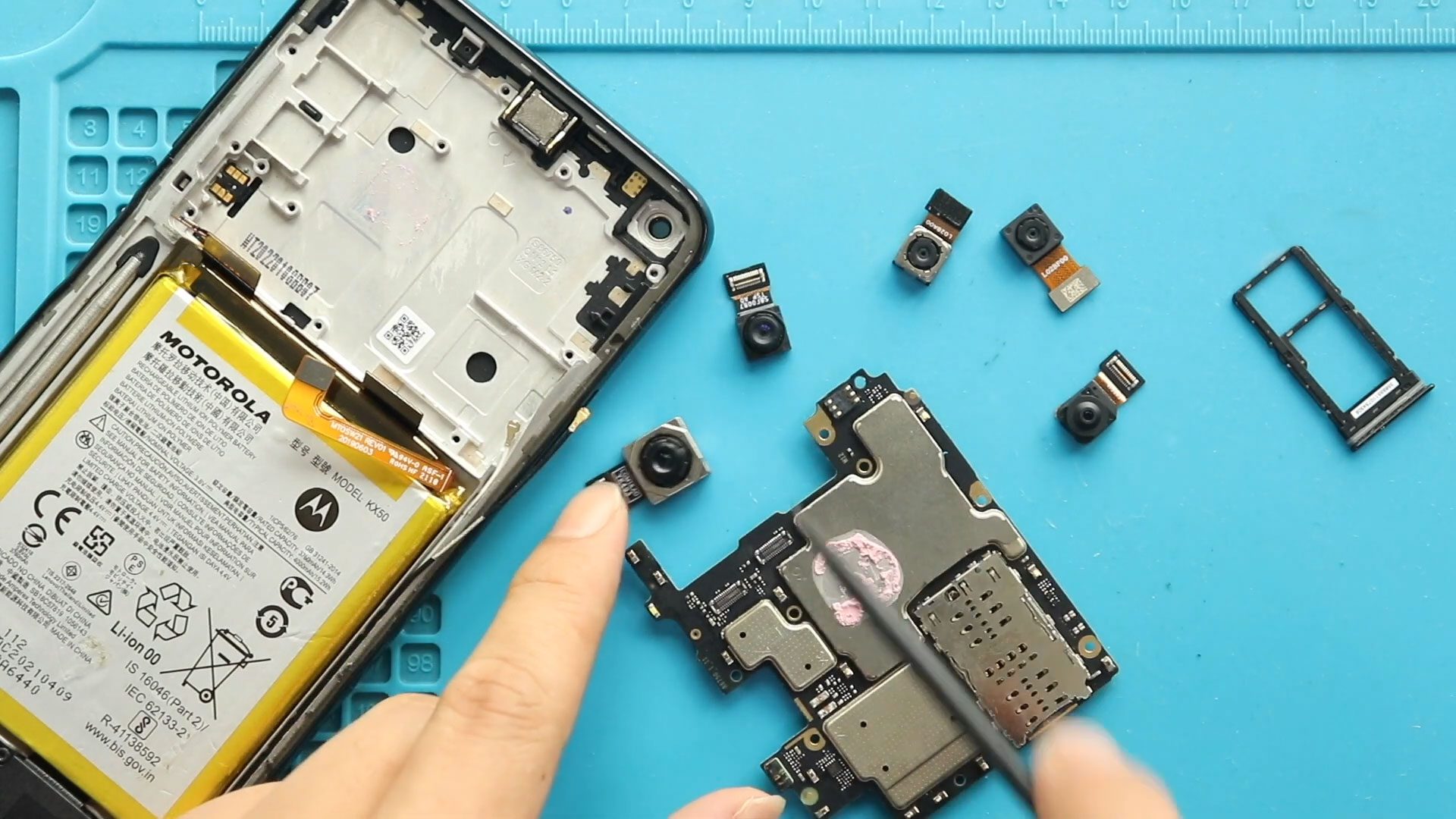
Hi everyone, Welcome back to Geardo 👋 Today, we’ll show you how to replace both the front and rear cameras on the Motorola Moto G Stylus (2021). If your camera
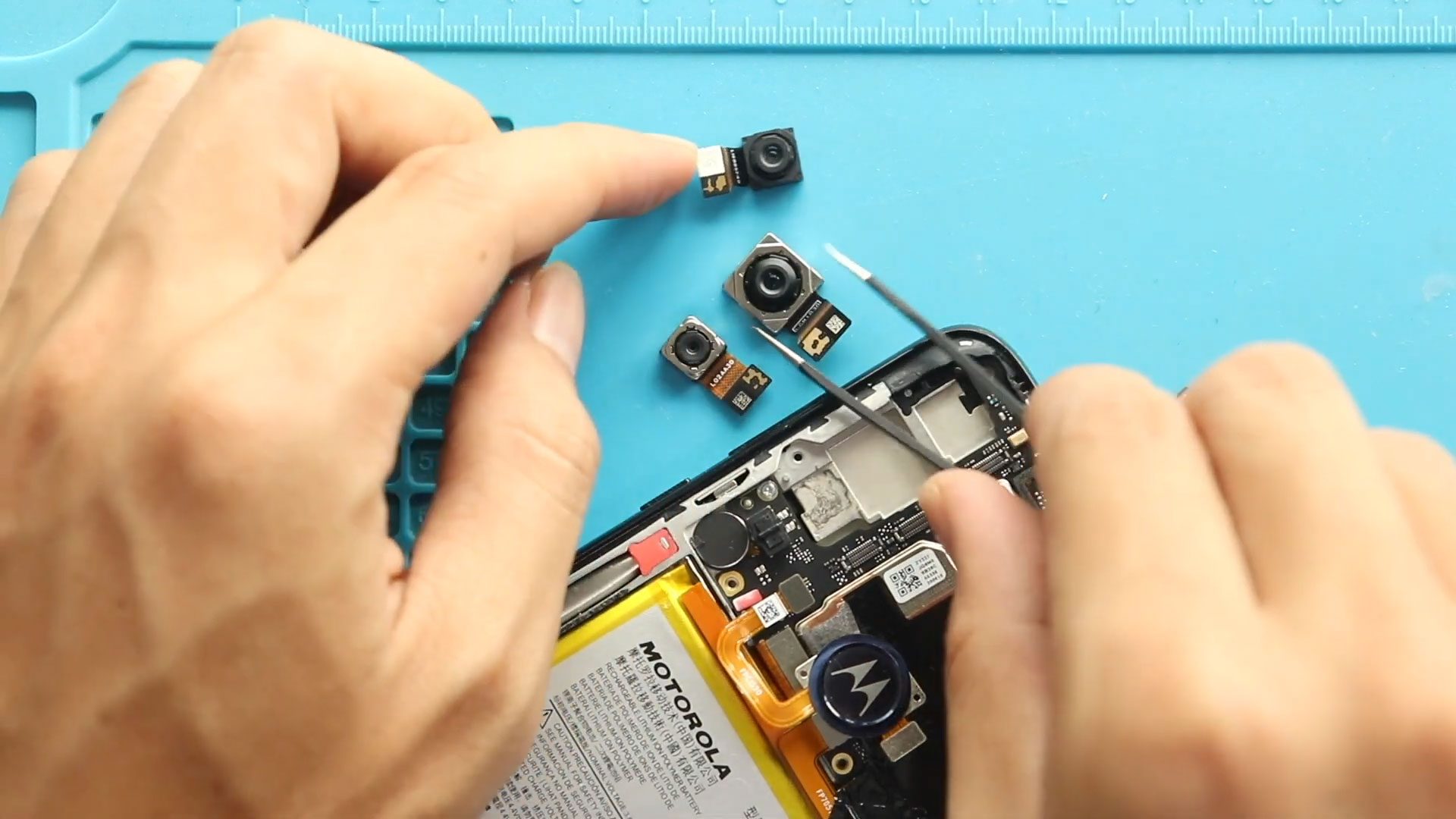
Hi everyone, Welcome back to Geardo 👋 Today, we will show you how to replace the front and rear cameras on the Motorola Moto G Stylus (2020) mobile phone. If
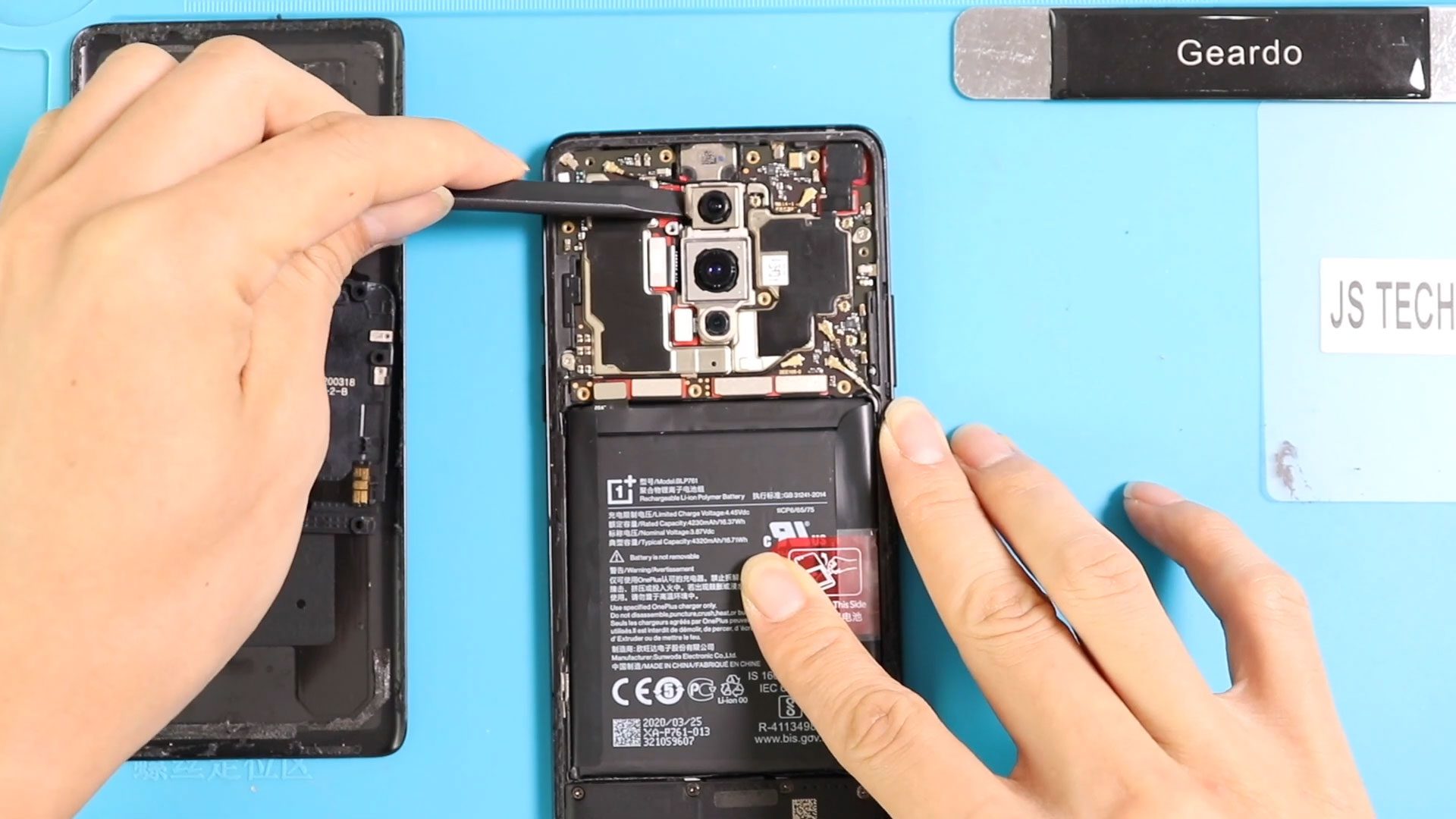
If your OnePlus 8 is experiencing blurry photos, unresponsive cameras, or error messages when opening the camera app, it may be time to replace the front or rear camera modules.

Replacing the camera modules on the OnePlus 8T can restore picture quality, fix autofocus issues, and solve problems like blurry images or camera failure. This guide covers how to replace

If your OnePlus 8 Pro cameras have stopped working, produce blurry images, or show black screens, replacing the camera modules is the best solution. This guide walks you through a
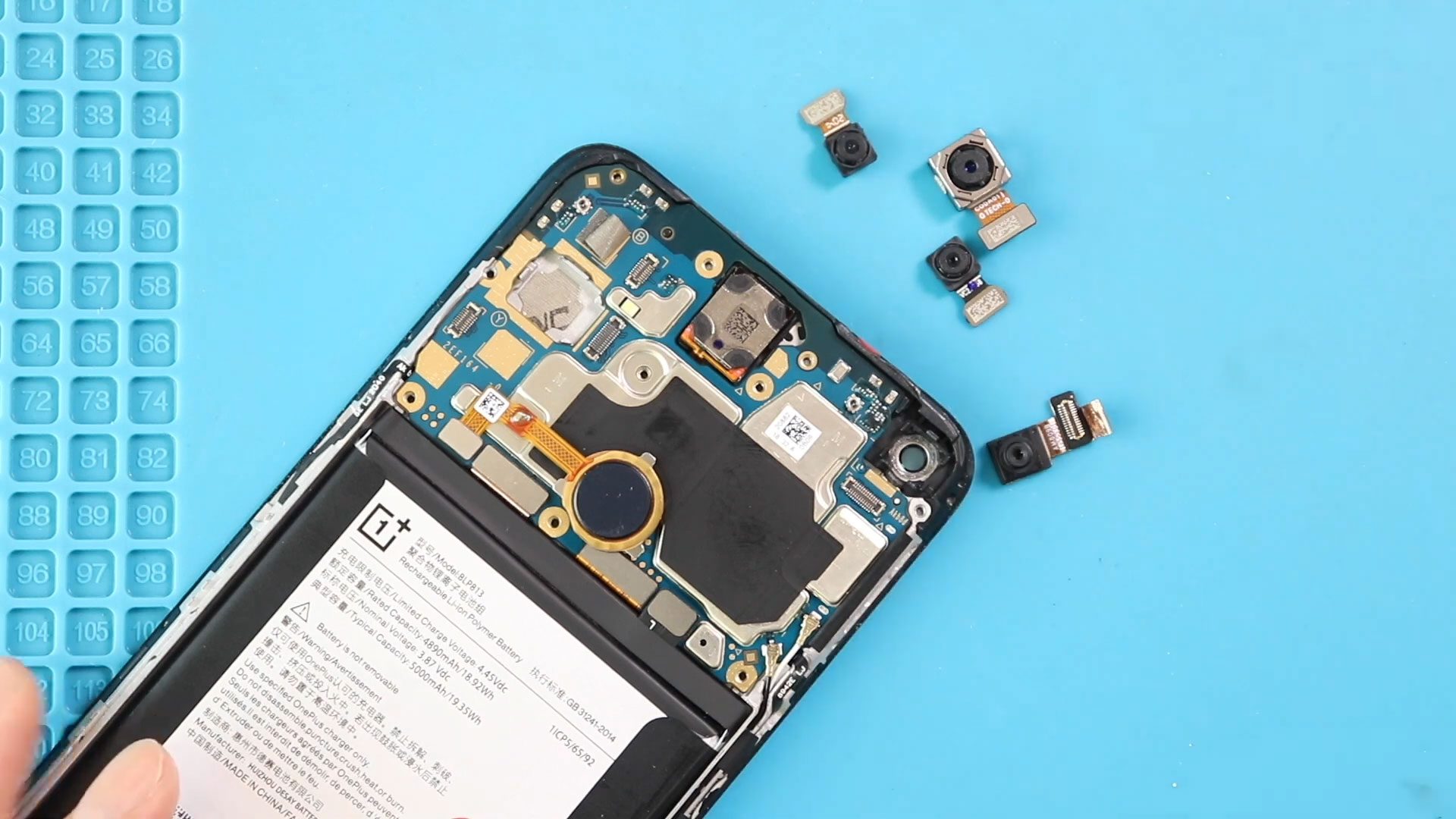
If your OnePlus Nord N100 front or rear camera is blurry, malfunctioning, or physically damaged, replacing it is an effective way to restore camera quality without buying a new phone.
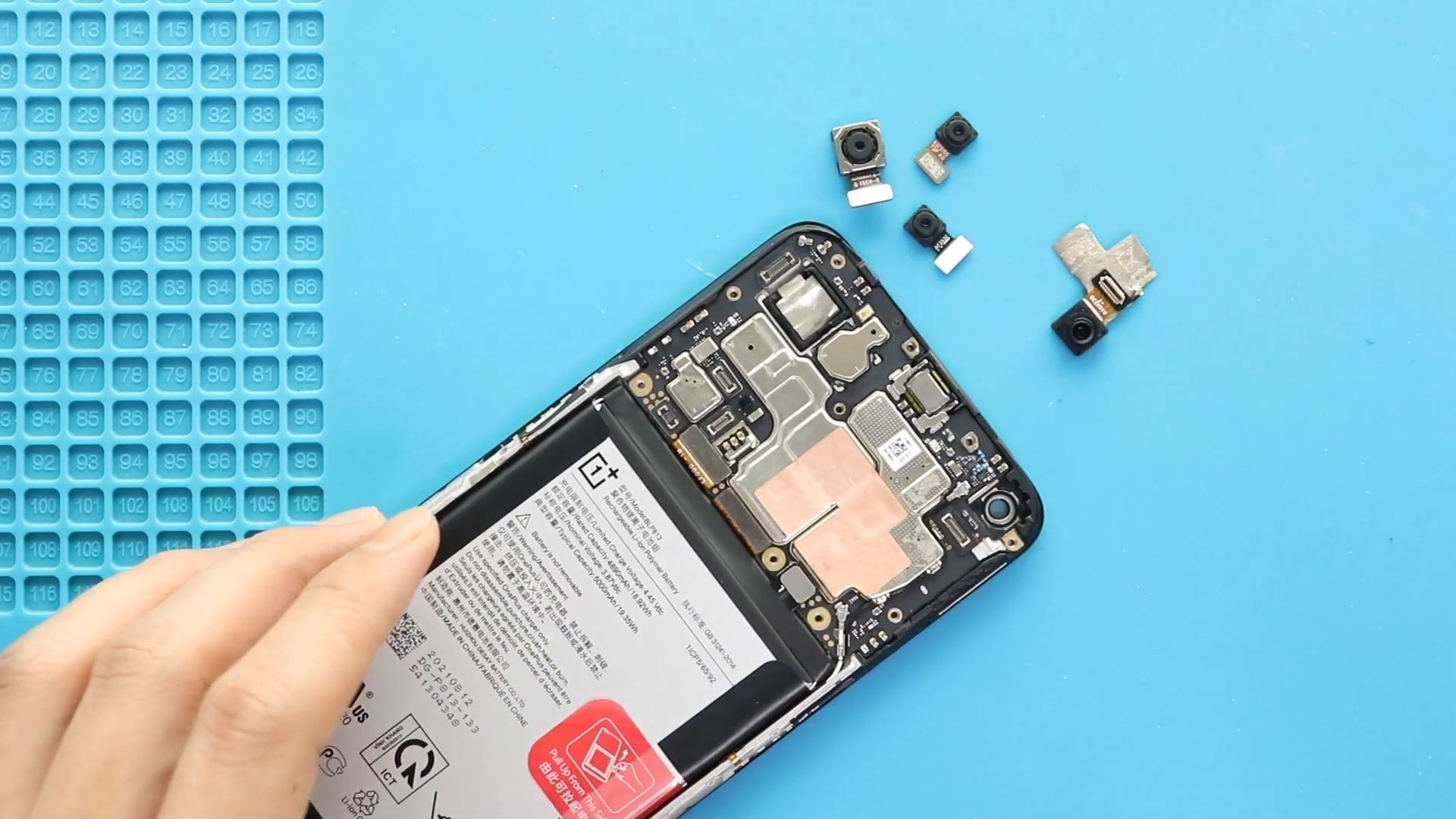
If you’re facing blurry photos, camera errors, black screens, or malfunctioning modules on your OnePlus Nord N200 5G, this guide will walk you through replacing both the front and rear
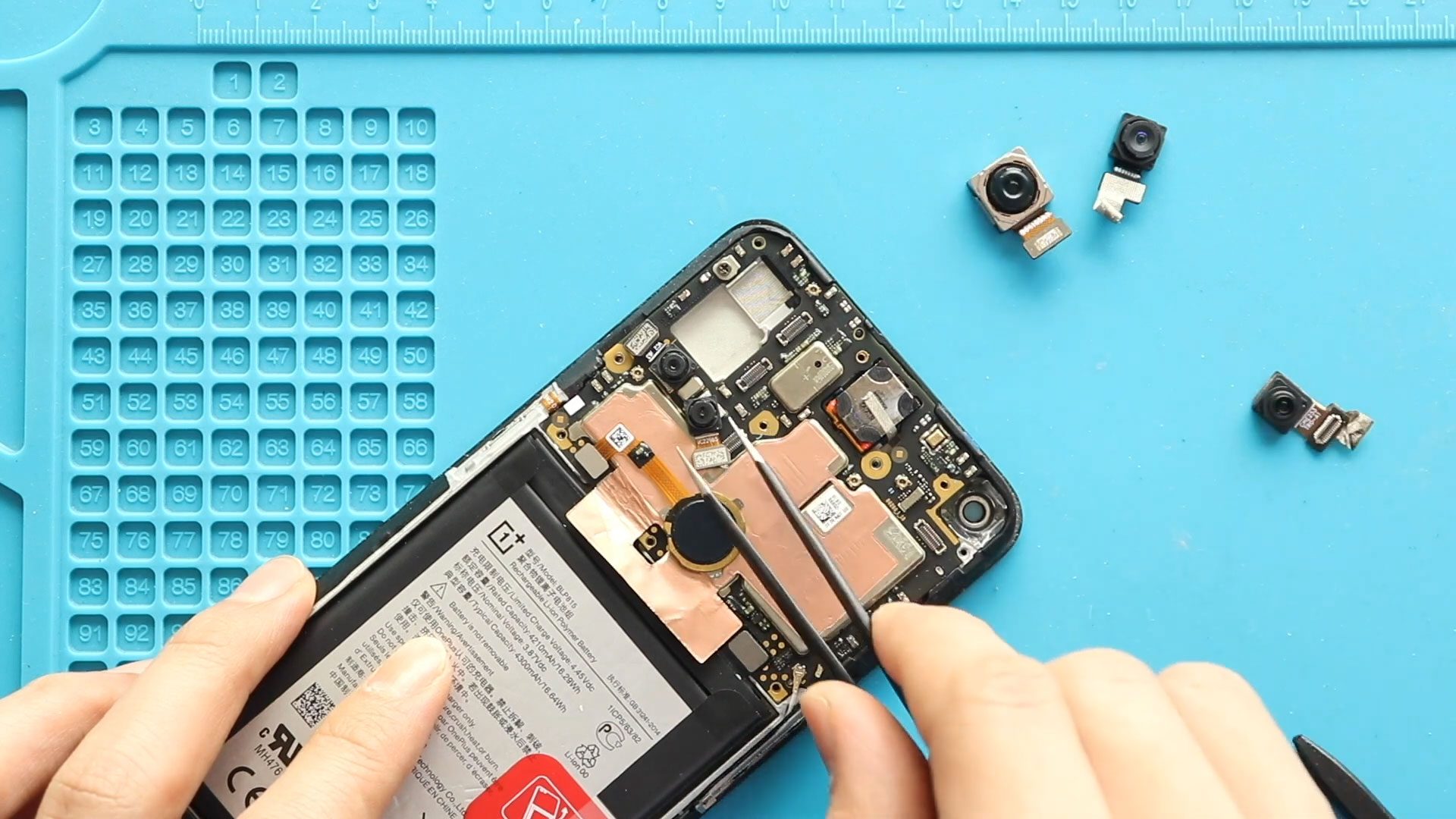
If the cameras on your OnePlus Nord N10 5G are producing blurry photos, failing to focus, showing a black screen, or not opening at all, the camera modules may need
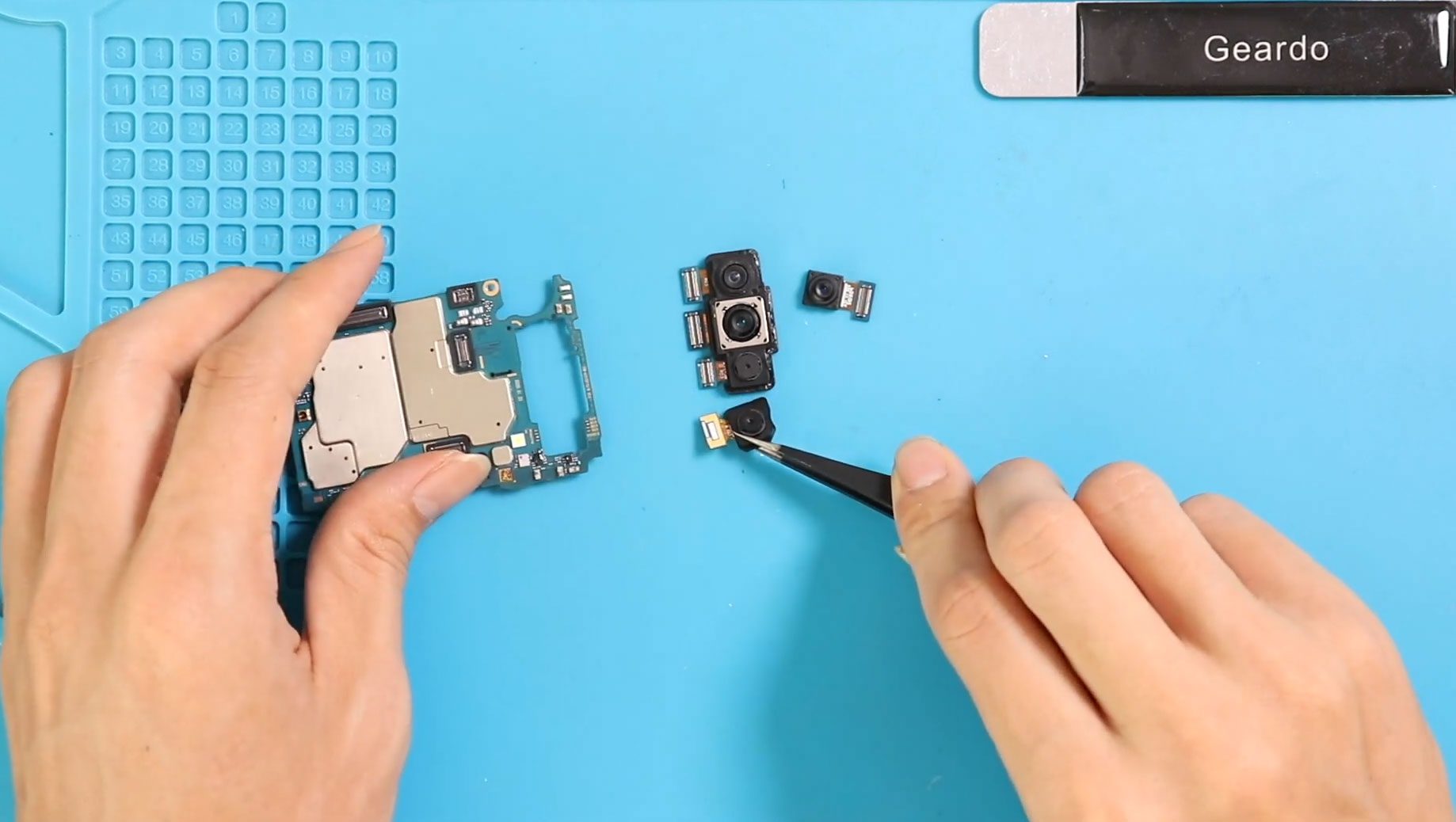
To start we need to have the right tools to proceed with the repair which you can find in the description first take out the sim tray followed by the


