
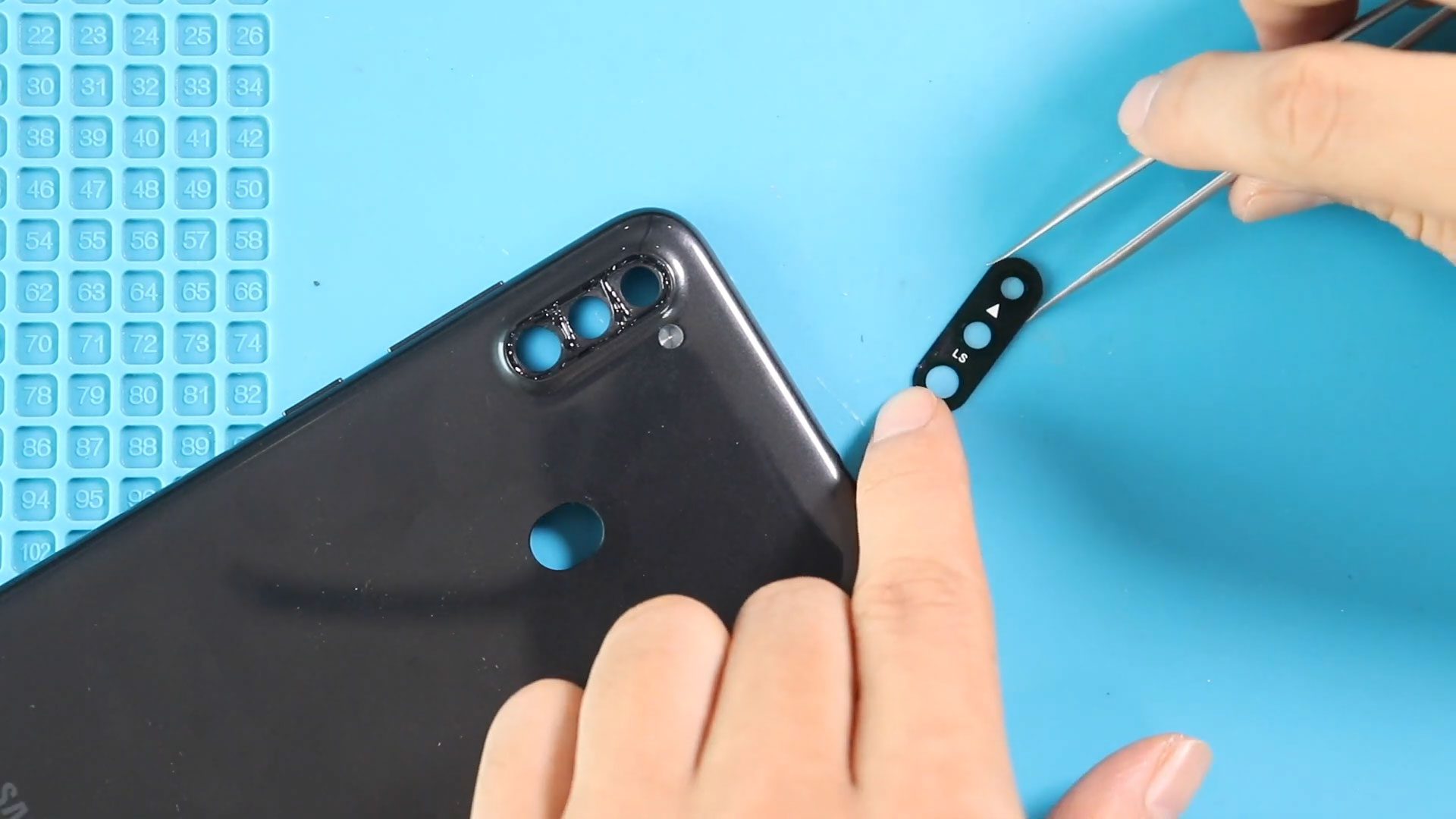
A scratched, cracked, or broken camera lens glass can seriously affect photo quality even when the camera itself is perfectly functional. Dust entry, blurry images, light glare, or focusing problems
Learn how to repair Samsung Galaxy A Series phones easily at home. DIYGeardo offers complete guides for screen, battery, camera, lens glass, flex, charging port and many more replacements on Galaxy A Series phones with clear instructions, recommended tools, and repair videos.
A scratched, cracked, or broken camera lens glass can seriously affect photo quality even when the camera itself is perfectly functional. Dust entry, blurry images, light glare, or focusing problems
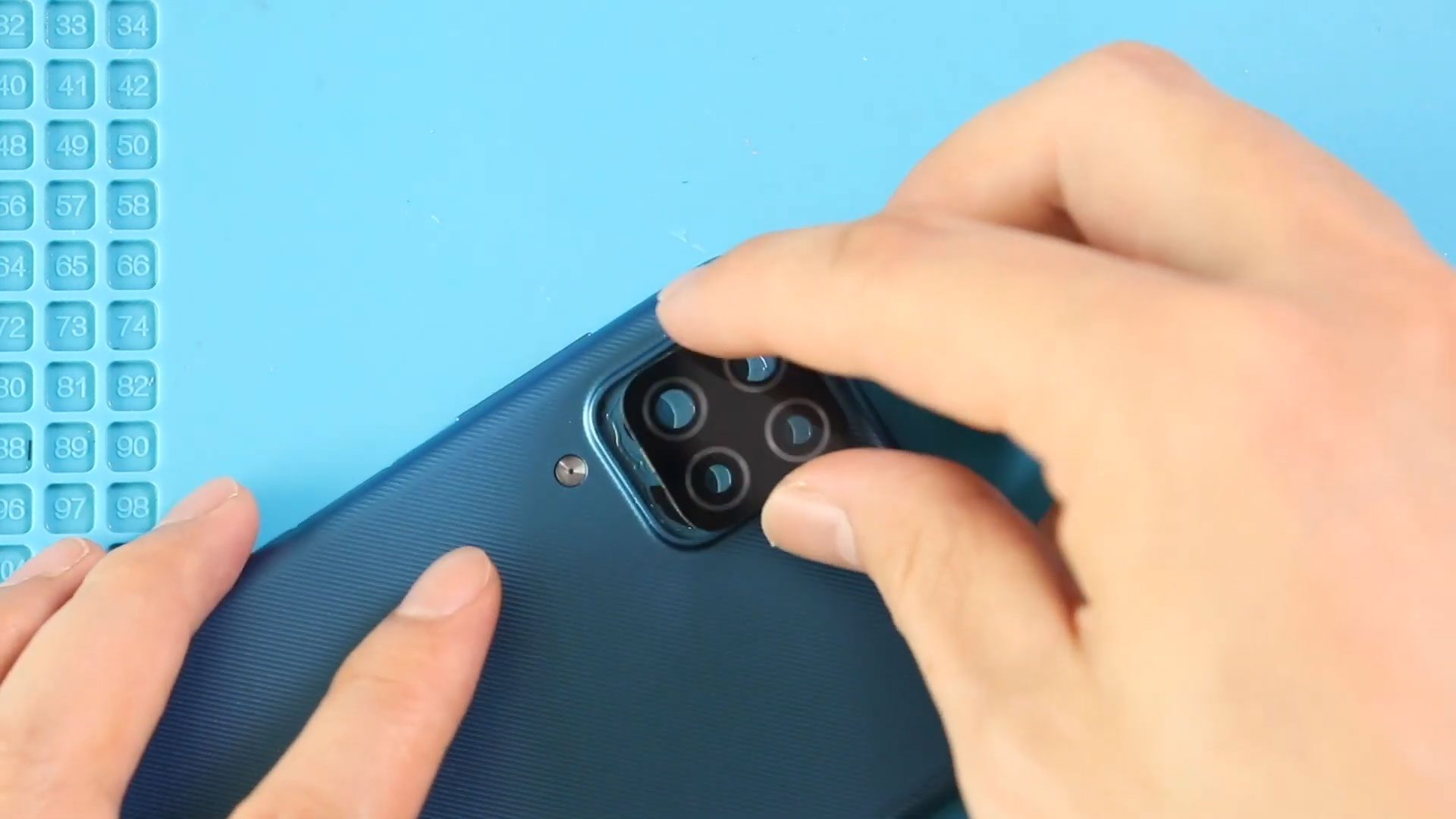
If photos taken on your Samsung Galaxy A12 or Galaxy A12 Nacho appear blurry, hazy, or distorted—even though the camera itself still focuses—the rear camera lens glass may be cracked
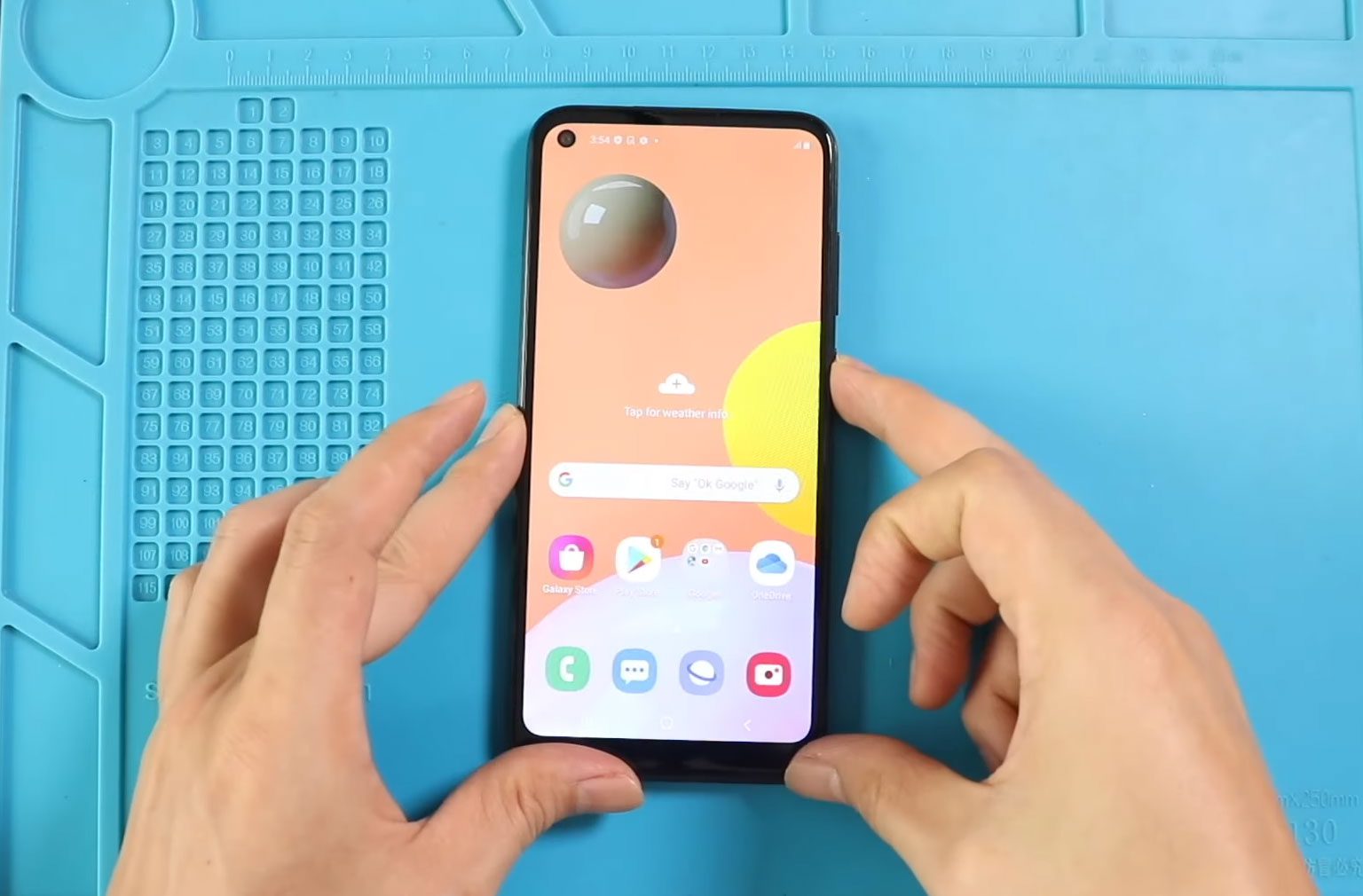
A broken or malfunctioning display can make your smartphone frustrating or impossible to use. Cracked glass, display flickering, touch response failure, or a completely black screen are common issues after

If your Samsung Galaxy A12 or Galaxy A12 Nacho is having charging issues, audio problems, or microphone failures, the problem often lies in the bottom charging port board. This single board
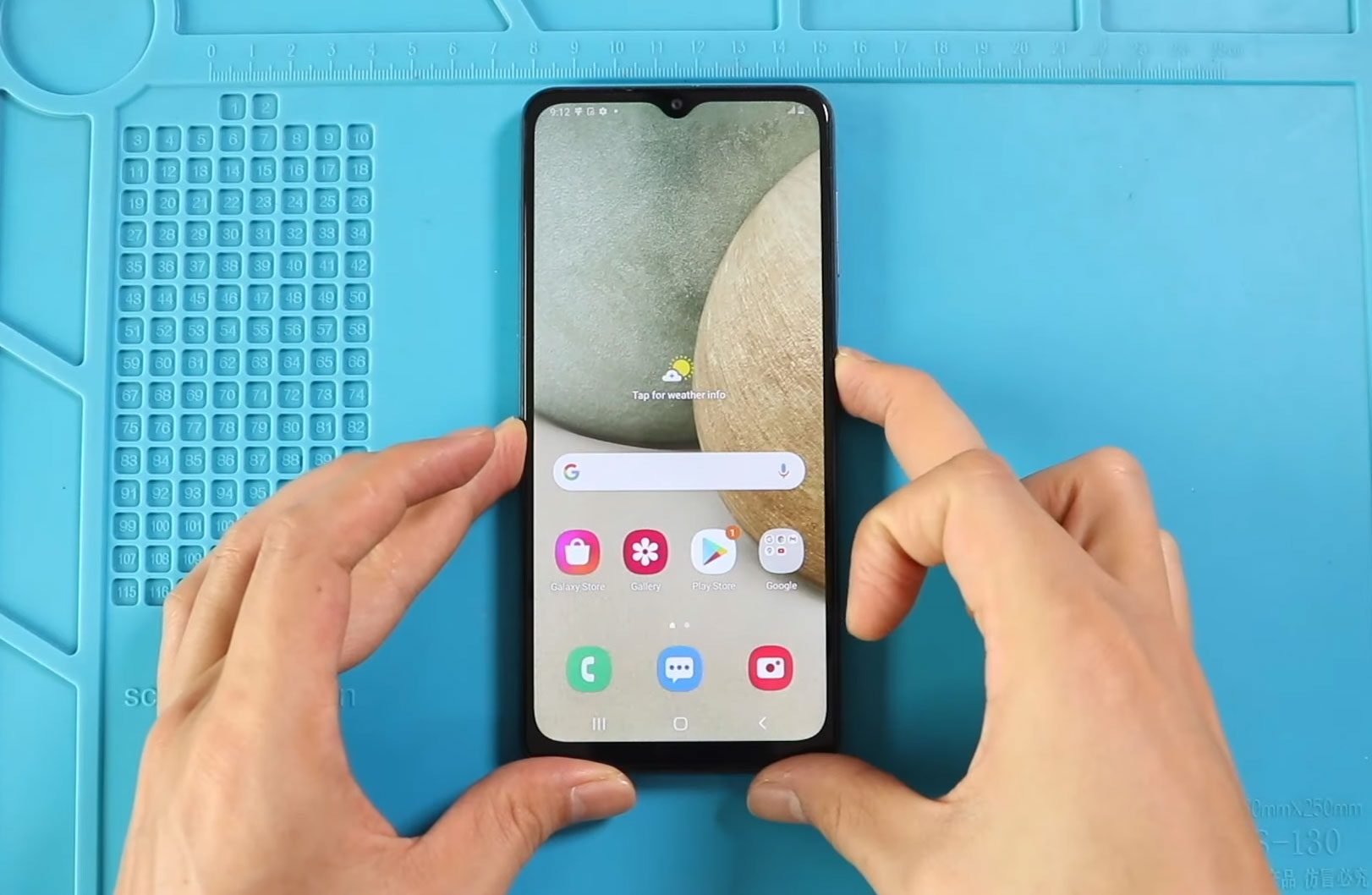
If your Samsung Galaxy A12 or Galaxy A12 Nacho has a cracked screen, display flickering, touch issues, or no image at all, replacing the LCD screen is the best solution.

To start, we need the right tools to proceed with the repair, which You can find in the description. First, Take out the SIM tray and then the back cover

Charging problems are one of the most common issues smartphone users experience after long-term usage. Dust buildup, cable stress, liquid exposure, or accidental drops can damage the charging connector and
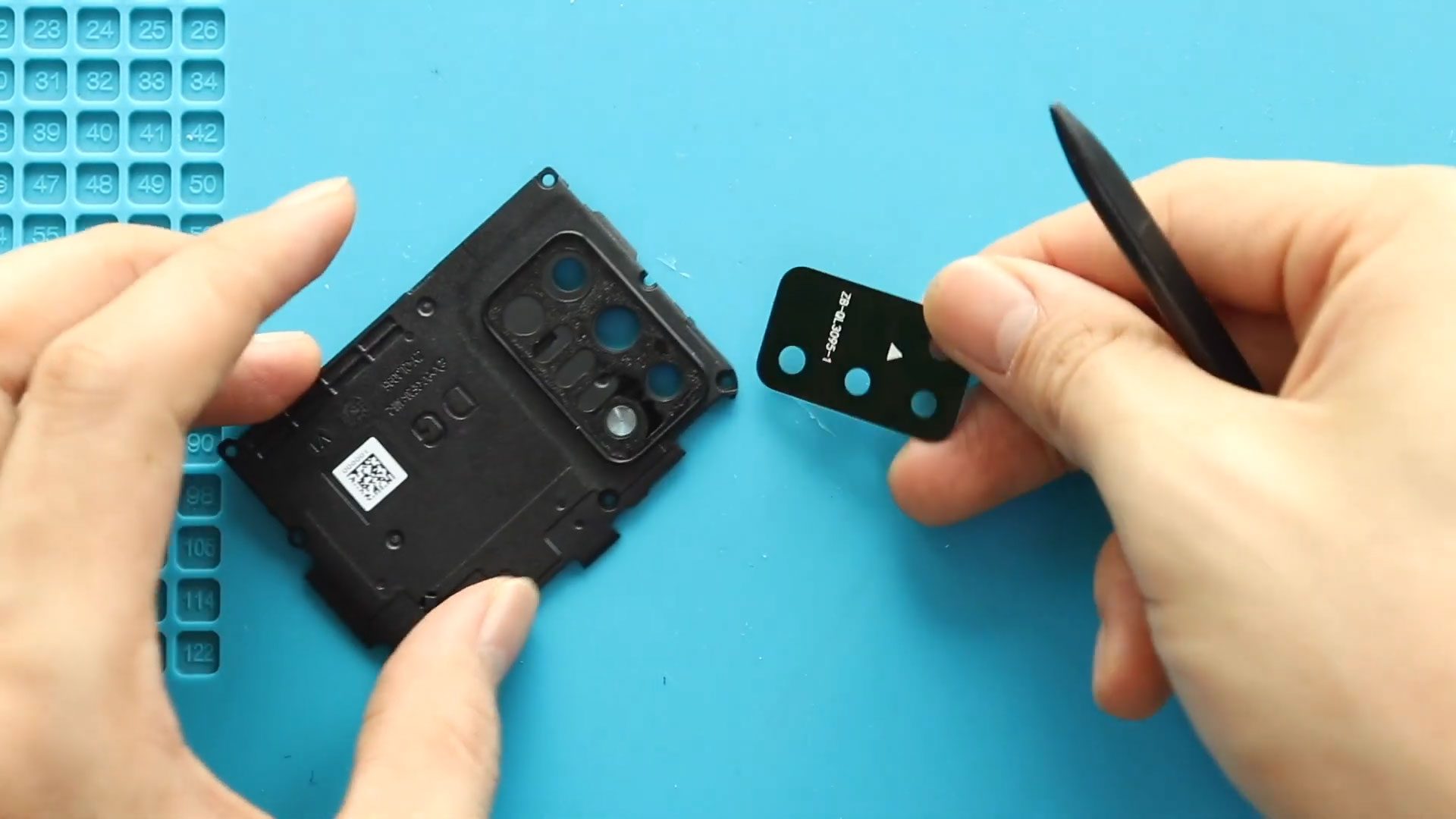
To start, we need the right tools to proceed with the repair, which You can find in the description. First, turn off the phone, take out the SIM tray, and
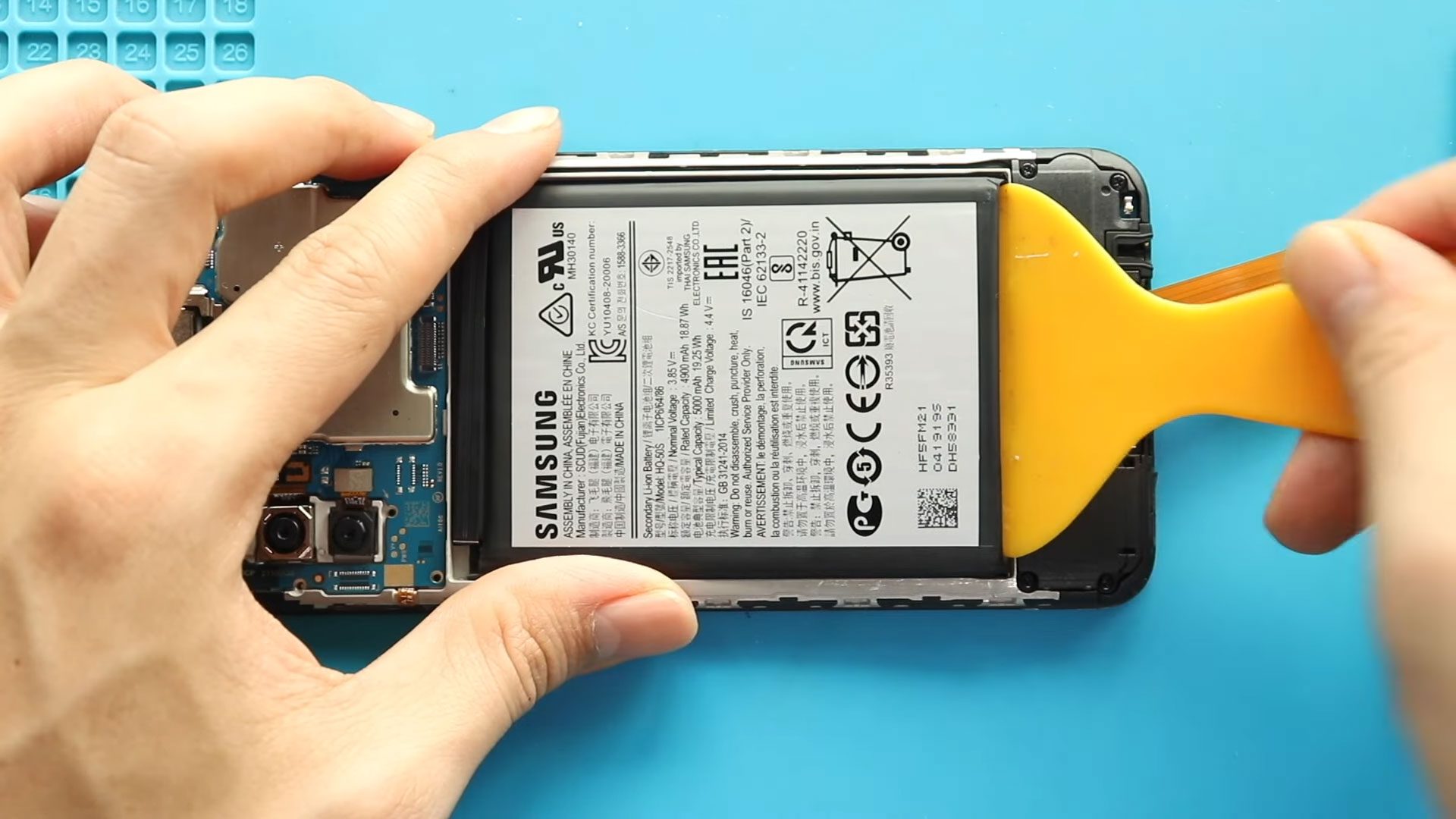
To start, we need the right tools to proceed with the repair, which You can find in the description. First, turn off the phone, take out the SIM tray, and
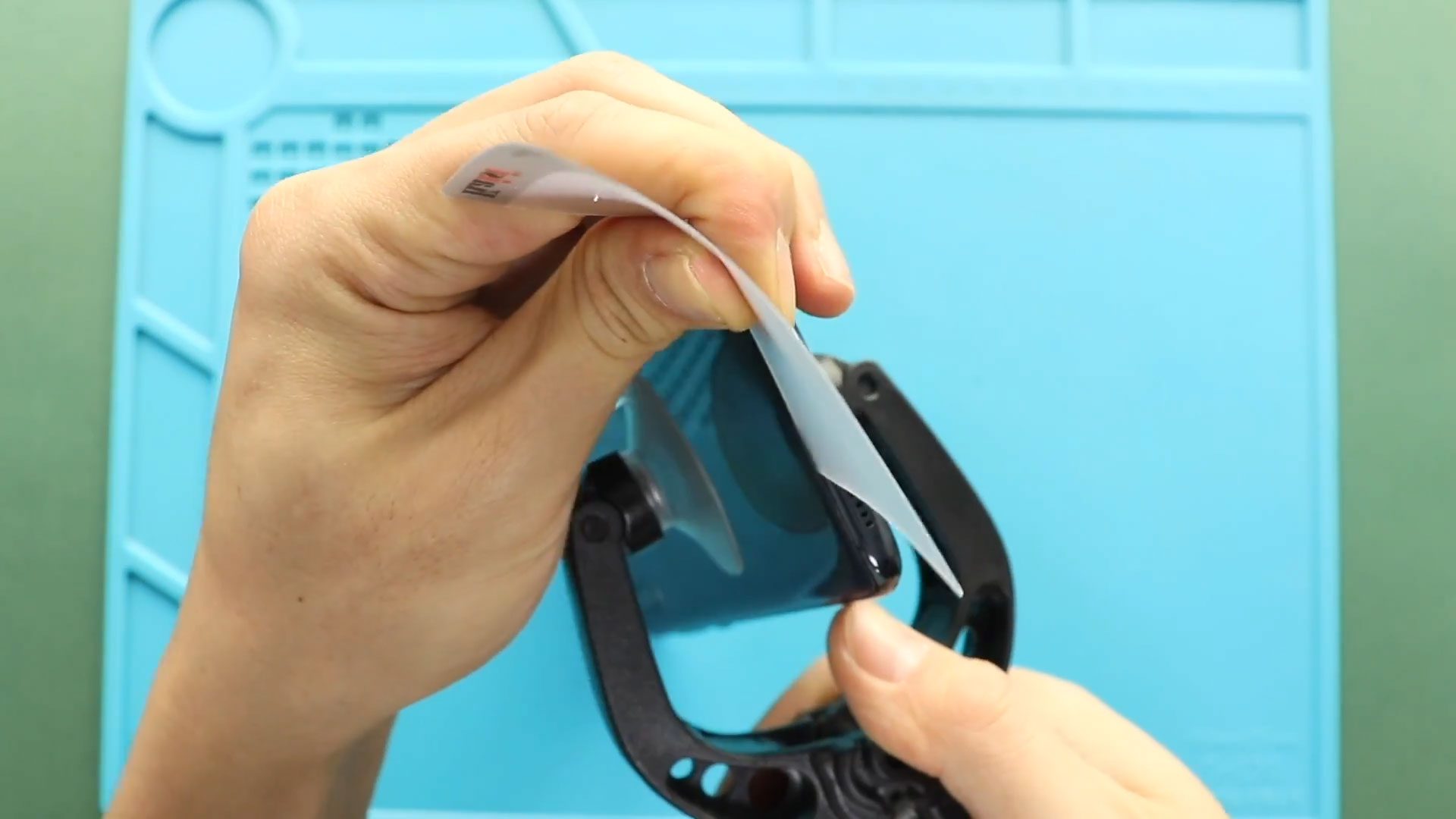
If your Samsung Galaxy A70 has a cracked display, touchscreen issues, black screen problems, or display flickering, replacing the LCD screen assembly is the best solution to restore full functionality. Screen damage

A damaged or non-responsive display can make your smartphone difficult or impossible to use. Cracked glass, touch issues, screen flickering, or black display problems are common signs that the screen

If your Samsung Galaxy A70/A70s battery drains quickly, overheats, or the phone shuts down unexpectedly, replacing the battery can restore performance and extend the device’s lifespan. Over time, lithium batteries degrade naturally


