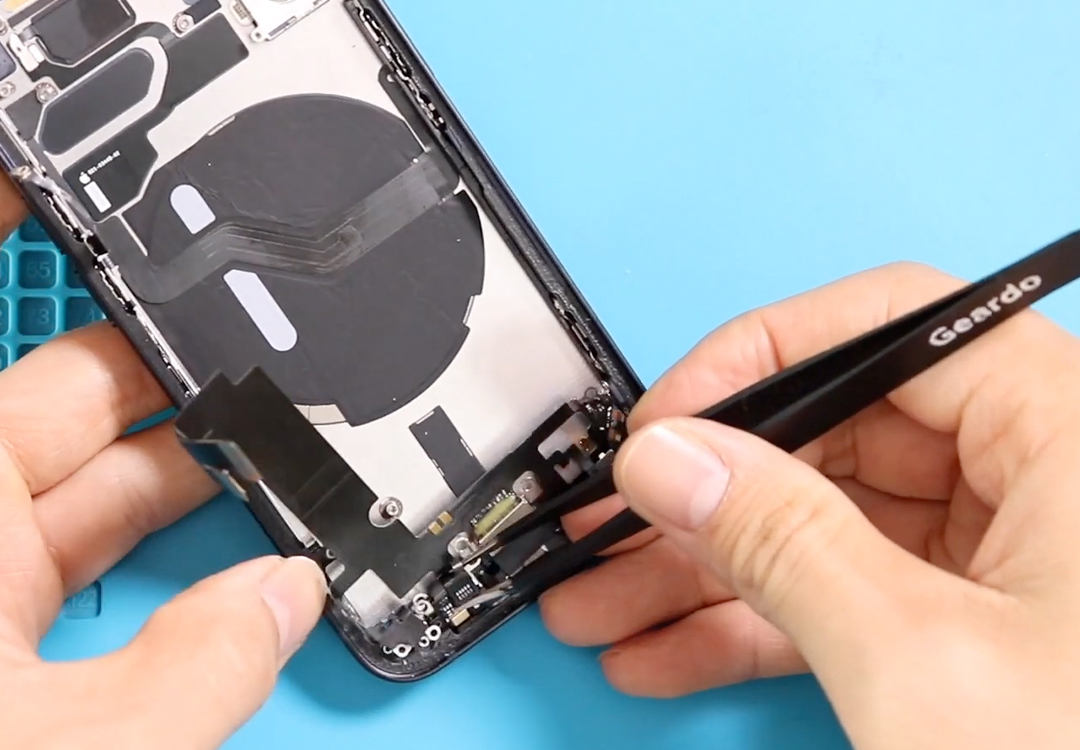
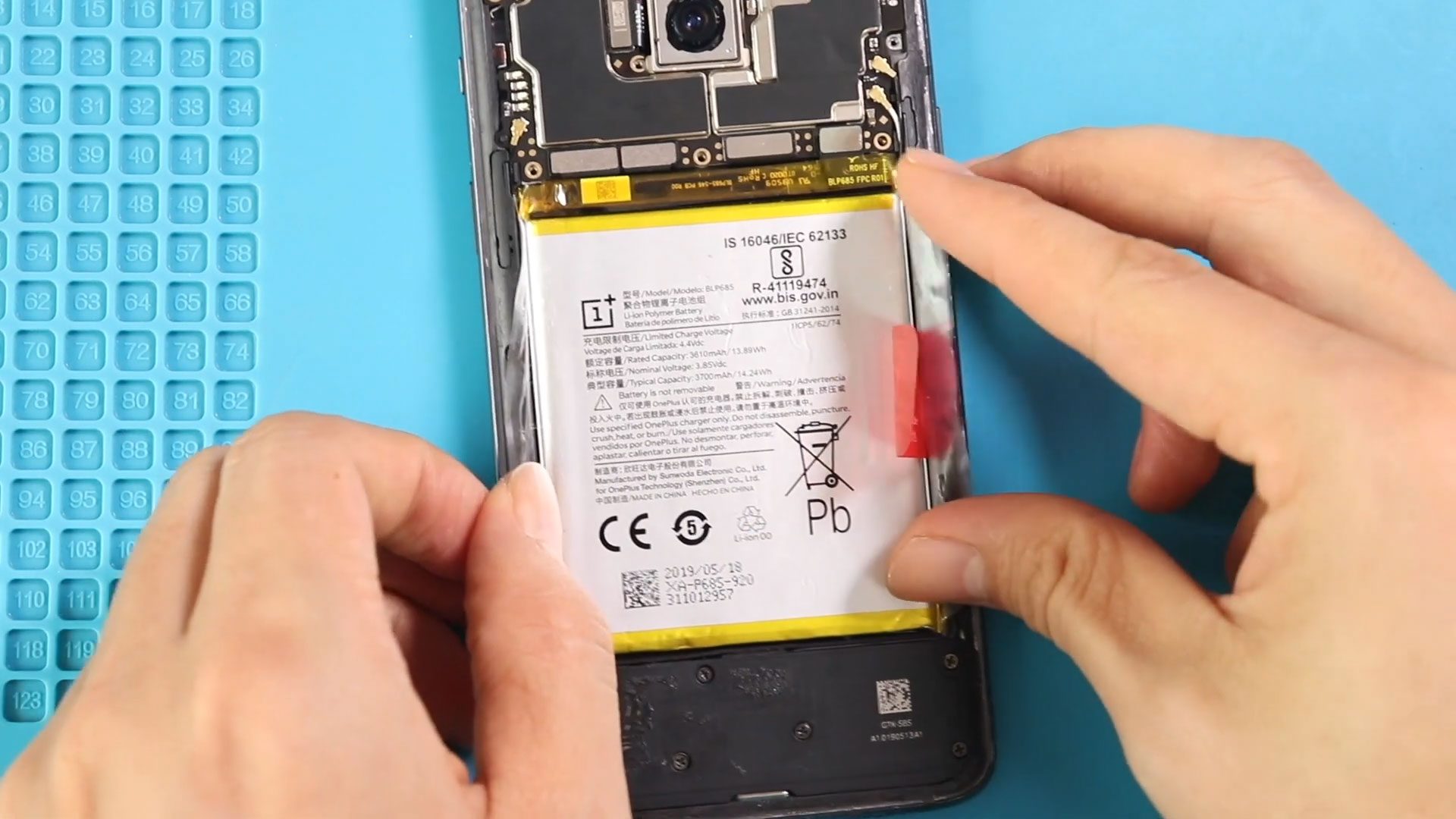
Before Starting, we need to have the right tools to proceed with the repair, which you can find in the description. First, turn off the phone and take out the
Before Starting, we need to have the right tools to proceed with the repair, which you can find in the description. First, turn off the phone and take out the
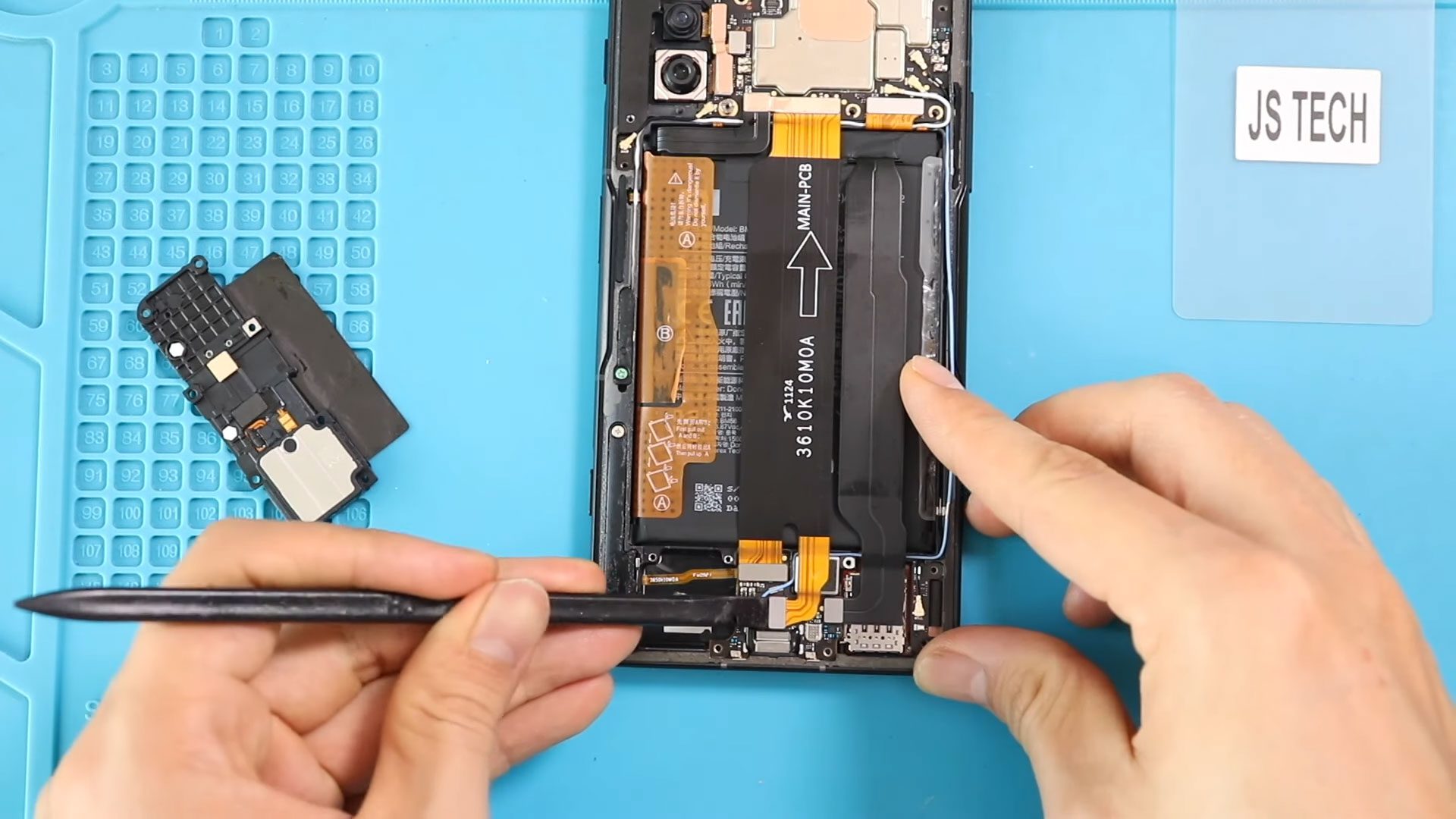
Before Starting, we need to have the right tools to proceed with the repair, which You can find in the description. First, turn off the phone and take out the

Before Starting, we need to have the right tools to proceed with the repair, which You can find in the description. First, turn off the phone and take out the

Hi everyone, welcome back to Geardo.In this guide, we’ll walk you through how to replace the battery on the Poco F3, also known as the Xiaomi 11X and Redmi K40.
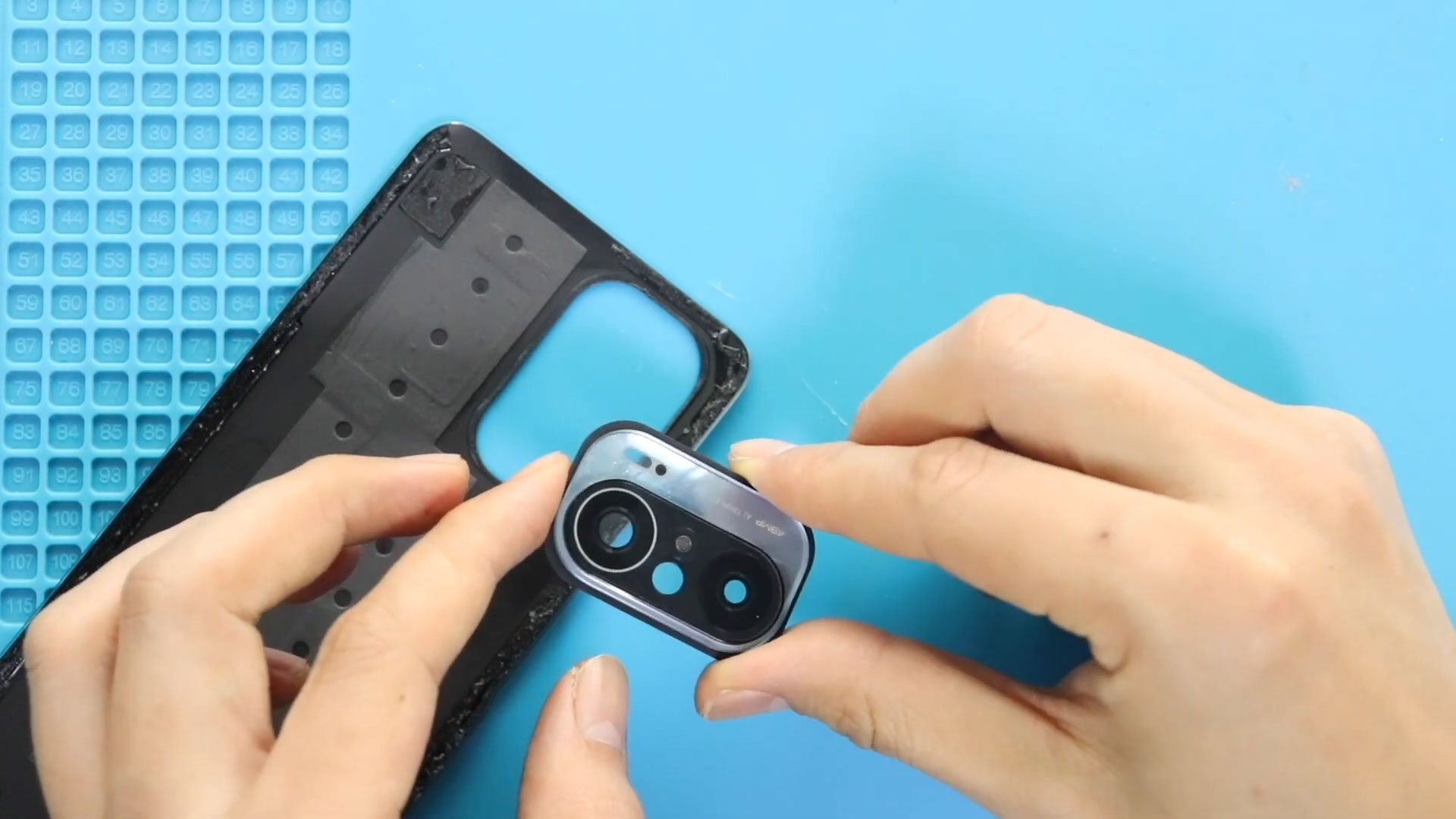
Hi everyone, welcome back to Geardo.Today, we will show you how to replace the back cover (rear housing) and camera lens glass on the Poco F3, also known as the Xiaomi Mi
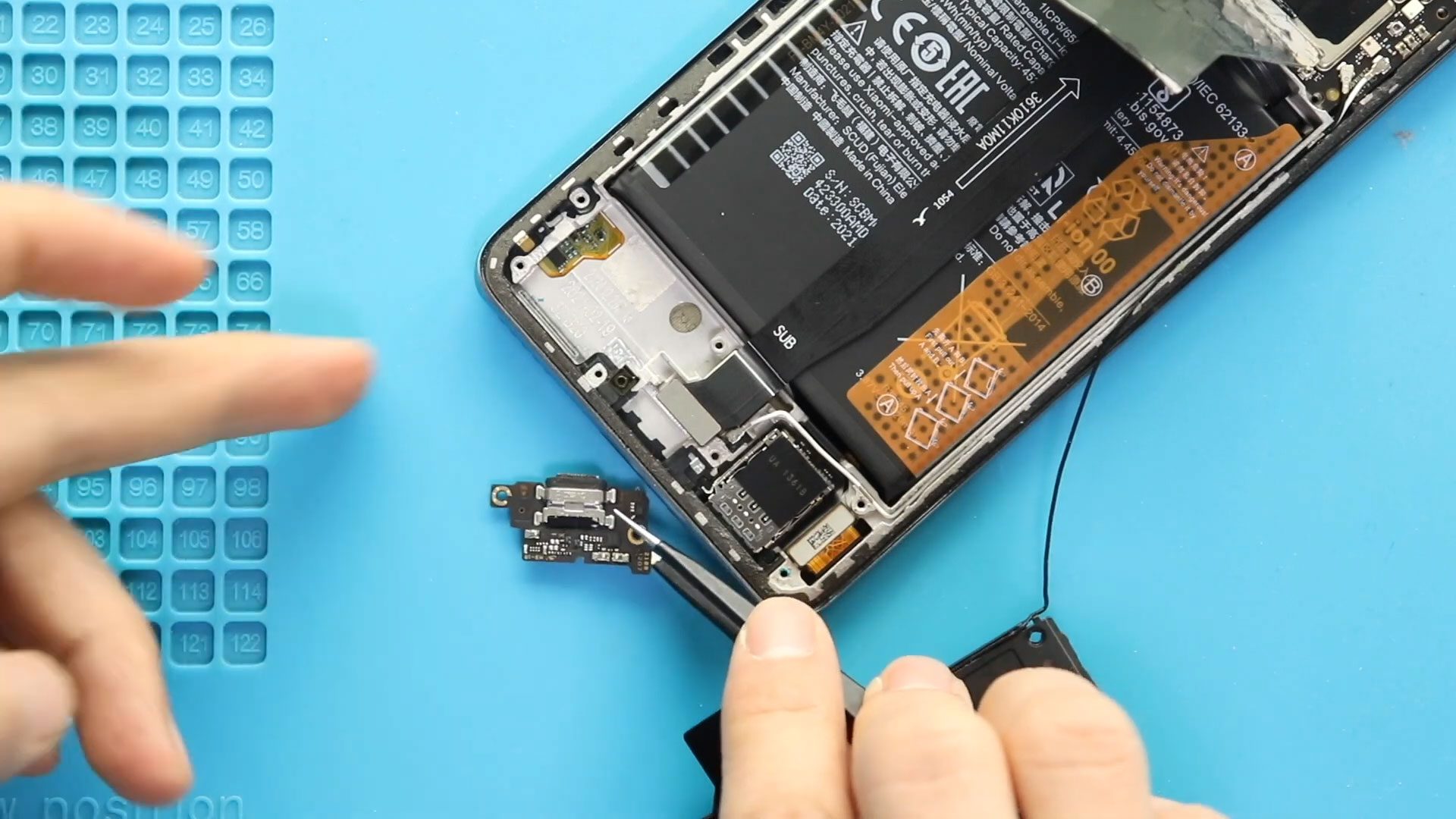
Hi everyone, welcome back to Geardo.Today, we will show you how to replace the charging port and bottom microphone on the Poco F3, also known as the Xiaomi Mi 11X and Redmi

Hi everyone, welcome back to Geardo.Today, we’ll show you how to replace the LCD/AMOLED screen display assembly on the Poco F3, also known as the Xiaomi Mi 11X and Redmi K40. If
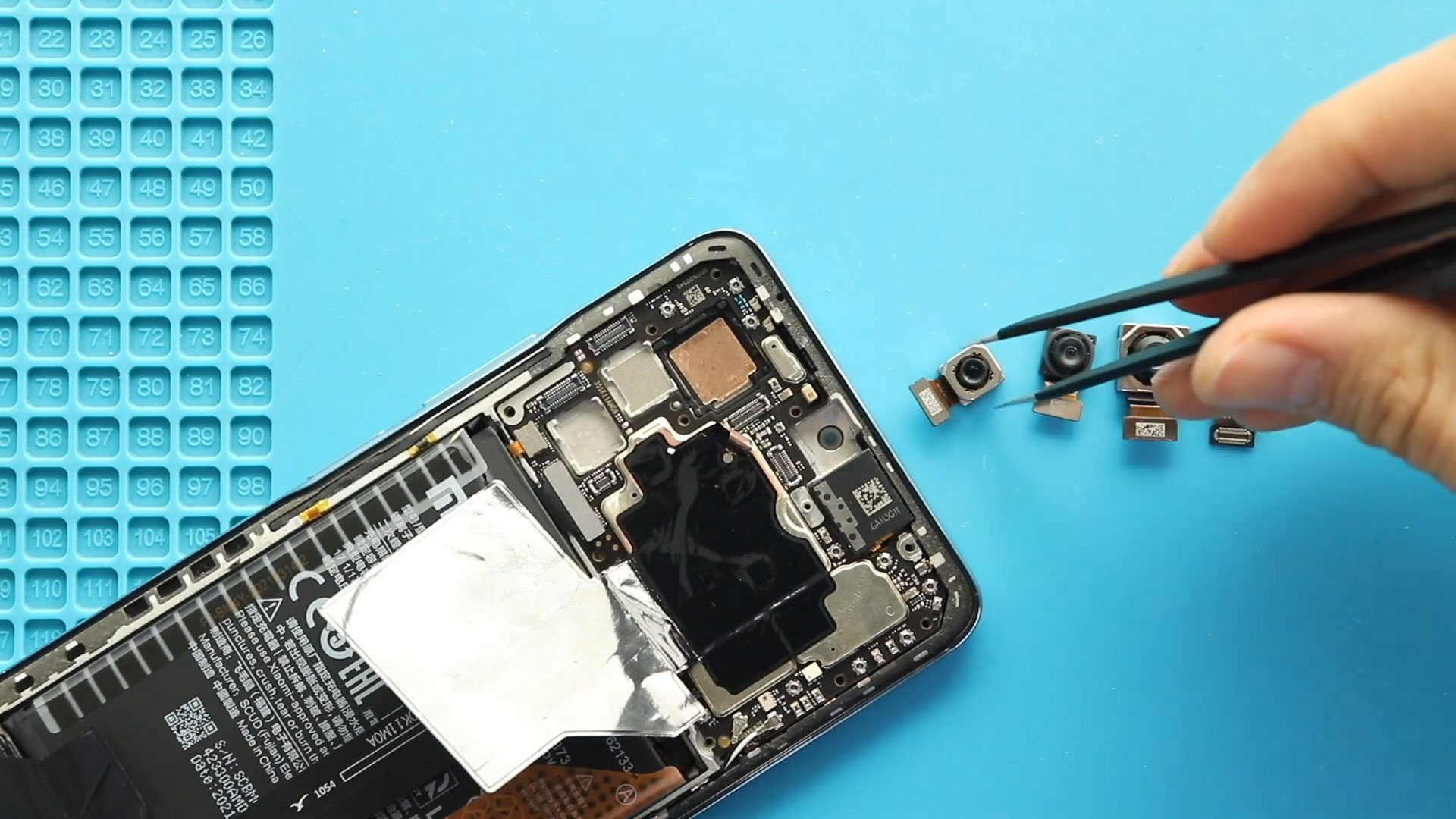
Hi everyone, welcome back to Geardo.Today, we will show you how to replace the front and rear cameras on the Poco F3, also known as the Xiaomi Mi 11X and Redmi K40.

Please follow the below link for the repair instructions. Please let us know if you have any questions. Timestamps00:00 Intro00:10 Installing Power Flex and Button02:05 Installing Volume Flex & Button04:00

Hi everyone, welcome back to Geardo.Today, we will show you how to replace the top microphone and flash sensor module on the Poco F3, also known as the Xiaomi Mi 11X and
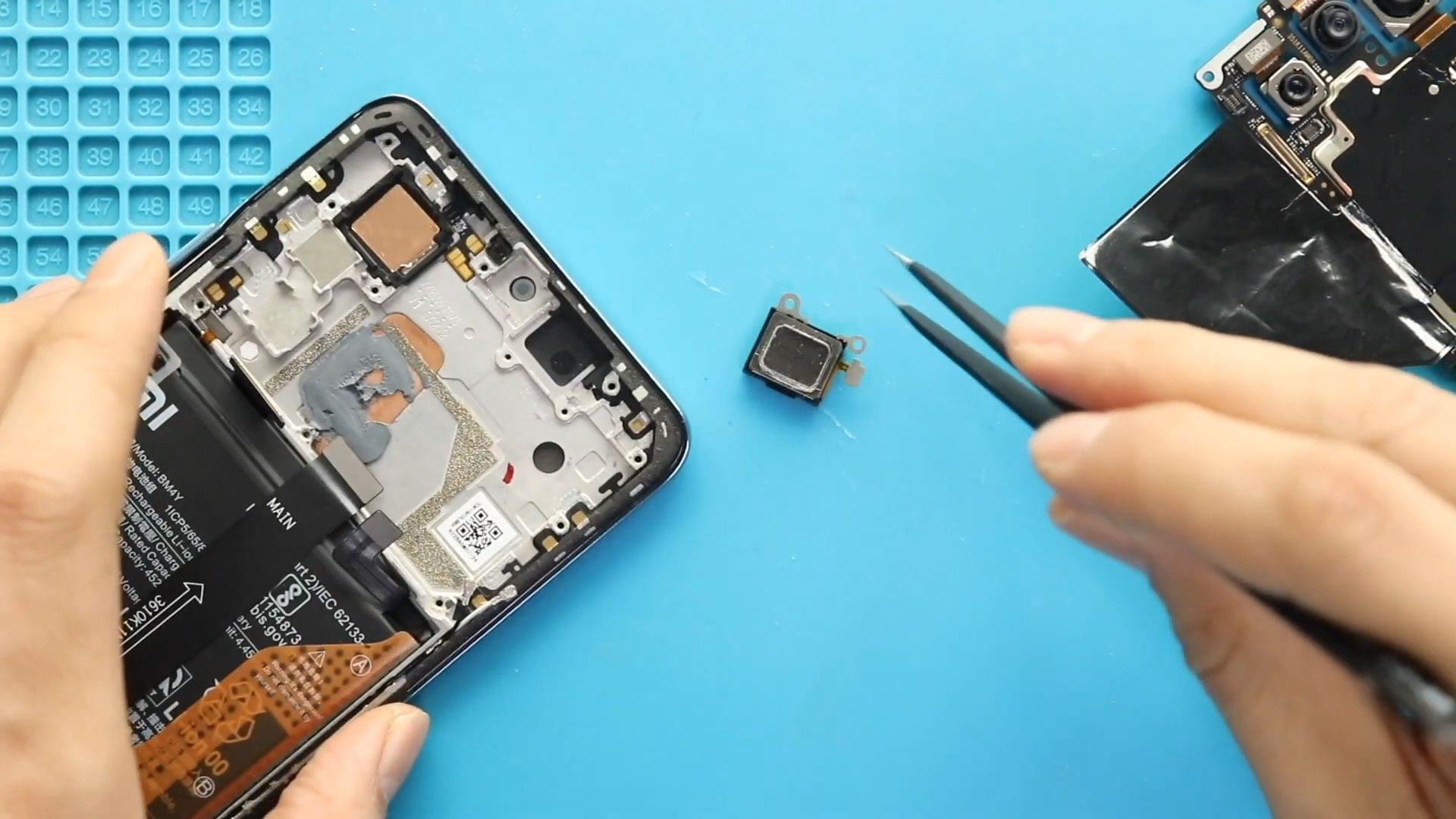
Hi everyone, welcome back to Geardo.Today, we will show you how to replace the earpiece speaker (top speaker) on the Poco F3, also known as the Xiaomi Mi 11X and Redmi K40.

Timestamps00:00 Intro00:10 Opening K30 Pro00:32 Removing Back Cover02:24 Removing Camera Lens02:40 Removing Logic Board Frame03:25 Removing Logic Board04:40 Removing Not working K30 Pro Back Camera Module05:40 Removing Not working K30